12 Best GA4 Alternatives for 2026
GA4 works—until you need to actually use it. The event-based model that replaced Universal Analytics has left many teams spending more time configuring tracking than extracting insights from it.
The alternatives worth considering range from privacy-first tools like Matomo and Plausible to behavior analytics platforms that show you what visitors actually do on your site. This guide compares 12 options, breaks down what to look for in a replacement, and walks through how to migrate without losing the data that matters.
Why Look for GA4 Alternatives
Top GA4 alternatives include privacy-focused tools like Matomo and Fathom Analytics, alongside behavior analytics platforms like MIDA and PostHog. These tools offer more intuitive interfaces, better data ownership, or simpler cookieless tracking compared to GA4’s complexity.
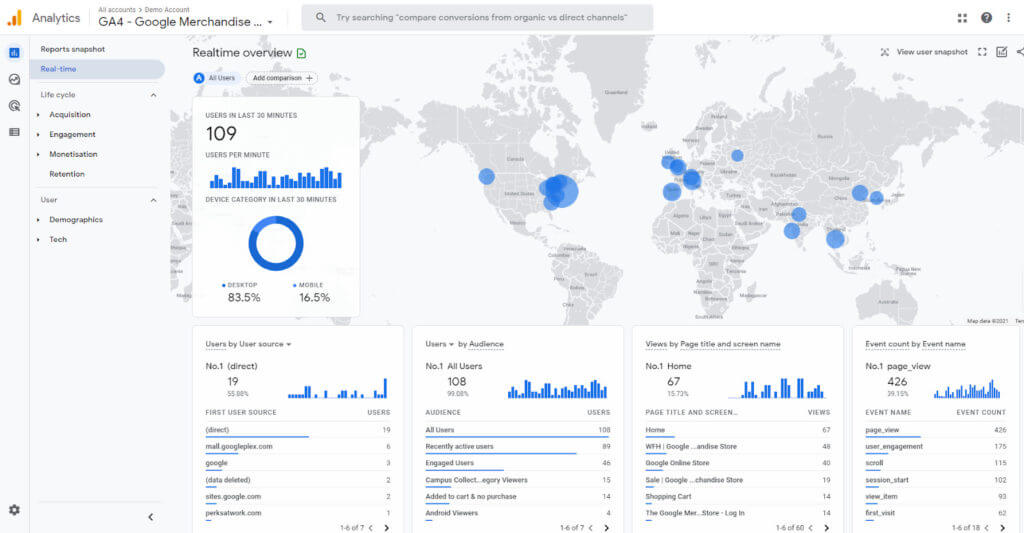
The shift from Universal Analytics to GA4 changed how data gets collected and reported. GA4 uses an event-based model that requires significant reconfiguration of tracking setups that worked fine before. For teams without dedicated analytics specialists, this often means spending more time configuring the tool than actually using the insights it produces.
Here’s what typically drives the search for alternatives:
- Steep learning curve: GA4’s event-based model differs fundamentally from Universal Analytics, and many users find the new interface confusing.
- Data sampling: When your traffic exceeds certain thresholds, GA4 analyzes a subset of your data rather than the complete dataset, which creates unreliable reports.
- Complex configuration: Setting up custom events, conversions, and reports requires technical knowledge that most marketing and ecommerce teams lack.
- Privacy concerns: Some businesses require full data ownership or GDPR-compliant alternatives that don’t send visitor data to Google’s servers.
What to Look for in a Google Analytics Alternative
Before diving into specific tools, it helps to know what criteria actually matter for your situation. The right alternative depends on what you’re trying to accomplish.
Ease of Setup and Everyday Use
An analytics tool only delivers value if your team actually uses it. Complex interfaces lead to abandoned dashboards and decisions made without data.
Look for tools that work out of the box with minimal configuration. The best alternatives let non-technical team members find answers without submitting tickets to developers.
Privacy and GDPR Compliance
Cookieless tracking means collecting visitor data without storing cookies on user devices, which simplifies compliance with privacy regulations like GDPR and CCPA. Some alternatives offer self-hosting options that keep all data on your own servers. Others are designed from the ground up to be privacy-compliant without requiring legal review of data processing agreements.
Behavior Analytics Beyond Pageviews
Traditional analytics tells you what happened: pageviews, bounce rates, conversion percentages. Behavior analytics shows you why it happened through session replays, heatmaps, and user journey tracking.
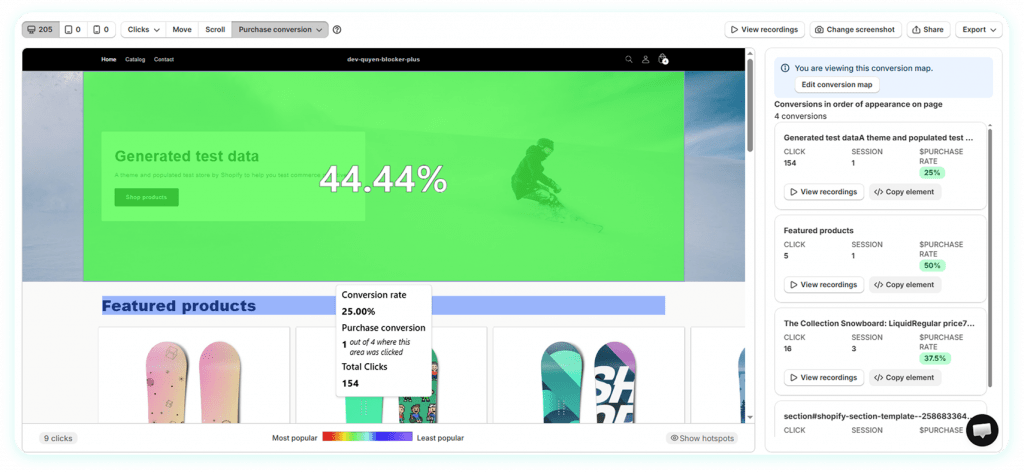
Tools like MIDA connect behavior directly to revenue outcomes. You can watch the exact session behind an abandoned cart or see which clicks actually lead to purchases. This context transforms abstract metrics into something you can act on.
Ecommerce and Shopify Integration
Generic analytics tools treat all websites the same. Ecommerce stores have specific requirements: cart tracking, checkout funnel analysis, order attribution, and customer lifetime value.
For Shopify merchants, native integrations matter. A tool built specifically for Shopify understands carts, checkouts, and orders without custom configuration.
Real-Time Data Without Sampling
Data sampling occurs when an analytics tool analyzes a subset of your data rather than the complete dataset. This creates statistical estimates rather than actual counts. For smaller stores or specific segment analysis, sampled data can be significantly misleading.
Transparent Pricing
Free tiers often come with limits that matter: session caps, data retention periods, or feature restrictions. Understand what you’re getting at each tier and how costs grow with your traffic. Some tools charge per session, others per monthly active user, and others offer flat rates.
12 Best Alternatives to GA4
1. MIDA
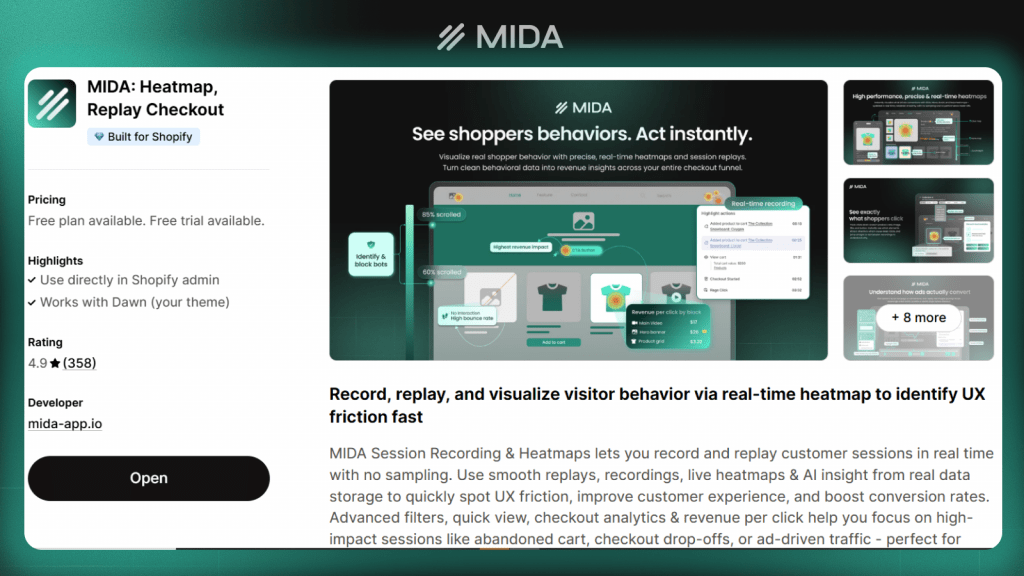
MIDA is a Shopify-native analytics platform that connects behavior to revenue. Unlike generic tools, it ties session replays directly to orders, abandoned carts, and customer profiles.
Best for: Shopify merchants who want to see why conversions happen or fail, not just that they happened.
- Shopify-native integration: Connects directly to customer profiles, orders, and cart data without configuration
- Session replay with commerce context: Watch the exact session behind any order or abandoned cart/abandoned checkout
- Revenue-linked heatmaps: See which clicks lead to purchases, not just which clicks happen
- No sampling: Full data capture on every visitor session

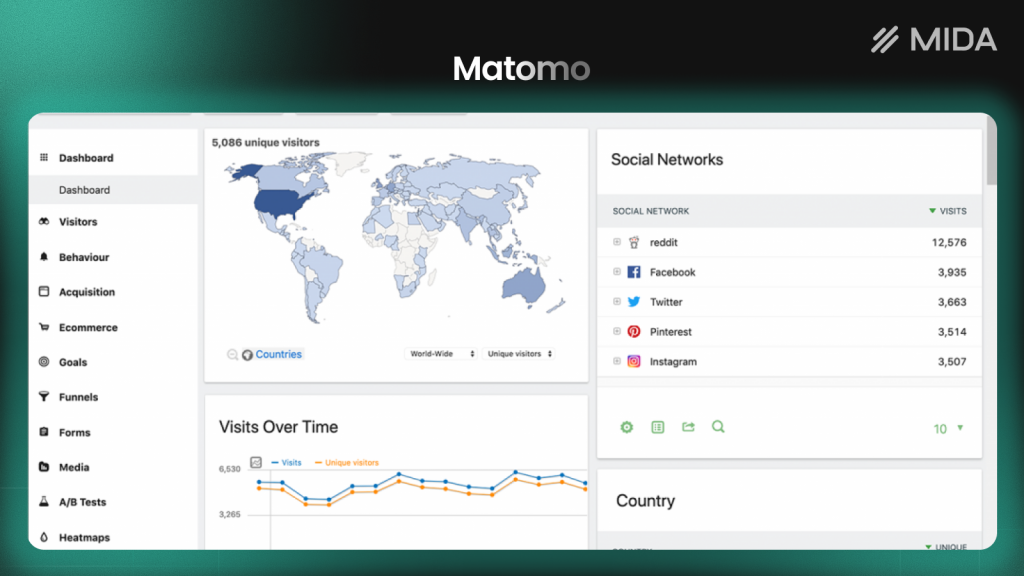
2. Matomo
Matomo is the leading open source alternative to Google Analytics with full data ownership. You can self-host it on your own servers or use their cloud version.
Best for: Privacy-focused teams who want complete control over their data and don’t want to send visitor information to third parties.
3. Plausible
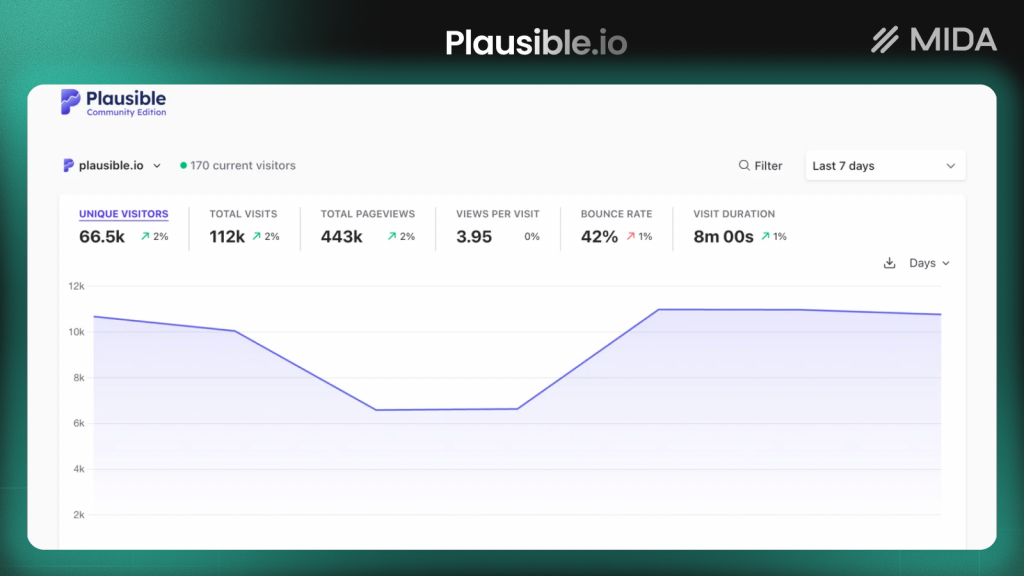
Plausible offers lightweight, cookieless analytics that’s GDPR-compliant by default. The dashboard fits on a single page with no learning curve.
Best for: Teams who want basic traffic analytics without complexity or privacy concerns.
4. Fathom
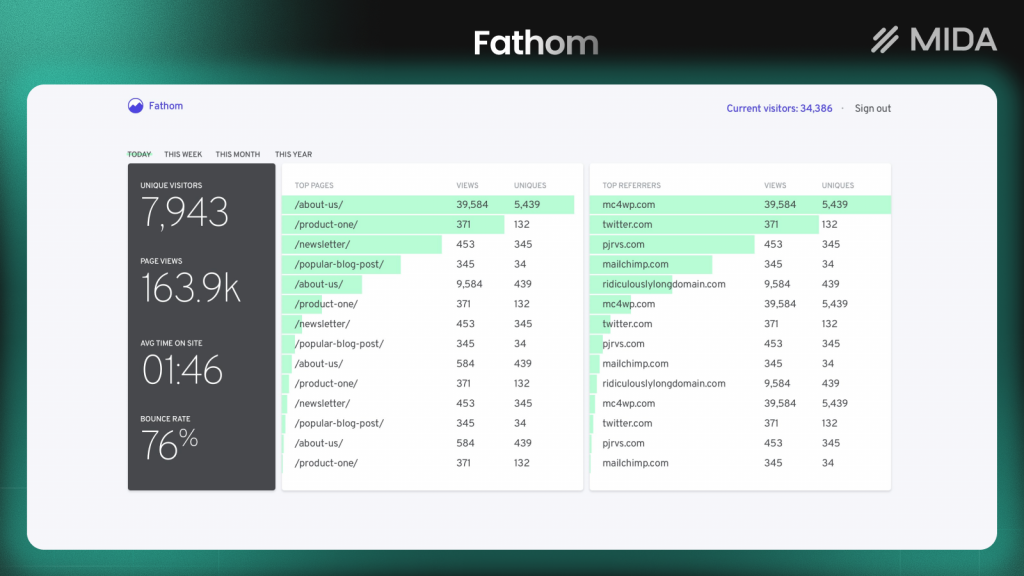
Fathom provides privacy-first, simple analytics with a clean single-page dashboard. It doesn’t use cookies and doesn’t track personal data.
Best for: Small businesses and creators who want straightforward visitor stats without the overhead of enterprise tools.
5. PostHog
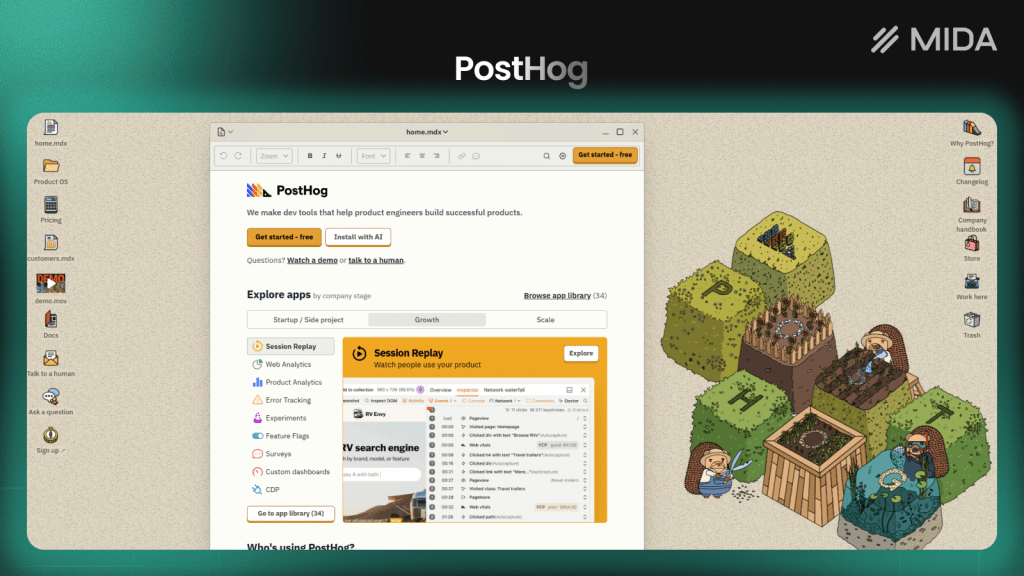
PostHog is a product analytics platform with event tracking, feature flags, and session replay. An open source version is available for self-hosting.
Best for: Product teams building apps who want detailed user behavior tracking alongside experimentation tools.
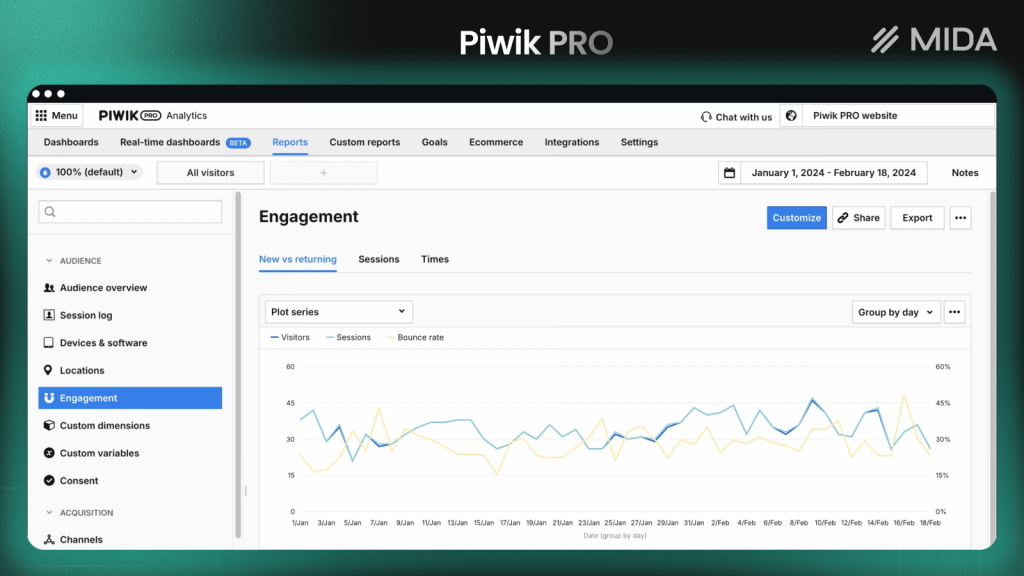
6. Piwik PRO
Piwik PRO offers enterprise-grade analytics with an interface similar to Universal Analytics. It emphasizes privacy controls and compliance features.
Best for: Larger organizations in regulated industries like healthcare or finance who require strict compliance features.
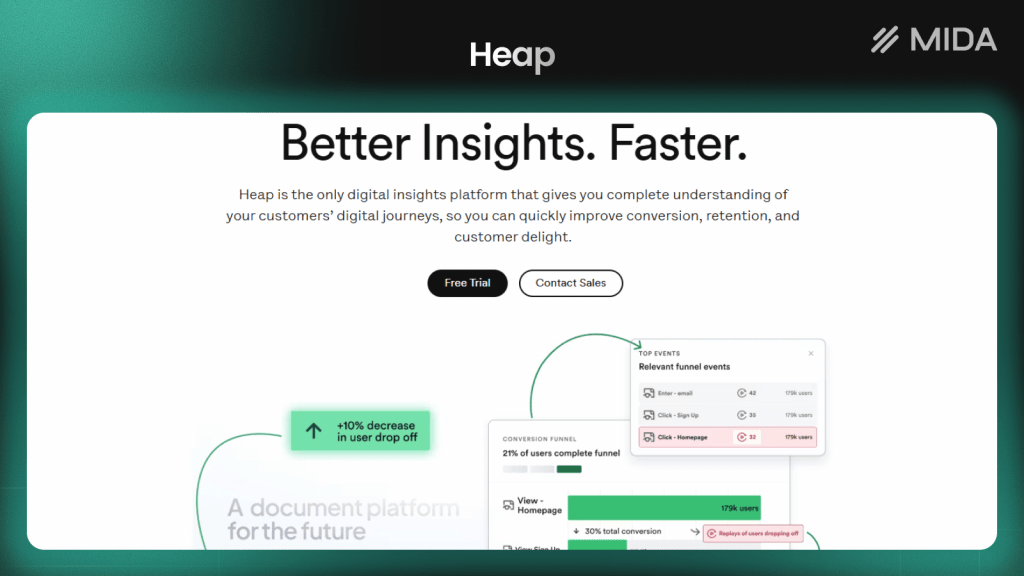
7. Heap
Heap autocaptures all user interactions without manual event tagging. This enables retroactive analysis, meaning you can answer questions about past behavior without having set up tracking in advance.
Best for: Teams who want comprehensive event data without configuring every action manually.
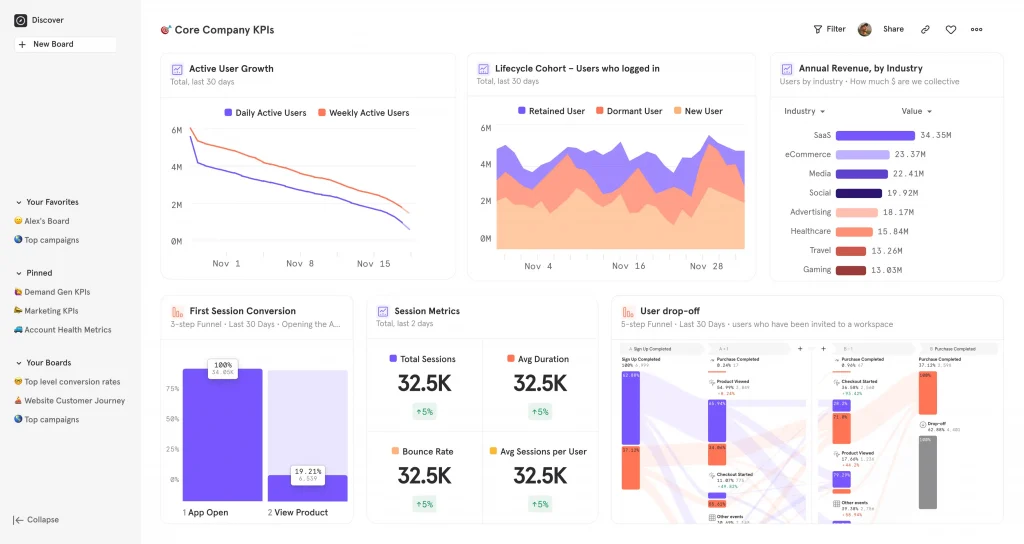
8. Mixpanel
Mixpanel focuses on product analytics with powerful user journey and retention analysis. Its event-based tracking and segmentation capabilities are particularly strong.
Best for: SaaS and app teams analyzing user behavior, conversion funnels, and retention patterns.
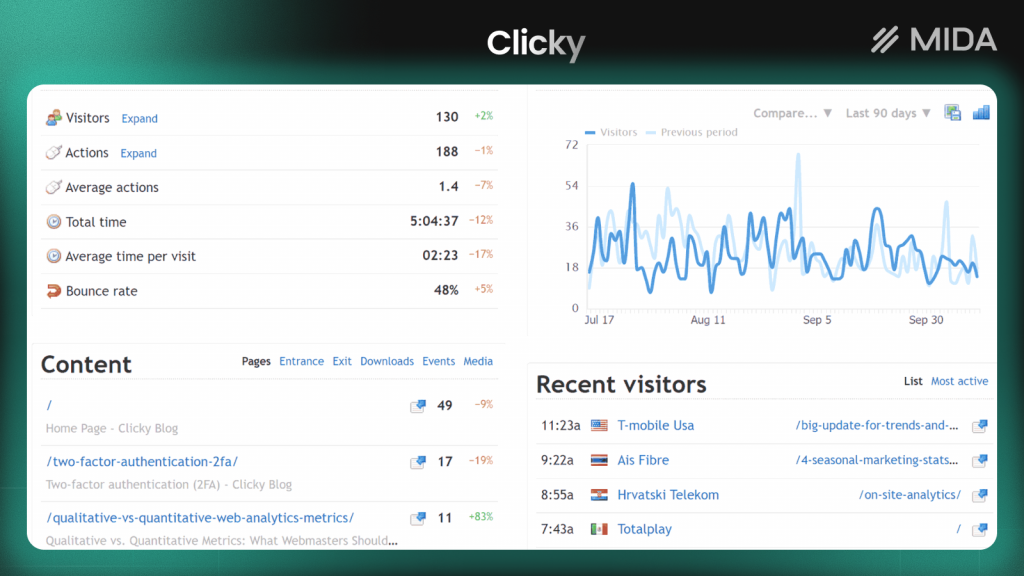
9. Clicky
Clicky provides real-time web analytics with heatmaps included. It shows live visitor activity and doesn’t sample data.
Best for: Site owners who want live visitor monitoring and simple heatmap functionality in one tool.
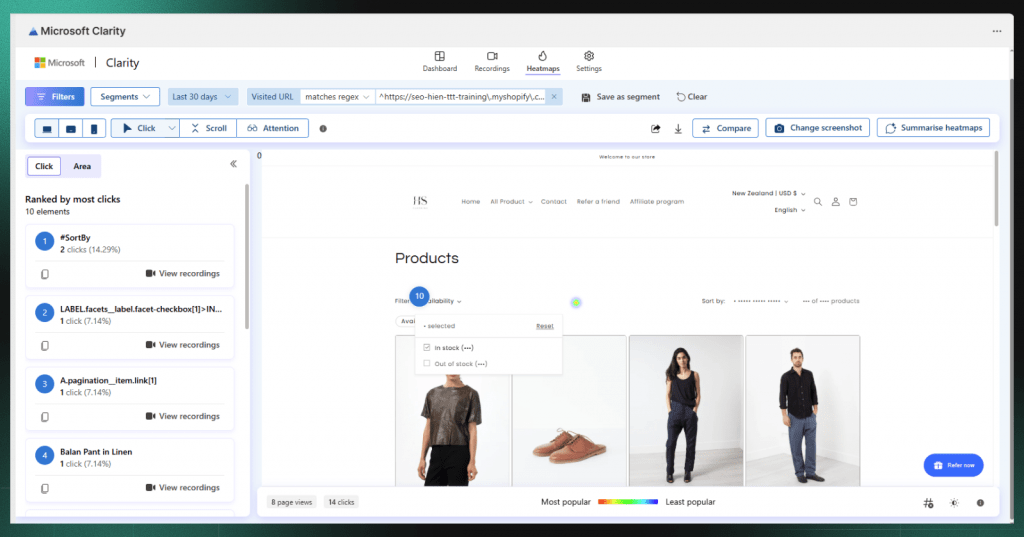
10. Microsoft Clarity
Clarity is a free session replay and heatmap tool from Microsoft. It integrates with GA4 and has no traffic limits.
Best for: Teams on a tight budget who want behavior analytics alongside their existing analytics setup.
11. Simple Analytics
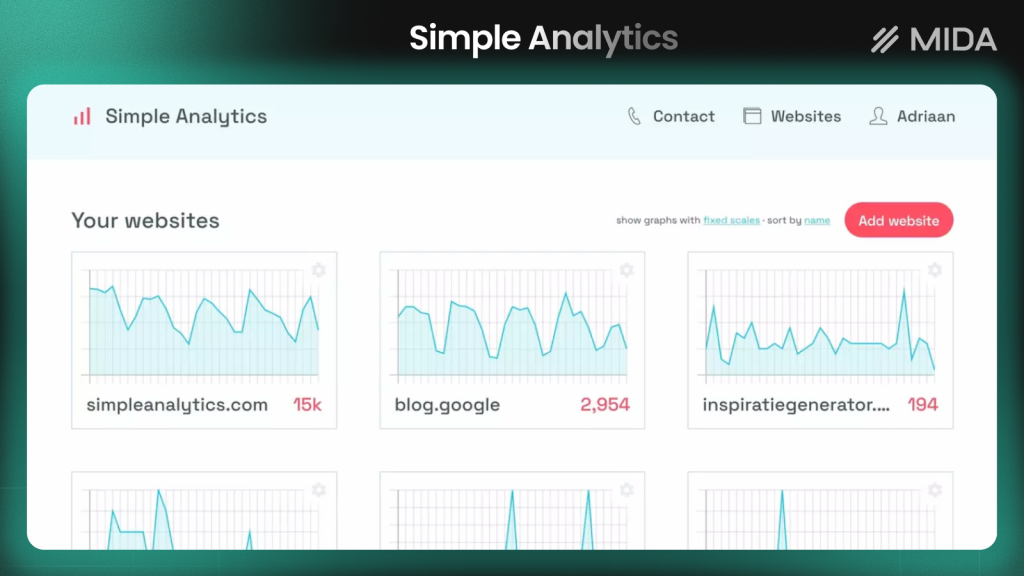
Simple Analytics offers privacy-friendly, no-cookie analytics with a clean interface showing only essential metrics.
Best for: Privacy-conscious businesses that want basic traffic reporting without tracking individual users.
12. Usermaven
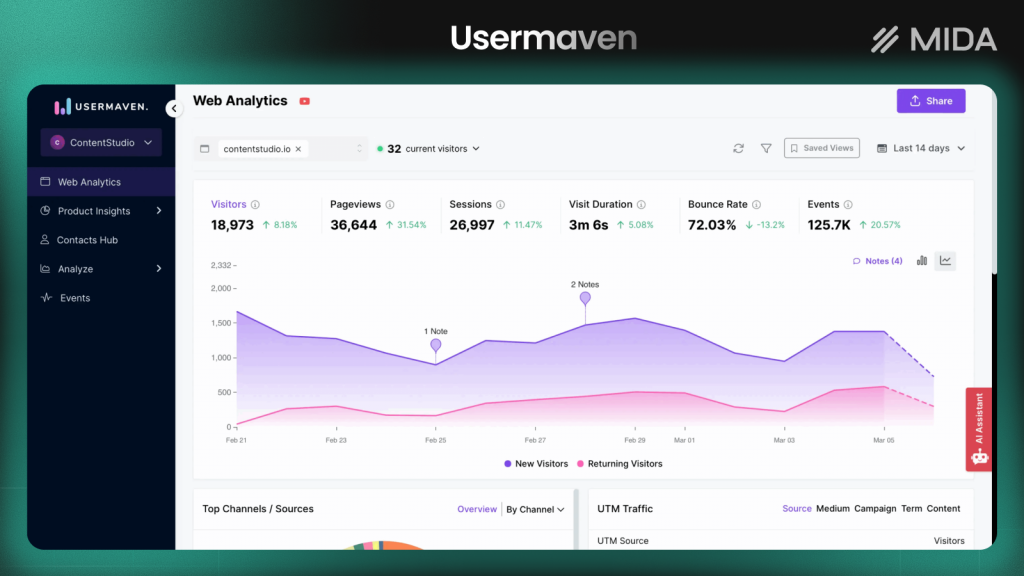
Usermaven provides privacy-first analytics with attribution tracking. It doesn’t require cookies and focuses on marketing attribution.
Best for: Marketing teams who want campaign attribution without complex setup or privacy concerns.
GA4 Alternatives Comparison Table
| Tool | Best For | Pricing | Session Replay | Heatmaps | Open Source | GDPR Compliant |
|---|---|---|---|---|---|---|
| MIDA | Shopify stores | Free tier + paid | Yes | Yes | No | Yes |
| Matomo | Data ownership | Free (self-host) + paid | Yes | Yes | Yes | Yes |
| Plausible | Simple analytics | Paid | No | No | Yes (self-host) | Yes |
| Fathom | Privacy-first | Paid | No | No | No | Yes |
| PostHog | Product teams | Free tier + paid | Yes | No | Yes | Yes |
| Piwik PRO | Enterprise | Paid | No | No | No | Yes |
| Heap | Auto-tracking | Paid | Yes | No | No | Yes |
| Mixpanel | Product analytics | Free tier + paid | No | No | No | Yes |
| Clicky | Real-time data | Free tier + paid | No | Yes | No | Yes |
| Microsoft Clarity | Budget-conscious | Free | Yes | Yes | No | Yes |
| Simple Analytics | Minimal tracking | Paid | No | No | No | Yes |
| Usermaven | Attribution | Free tier + paid | No | No | No | Yes |
Free and Open Source Alternatives to Google Analytics
Several tools offer genuinely free options or open source versions you can self-host:
- Completely free: Microsoft Clarity offers unlimited session replays and heatmaps at no cost.
- Generous free tiers: Matomo’s self-hosted version is free with full features. PostHog offers a substantial free tier. MIDA provides a free plan for Shopify stores getting started with behavior analytics.
- Open source options: Matomo, PostHog, and Plausible all offer self-hosted open source versions that give you complete control over your data and infrastructure.
The trade-off with self-hosting is maintenance responsibility. You’ll handle updates, security, and server costs yourself. Cloud-hosted versions remove that burden but typically cost more at scale.
How to Transition from GA4 to an Alternative
Switching analytics tools doesn’t have to be disruptive. A methodical approach protects your historical insights while validating your new setup.
1. Audit Your Current Analytics Needs
Start by listing which GA4 reports and metrics you actually use. Many teams track data they never review. Focus on the decisions you make with analytics data. If you’re not using a report to change something, you probably don’t need to replicate it in your new tool.
2. Plan for Data Continuity
Historical data typically doesn’t migrate between analytics platforms because the data models are too different. Export key GA4 reports before switching. Download the metrics that matter for year-over-year comparisons or historical benchmarking.
3. Run Parallel Tracking During Migration
Install your new analytics tool alongside GA4 for at least two to four weeks. This overlap period lets you compare numbers and validate that tracking works correctly.
Look for significant discrepancies in pageviews, sessions, and conversions. Small differences are normal due to different counting methodologies, but large gaps indicate configuration issues.
4. Validate Data Accuracy After the Switch
Once you’ve fully transitioned, spot-check key metrics against known quantities. Compare reported orders to your actual Shopify orders. Check that traffic sources match what you see in other tools. This validation catches tracking gaps before they affect decisions.
How to Choose the Right Google Analytics Alternative for Your Store
The right choice depends on what problems you’re actually trying to solve:
- If you prioritize privacy and data ownership: Matomo or Fathom give you complete control over visitor data.
- If you want simple traffic stats without complexity: Plausible or Simple Analytics provide clean, minimal dashboards.
- If you’re building a product and want detailed user analytics: Mixpanel or PostHog offer deep event tracking and user journey analysis.
- If you run a Shopify store and want to understand why customers buy or abandon: MIDA connects session replays, heatmaps, and surveys directly to orders and checkouts.
See exactly where your shoppers drop off and why.
FAQs About GA4 Alternatives
Is GA4 going away?
No, GA4 is Google’s current analytics platform and isn’t being discontinued. It replaced Universal Analytics, which was sunset in July 2023. GA4 is the path forward for Google Analytics users, though many find it more complex than its predecessor.
Are there free alternatives to Google Analytics that include full features?
Microsoft Clarity offers free session replay and heatmaps with no usage limits. Matomo and PostHog provide free self-hosted versions with most features included. However, “full features” varies by tool, and free options typically lack advanced integrations or support.
Can you run a GA4 alternative alongside GA4?
Yes, most analytics tools can run in parallel without conflict. This is actually recommended during migration so you can compare data accuracy before fully committing to a switch.
Which GA4 alternative is best for Shopify stores?
MIDA is built exclusively for Shopify and connects analytics directly to customer profiles, orders, and cart data. This native integration provides context that generic analytics tools can’t match.
Do any GA4 alternatives include session replay and heatmaps?
Yes, several tools combine traditional analytics with behavior analytics. MIDA, PostHog, Microsoft Clarity, and Clicky all include session replay or heatmaps alongside traffic metrics.

Hien Tran
I’m Hien Tran, a Product Marketing Executive at MIDA, specializing in eCommerce growth and conversion optimization. I focus on bridging product capabilities with real merchant needs—turning insights from heatmaps, session replays, and funnel analytics into actionable strategies that drive measurable results.


