10 Best Conversion Tracking Tools for 2026
Your ad platform says you got 50 conversions last week. Your Shopify dashboard shows 35 orders. Your finance team counted 42 actual payments. Without reliable conversion tracking, you’re optimizing campaigns based on numbers that don’t match reality.
This guide covers 10 conversion tracking tools for 2026, from free baseline options like Google Analytics to Shopify-native platforms that connect behavior data directly to revenue outcomes.
You may also like:
- 23 Ecommerce Checkout Conversion Rate Optimization Strategies for 2026
- How to Calculate and Reduce Your Checkout Abandonment Rate
What Are Conversion Tracking Tools
Conversion tracking tools measure specific user actions—purchases, sign-ups, add-to-cart clicks—so you can see which marketing efforts actually lead to revenue. Top options for 2026 include Cometly and Triple Whale for AI-powered attribution, Google Analytics 4 for free baseline tracking, and behavior-focused platforms like MIDA that show what happens before each conversion or abandonment.
The core difference between conversion tracking and general analytics comes down to outcomes. General analytics tells you how many people visited your site. Conversion tracking connects those visits to the actions that matter: completed orders, started checkouts, recovered carts.
A few terms worth knowing upfront:
- Conversion: The specific action you want visitors to take—completing a purchase, signing up for email, finishing checkout.
- Attribution: The process of connecting a conversion back to the traffic source or campaign that caused it.
- Ad tracker: A tool that monitors which specific ads drive clicks and, ultimately, purchases.
Conversion Tracking Software Comparison
| Tool | Best For | Shopify Native | Free Plan | Key Strength |
|---|---|---|---|---|
| Google Analytics | Free, broad reporting | No | Yes | Integration with Google Ads |
| MIDA | Understanding Shopify customer behavior | Yes | Yes | Order-linked session replays |
| Hotjar | Broad website behavior insights | No | Yes | Heatmaps & session recordings |
| Lucky Orange | Small businesses needing all-in-one tracking | No | Yes | Real-time visitor insights |
| Mixpanel | Product teams analyzing feature usage | No | Yes | User journey & retention analysis |
| Amplitude | Enterprise brands with analytics teams | No | Yes | Advanced segmentation |
| VWO | Teams ready to A/B test and optimize | No | No | Integrated A/B testing |
| Triple Whale | Shopify stores with high ad spend | Yes | No | First-party data attribution |
| Cometly | Marketers optimizing ad campaigns | No | No | AI-powered ad optimization |
| Kissmetrics | Brands focused on LTV and repeat purchases | No | No | Person-level tracking over time |
Google Analytics
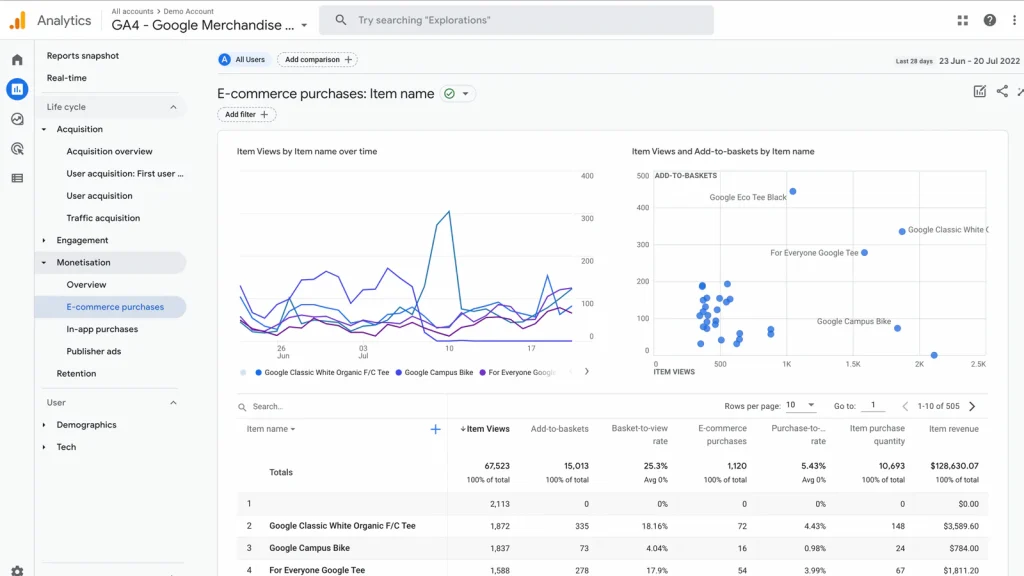
Google Analytics 4 (GA4) is the free baseline that most stores start with. It uses an event-based tracking model to measure user interactions across devices and integrates directly with Google Ads for campaign attribution.
The platform works well for broad traffic analysis, though it doesn’t natively understand Shopify’s data structure. You’ll want proper configuration to track purchases and product interactions accurately.
Key Features
- Event-based tracking
- Cross-device measurement
- Integration with Google Ads
- Custom conversion goals
Best For
Stores wanting a free conversion tracking platform with broad reporting capabilities.
Pricing
Free tier available; GA360 for enterprise.
MIDA
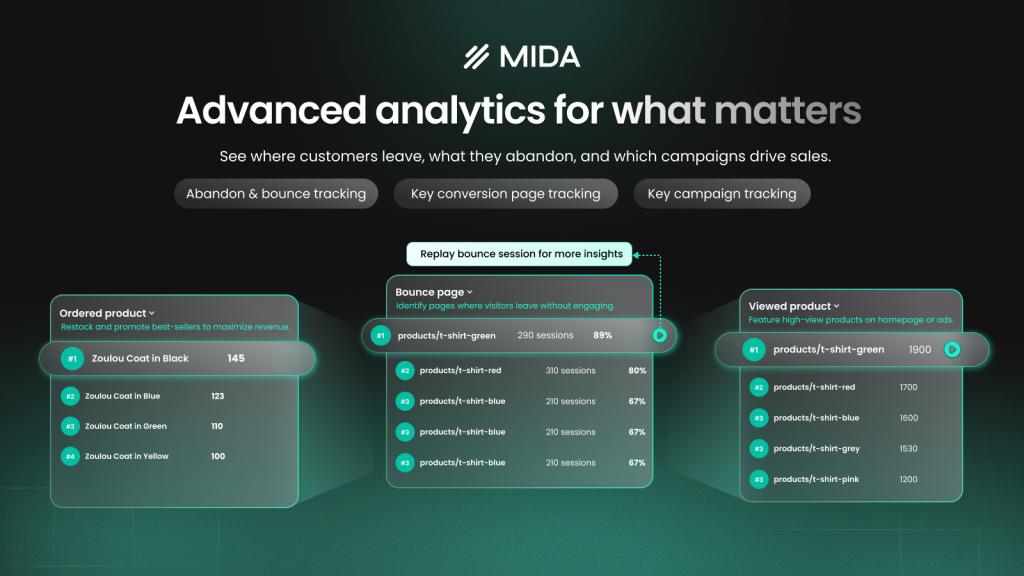
MIDA is a Shopify-native behavioral analytics tool that shows why conversions happen or fail—not just that they did. The platform connects session replays directly to orders and abandoned carts, so you can watch the exact moment a shopper hesitated or gave up.
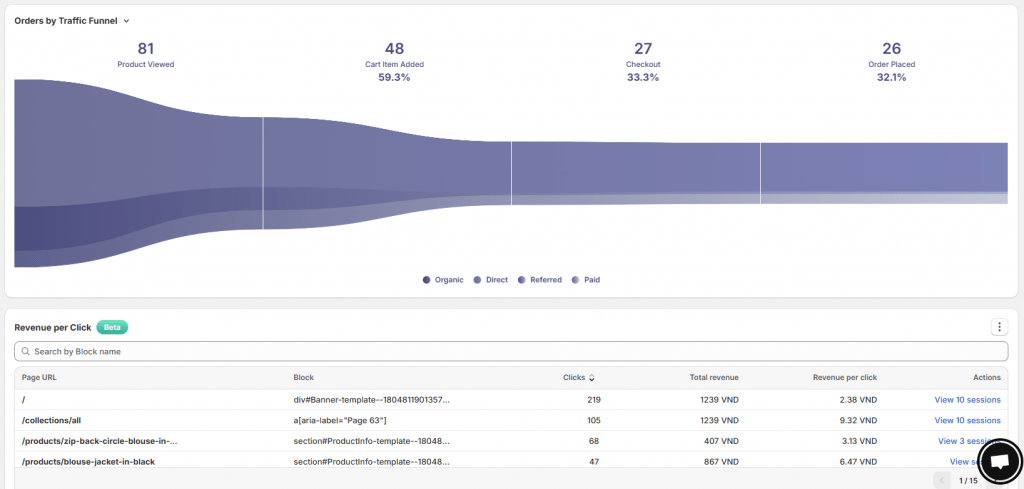
What sets it apart is checkout recording and order-linked replays. You can click from a funnel drop-off straight into the session where that abandonment happened, seeing rage clicks, hesitation, and confusion in context.
Key Features
- Session replays linked to orders and abandoned carts
- Heatmaps with revenue attribution, new conversion heatmap with add-to-cart & purchase metrics
- Funnel visualization from product view to purchase
- Checkout page recording
Best For
Shopify merchants who want to understand the real customer behavior behind their conversion data.
Pricing
Free plan available; paid tiers for higher traffic.
Hotjar
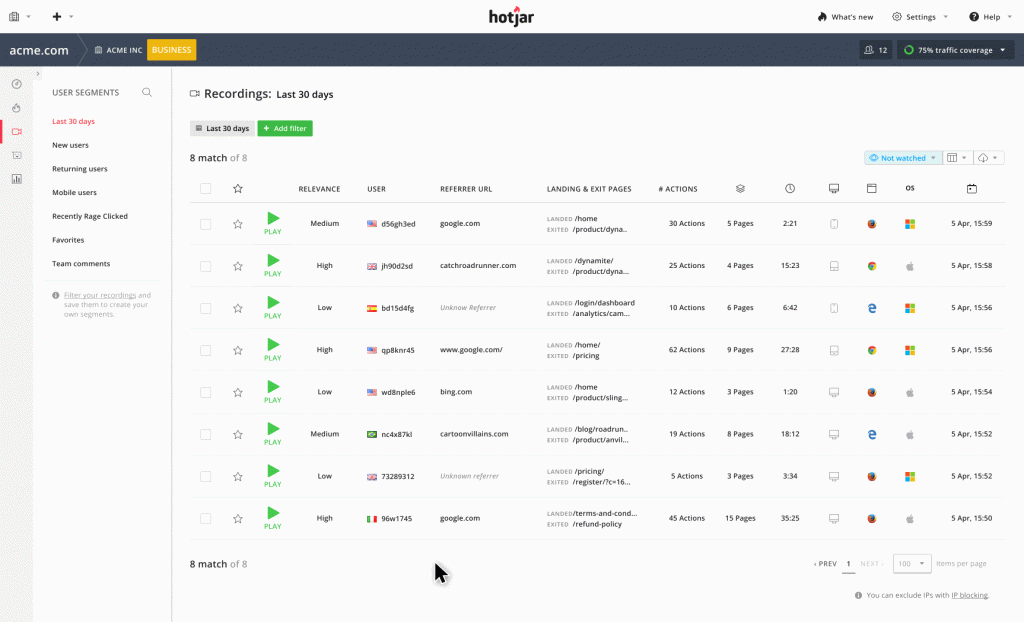
Hotjar provides heatmaps and session recordings for understanding user behavior on any website. It’s a popular choice for teams wanting visual insights into how visitors interact with pages, though it lacks the deep Shopify integrations that connect behavior directly to specific orders.
Key Features
- Heatmaps
- Session recordings
- Feedback widgets
- Funnel analysis
Best For
Teams wanting broad website behavior insights across any platform.
Pricing
Free tier with limited sessions; paid plans scale by session volume.
Lucky Orange
Lucky Orange offers real-time visitor tracking with conversion funnels and integrated live chat. The platform combines behavior analytics, recordings, and customer communication in one dashboard.
Key Features
- Dynamic heatmaps
- Session recordings
- Live chat integration
- Form analytics
Best For
Small businesses wanting an all-in-one conversion tracking tool with live visitor insights.
Pricing
Free tier available; paid plans by pageviews.
Mixpanel
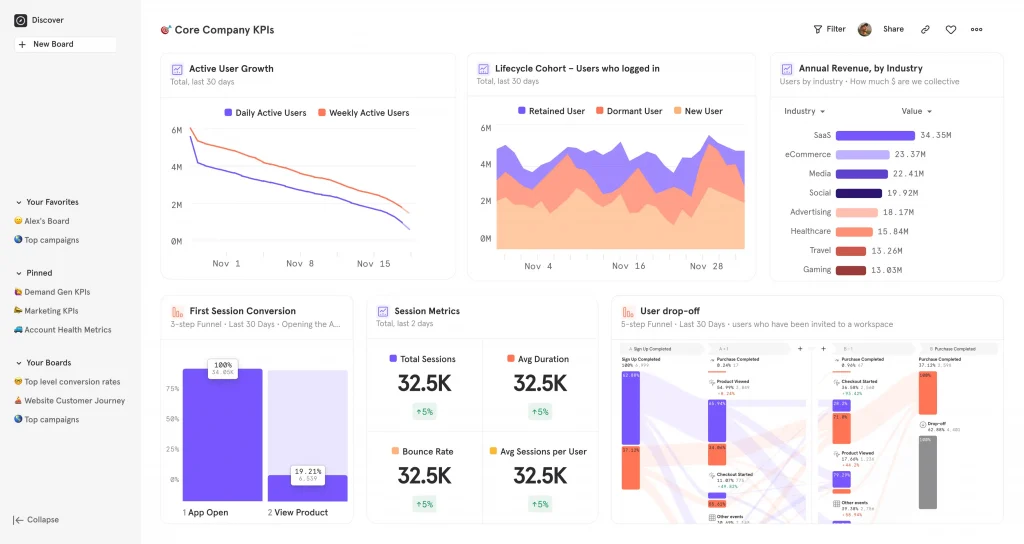
Mixpanel focuses on user journeys and retention analysis. It excels at helping teams understand how users interact with products over time, making it better suited for SaaS businesses than traditional ecommerce stores.
Key Features
- Event tracking
- Cohort analysis
- A/B test analysis
- User flow visualization
Best For
Product teams analyzing feature usage and user retention patterns.
Pricing
Free tier with event limits; growth and enterprise tiers available.
Amplitude
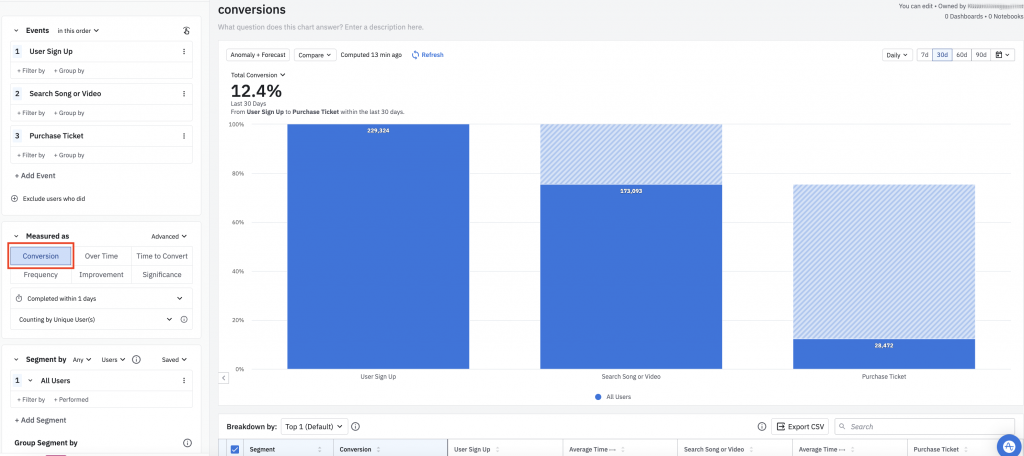
Amplitude is an enterprise-level product analytics platform with advanced segmentation and predictive capabilities. It’s powerful but requires significant technical setup and dedicated analytics resources.
Key Features
- Behavioral cohorts
- Predictive analytics
- Cross-platform tracking
- Data governance
Best For
Enterprise brands with dedicated analytics teams and complex product ecosystems.
Pricing
Free starter plan; custom enterprise pricing.
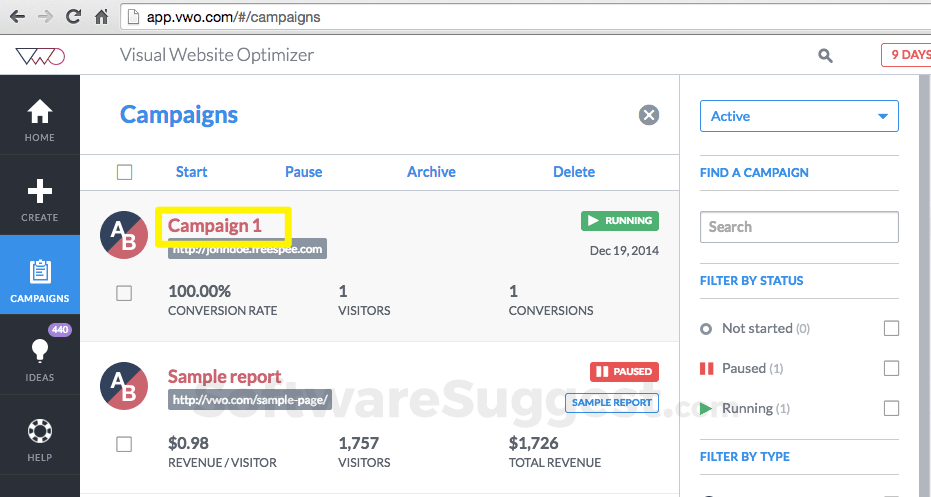
VWO
VWO (Visual Website Optimizer) combines conversion tracking with A/B testing capabilities. It’s designed for teams that want to actively experiment and optimize, not just observe what’s happening.
Key Features
- A/B testing
- Multivariate testing
- Heatmaps and session recordings
- Funnel analysis
Best For
Teams ready to test and optimize based on conversion data.
Pricing
Paid plans only; pricing by tested visitors.
Triple Whale
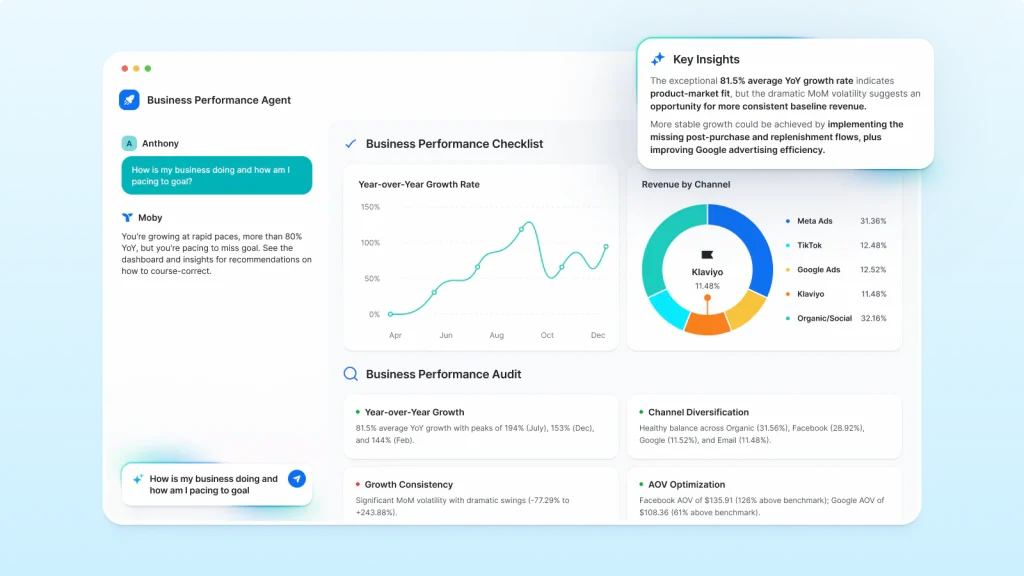
Triple Whale is an ecommerce attribution platform built specifically for Shopify. It aggregates first-party data to calculate accurate Lifetime Value (LTV) and ROAS across Meta, Google, and TikTok campaigns.
The “Triple Pixel” provides server-side tracking that captures conversions even when browser-based tracking fails due to privacy restrictions.
Key Features
- Shopify-native attribution
- First-party data collection
- Creative performance tracking
- Customer journey mapping across ad platforms
Best For
Shopify stores with significant ad spend across multiple platforms.
Pricing
Paid plans based on revenue; no free tier.
Cometly
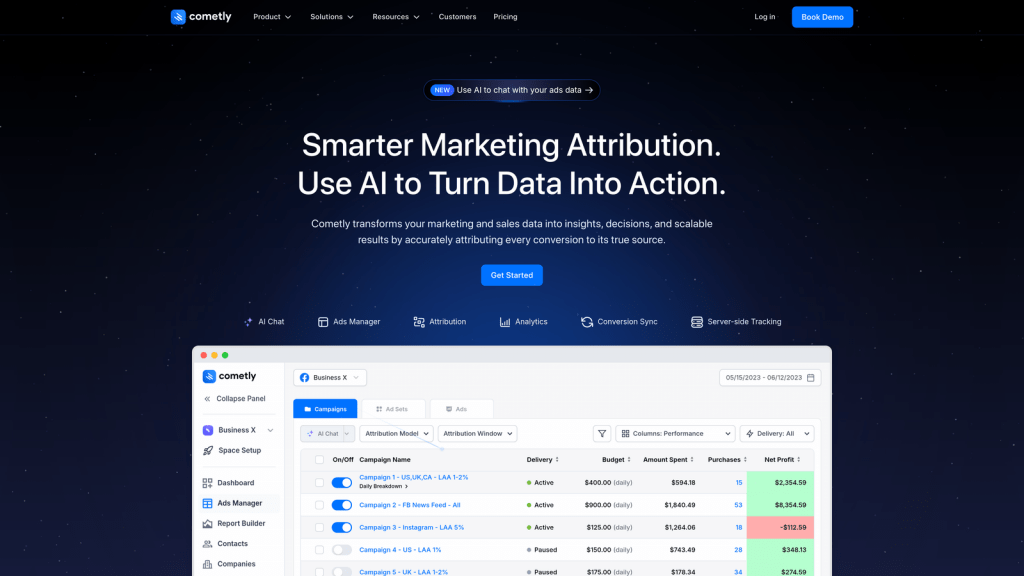
Cometly is an AI-powered attribution platform that feeds conversion data back to ad platforms in real-time. This allows for immediate campaign optimization based on accurate, current performance data.
Key Features
- Real-time attribution
- AI-powered optimization
- Multi-platform ad tracking
- Server-side tracking
Best For
High-ad-spend marketers focused on reducing CPA and optimizing campaigns across multiple advertising platforms.
Pricing
Paid plans; pricing scales with ad spend.
Kissmetrics
Kissmetrics tracks individual user behavior over time, focusing on repeat purchase patterns and customer lifetime value. It’s particularly strong for subscription or retention-focused businesses.
Key Features
- Person-level tracking
- Customer journey reports
- Cohort analysis
- Revenue reporting
Best For
Brands focused on customer lifetime value and repeat purchase optimization.
Pricing
Paid plans only; tiered by tracked users.
Why Conversion Tracking Matters for Ecommerce
Without tracking, you can’t identify which traffic sources drive revenue versus which ones waste budget. The difference between a profitable store and a struggling one often comes down to knowing where your conversions actually come from.
- Measure ROI and ROAS accurately: Tracking shows the exact return on each ad dollar spent, so you can see which campaigns to scale and which to cut.
- Understand real customer behavior: Conversion tracking connects data to the real user experience, including hesitations and friction points that numbers alone can’t reveal.
- Identify high-value traffic sources: Tracking reveals which channels bring actual buyers versus casual browsers.
- Optimize campaigns with conversion data: Feeding conversion data back to ad platforms like Meta and Google improves their targeting algorithms over time.
How to Choose the Right Conversion Tracking Platform
The right tool depends on your business model, technical resources, and primary goals. Starting with what you’re trying to solve helps narrow the field quickly.
Match the Tool to Your Business Model
Shopify stores benefit most from ecommerce-native tools that integrate seamlessly. Businesses with high ad spend typically require dedicated attribution platforms for accurate ROAS measurement.
Evaluate Integration With Your Tech Stack
Check for native Shopify apps versus tools requiring manual implementation. Ensure the platform connects with your ad accounts and offers flexible data export capabilities.
Consider Privacy Compliance Requirements
Look for tools that address GDPR and cookie consent. Server-side tracking is becoming essential as workarounds for iOS privacy changes and browser limitations.
Assess Setup Complexity and Support
Determine if a tool is no-code and easy to install or if it requires developer resources. Quality documentation and customer support matter when you’re troubleshooting tracking issues.
Key Features in a Conversion Tracking Tool
Not every feature matters equally for every store, but certain capabilities tend to separate useful tools from frustrating ones.
Funnel and Customer Journey Visualization
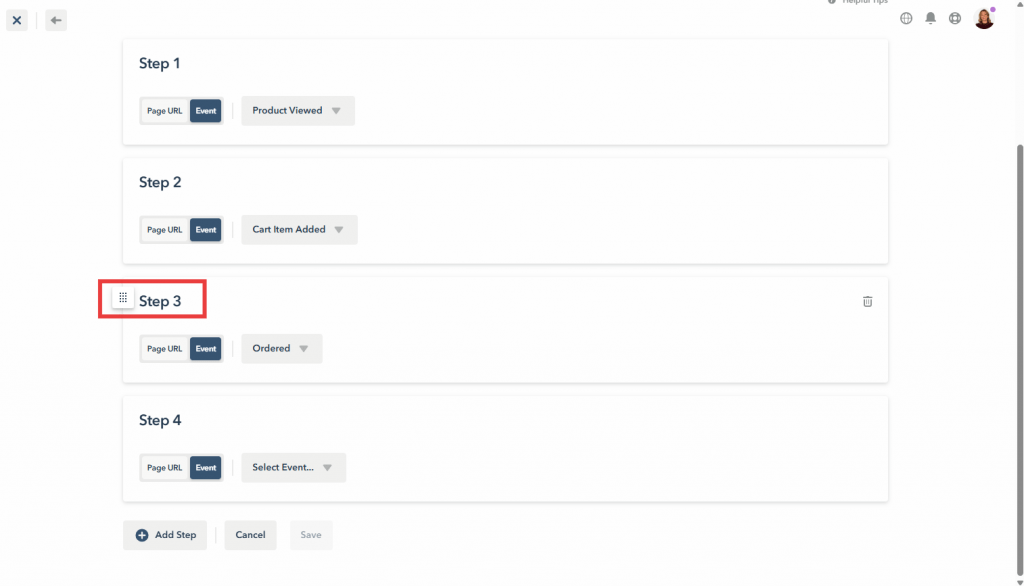
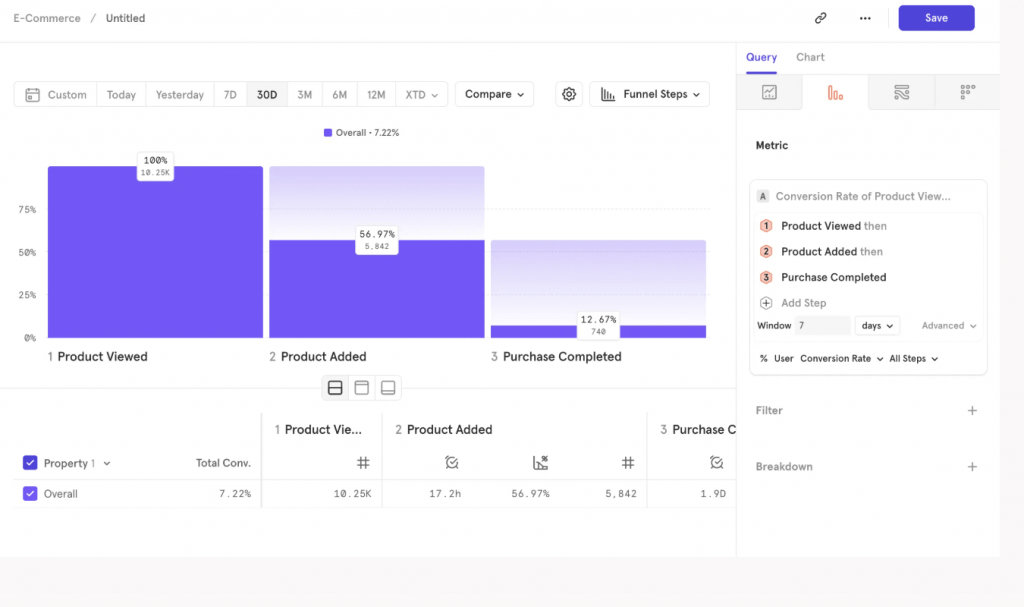
See where shoppers drop off between product view, add-to-cart, checkout, and purchase. This visibility reveals which step loses the most potential revenue.
Behavioral Analytics and Session Replay
Go beyond conversion counts to see what customers actually did. Session replays and heatmaps show where they clicked, scrolled, and hesitated—revealing intent that numbers miss.
A rage click, for example, is when a visitor clicks repeatedly on an element out of frustration, often because something isn’t working as expected.
Multi-Touch Attribution Models
Understand the full customer journey across all touchpoints, not just the last click before conversion.
Real-Time Alerts and Reporting
Get notified of significant conversion drops as they happen. Quick reaction to issues minimizes lost revenue.
Privacy Controls and Consent Management
Modern tools handle consent collection properly and offer server-side tracking to bypass browser limitations while remaining compliant.
How to Verify Your Conversion Tracking Works
Many merchants set up tracking but never confirm its accuracy. A few practical steps help validate your implementation.
Run Test Transactions
Place several test orders using different scenarios. Verify they appear correctly in your tracking tool with the right attribution source assigned.
Compare Data Across Platforms
Cross-reference conversion counts between your Shopify admin, tracking tool, and ad platforms. Major discrepancies indicate implementation problems.
Audit Tag Firing and Event Setup
Use browser developer tools or tag assistant extensions to confirm tracking tags fire on the correct user actions.
Monitor Tracking Health Over Time
Set up alerts for sudden drops in tracked conversions. A sharp decline often indicates a broken implementation or technical issue.
Start Tracking the Conversions That Drive Revenue
For Shopify merchants who want to go beyond numbers and understand the behavior behind conversions, connecting session replays to order data provides the clearest path to actionable insights.
Try MIDA for free to see how watching real customer sessions changes the way you optimize.
FAQs About Conversion Tracking Tools
What is the difference between a conversion tracking tool and an ad tracker?
A conversion tracking tool measures when visitors complete specific actions like purchases or signups. An ad tracker specifically monitors which advertisements drive those clicks and conversions, linking them back to individual campaigns.
Can free ad trackers provide accurate conversion tracking?
Free tools like Google Analytics provide baseline conversion tracking, but they often lack ecommerce-specific features like checkout recording or order-linked session data that show why conversions succeed or fail.
How do Shopify merchants track conversions without coding?
Shopify-native apps install directly from the App Store and begin tracking sessions, funnels, and conversions automatically without requiring manual code implementation.
What does conversion tracking look like in ecommerce?
In ecommerce, conversion tracking records key events like product views, add-to-cart clicks, checkout starts, and completed purchases. It then connects each event to the traffic source that brought the shopper to the site.
Are conversion tracking tools compliant with GDPR?
Most modern platforms include consent management and privacy controls. Some offer server-side tracking, which reduces reliance on browser cookies while helping maintain compliance.
How can you track which ads are converting into sales?
Use a conversion tracking platform that integrates with your ad accounts. Pixel-based tracking or server-side connections attribute purchases back to specific campaigns and creatives.


