10 Best Microsoft Clarity Alternatives for eCommerce Stores in 2026
Microsoft Clarity gives you free session replays and heatmaps, but the moment you try to understand why a shopper abandoned checkout or filter recordings by purchase behavior, you hit walls. For ecommerce stores, those walls sit right where the most valuable insights live.
This guide compares 10 alternatives that fill Clarity’s gaps—from survey tools and checkout tracking to native Shopify integrations—so you can find the right fit for your store’s optimization goals.
Why e-commerce stores need Microsoft Clarity alternatives
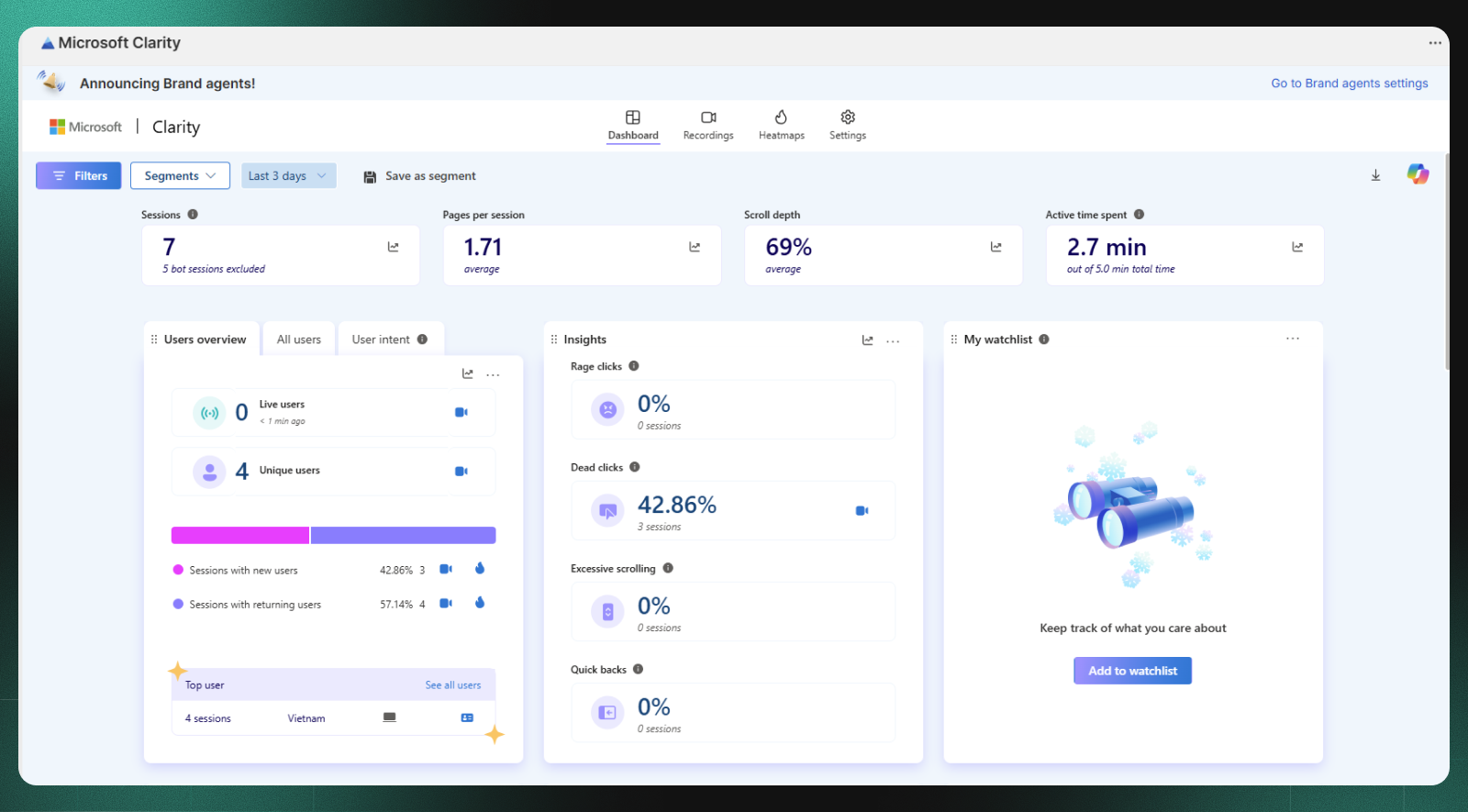
Microsoft Clarity offers free session replays and heatmaps, yet ecommerce stores often hit limitations when trying to understand the complete customer journey. Popular alternatives like Hotjar, FullStory, Mouseflow, and Lucky Orange provide deeper analytics, more integrations, and specific features like A/B testing and surveys that Clarity doesn’t include.
Clarity works well for basic behavioral insights. You can watch recordings of visitors clicking around your site and see heatmaps showing where people engage most. However, the tool lacks native survey functionality, which means you can’t ask shoppers why they abandoned their cart or what confused them on a product page. You’re left guessing at the “why” behind the behavior you’re watching.
For Shopify merchants specifically, Clarity presents additional challenges:
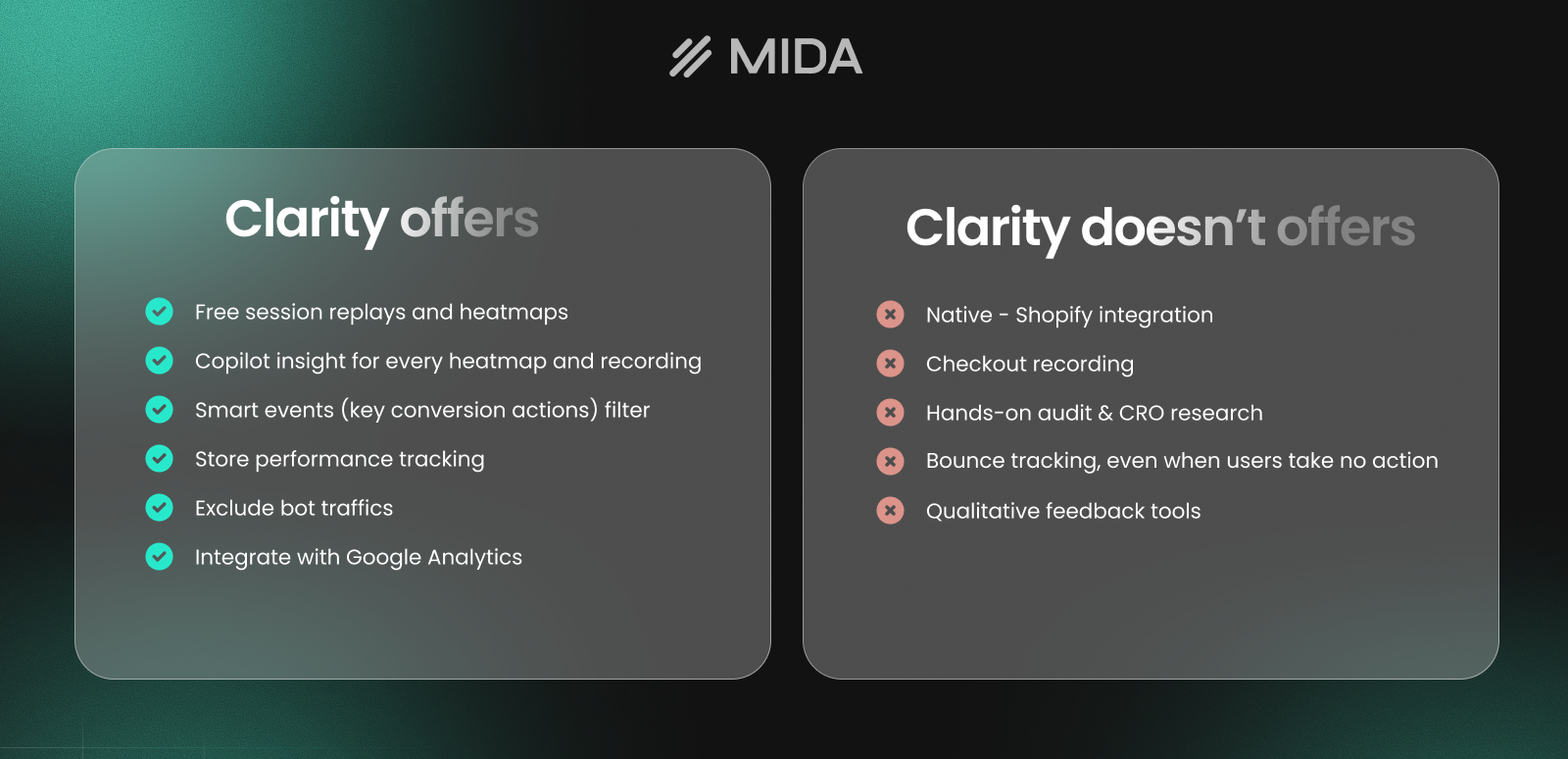
- No native Shopify integration: Requires manual script installation and configuration
- Limited checkout tracking: Shopify’s checkout domain restrictions make it difficult to capture the most critical part of the funnel
- Missing ecommerce event filtering: You can’t easily filter sessions by add-to-cart, purchase completed, or cart abandonment
- No qualitative feedback tools: Surveys, polls, and feedback widgets aren’t available
The gaps matter because ecommerce optimization requires understanding both what shoppers do and why they do it. Watching someone leave your checkout tells you there’s a problem—but without the ability to ask them directly or track specific ecommerce events, finding the root cause takes longer.
How we evaluated these Microsoft Clarity alternatives
We tested each tool with a focus on what ecommerce stores actually require: the ability to watch real customer journeys, identify friction points in the buying process, and gather feedback that explains behavior.
Session recording and replay quality
Session recordings form the foundation of behavioral analytics. We looked at playback smoothness, the ability to skip inactive periods, and how well each tool captures dynamic elements like product carousels and checkout forms.
Heatmap depth and accuracy
Click heatmaps show where shoppers engage, while scroll heatmaps reveal how far down the page they travel. We evaluated whether tools could generate heatmaps for specific segments—like mobile users or returning customers—rather than just aggregate data.
Ecommerce event tracking
The ability to filter sessions by ecommerce-specific actions separates general analytics tools from those built for online stores. We prioritized tools that let you find sessions where someone added to cart but didn’t purchase, or where checkout was initiated but abandoned.
Survey and feedback tools
Quantitative data shows what happened; qualitative data explains why. We evaluated built-in survey capabilities, including exit-intent polls, post-purchase feedback, and on-page questions that capture customer sentiment in the moment.
Platform integrations
Native integrations with Shopify, WooCommerce, and other platforms reduce setup friction and often enable deeper tracking. One-click installation from an app store beats manual script implementation.
Pricing and value
Clarity is completely free with unlimited traffic—a significant advantage. We weighed each alternative’s pricing against the additional value it provides, recognizing that “free” only matters if the tool actually solves your problems.
1. MIDA
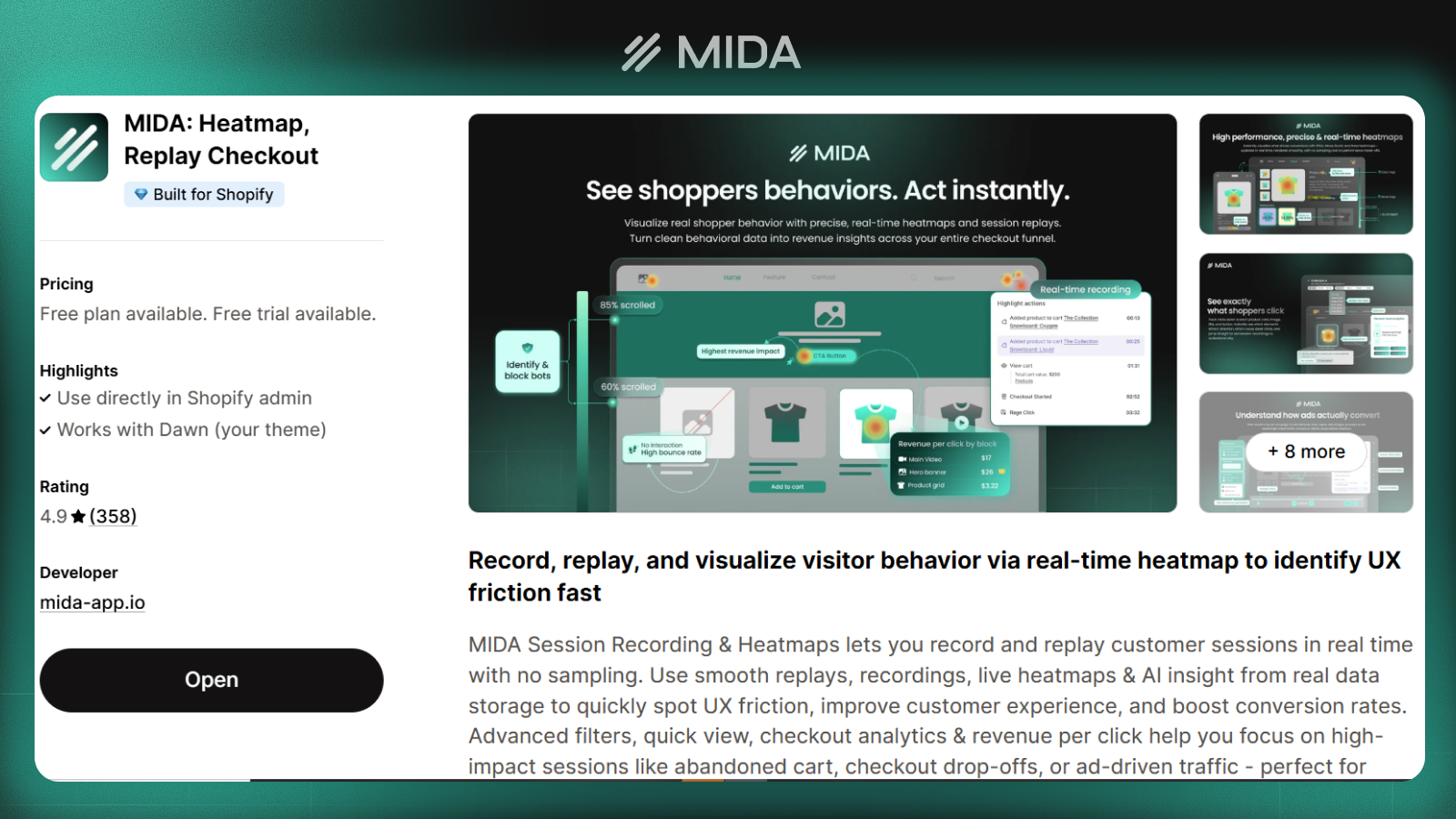
MIDA combines session replays, heatmaps, on-site surveys, and ecommerce metrics in a single Shopify app. The platform was built specifically for Shopify merchants who want behavioral insights without stitching together multiple tools.
Key features
The app captures complete customer journeys including checkout pages—something Clarity struggles with on Shopify stores. Session recordings can be filtered by ecommerce events like abandoned carts or completed purchases, so you can quickly find the sessions that matter most. On-site surveys let you ask customers questions at key moments in their journey. You might trigger a poll when someone spends more than 30 seconds on a product page, or ask for feedback after a purchase completes.
How MIDA compares to Microsoft Clarity
Where Clarity provides session replays and heatmaps, MIDA adds the qualitative layer that explains behavior. You can watch a customer hesitate on your product page and then see their survey response about what confused them—all in one place. The Shopify-native approach also means MIDA captures checkout behavior that Clarity often misses due to domain restrictions. For merchants trying to optimize their most critical funnel stage, this visibility makes a meaningful difference.
Pricing
MIDA offers a freemium model with a functional free tier, making it accessible for stores testing behavioral analytics before committing to paid plans.
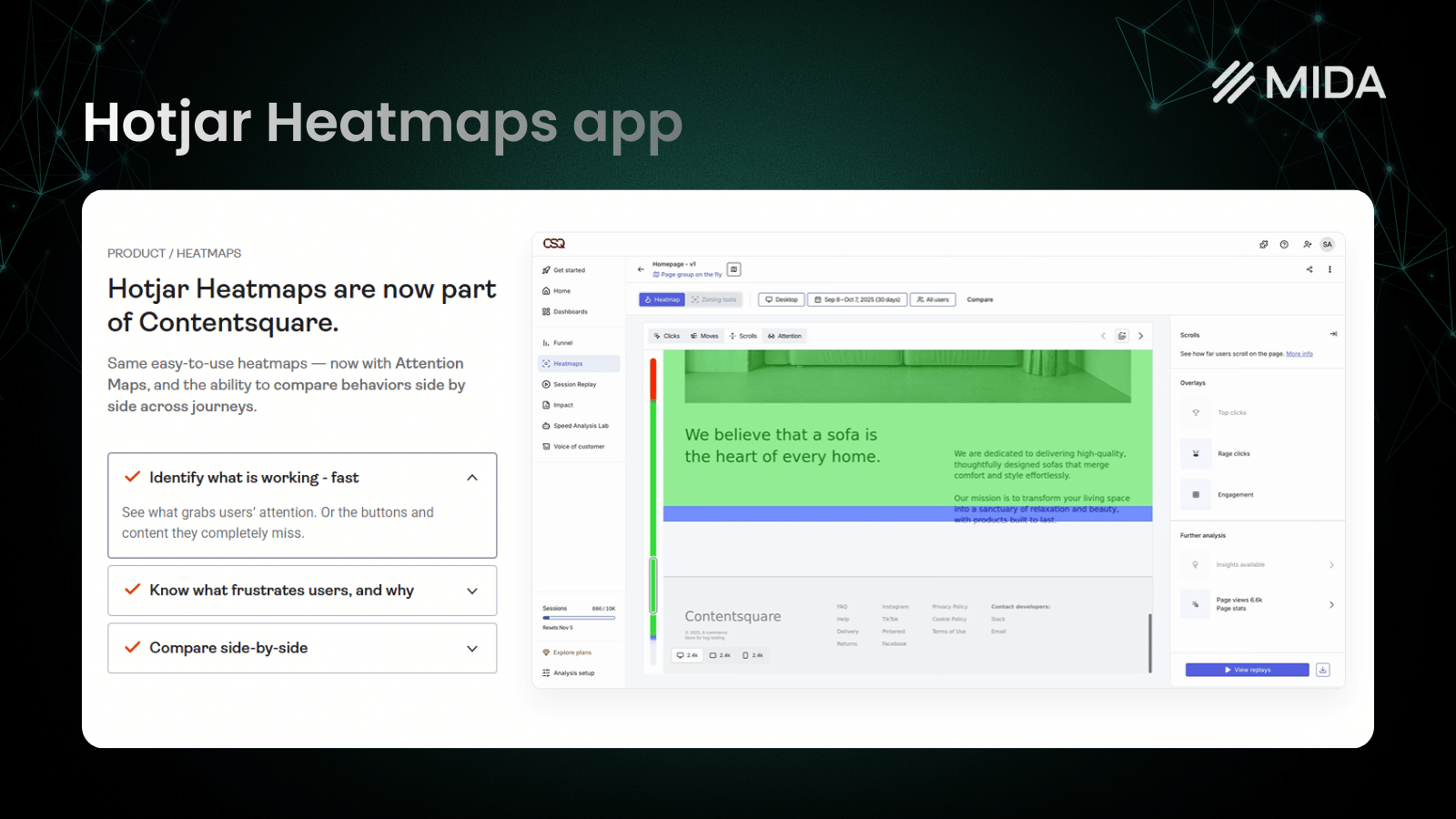
2. Hotjar
Hotjar has become the default recommendation when merchants outgrow Clarity, largely because it adds surveys and feedback tools while maintaining a generous free tier. The platform serves marketers and UX teams who want both behavioral and qualitative data.
Key features
Beyond session recordings and heatmaps, Hotjar offers incoming feedback widgets that let visitors report issues without interrupting their experience. The survey builder supports various question types and targeting options, though the interface can feel overwhelming for simple use cases.
User interview recruitment helps you find and schedule calls with real customers directly through the platform.
How Hotjar compares to Microsoft Clarity
Hotjar’s main advantage is the qualitative research toolkit. While Clarity shows you what happened, Hotjar lets you ask customers why. The feedback widget alone can surface UX issues you’d never discover through recordings.
However, Hotjar wasn’t built specifically for ecommerce. You won’t find native add-to-cart tracking or checkout-specific analytics without additional configuration.
Pricing
The free plan includes limited sessions and survey responses monthly. Paid plans start at $40/month and scale based on session volume.
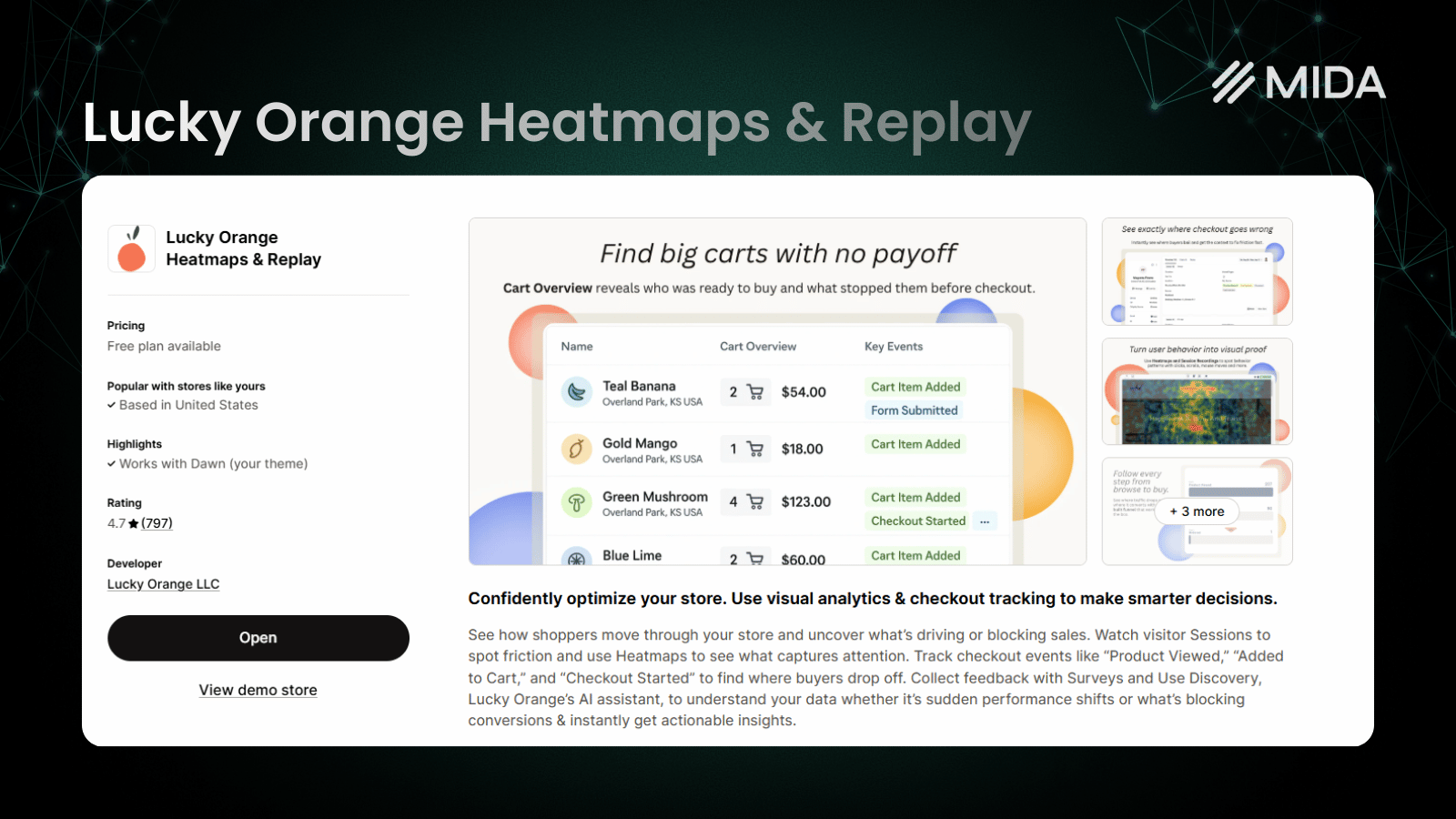
3. Lucky Orange
Lucky Orange differentiates itself by combining behavioral analytics with live chat and real-time visitor monitoring. If you want to watch what shoppers are doing right now—and potentially intervene—this platform offers capabilities others don’t.
Key features
The co-browsing feature lets you see a visitor’s screen in real-time and even guide them through your site. This works particularly well for stores with complex products or configuration options where customers might benefit from assistance.
Form analytics reveal exactly which checkout fields cause friction, showing where visitors hesitate, make errors, or abandon forms entirely.
How Lucky Orange compares to Microsoft Clarity
Lucky Orange adds form analytics that reveal exactly which checkout fields cause friction—something Clarity can’t provide. The live chat integration also creates opportunities for proactive customer support based on observed behavior.
Pricing
Paid plans start at $19/month with tiered pricing based on sessions. A free trial lets you test the platform before committing.
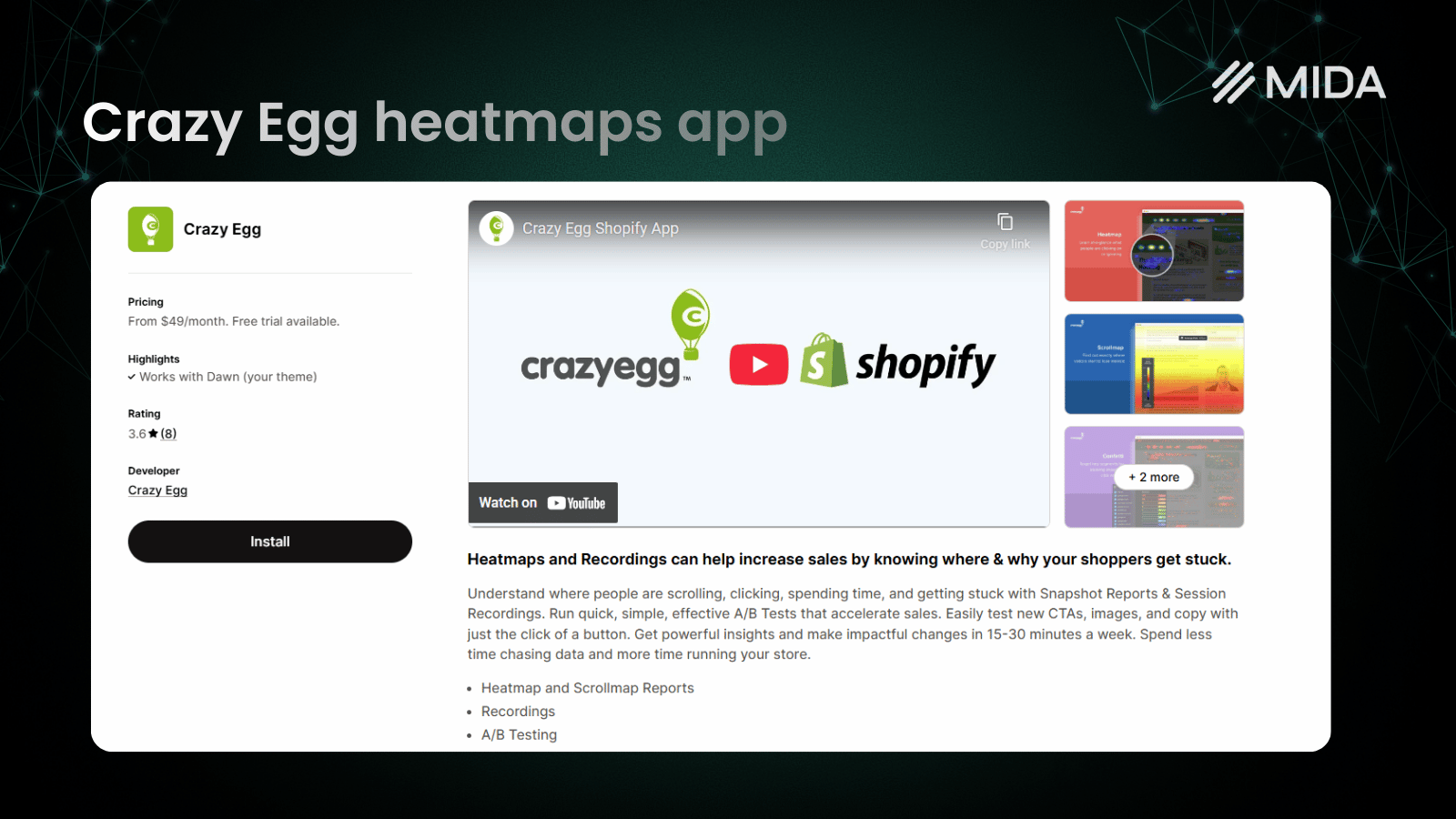
4. Crazy Egg
Crazy Egg pioneered heatmap technology and remains popular for its visual analytics and built-in A/B testing. The platform focuses on helping you understand page performance and test improvements without separate tools.
Key features
Multiple heatmap types provide different perspectives on the same data. Confetti maps show individual clicks color-coded by referral source, while overlay reports display click percentages on each element. The built-in A/B testing lets you create page variations and measure results directly.
How Crazy Egg compares to Microsoft Clarity
The built-in A/B testing sets Crazy Egg apart. You can identify a problem through heatmaps, create a variation to test, and measure results—all within one platform. Clarity requires you to export insights and use separate testing tools.
However, Crazy Egg lacks survey functionality, so you’re still missing the qualitative “why” behind visitor behavior.
Pricing
30-day free trial; paid plans start at $49/month for up to 75,000 pageviews/month.
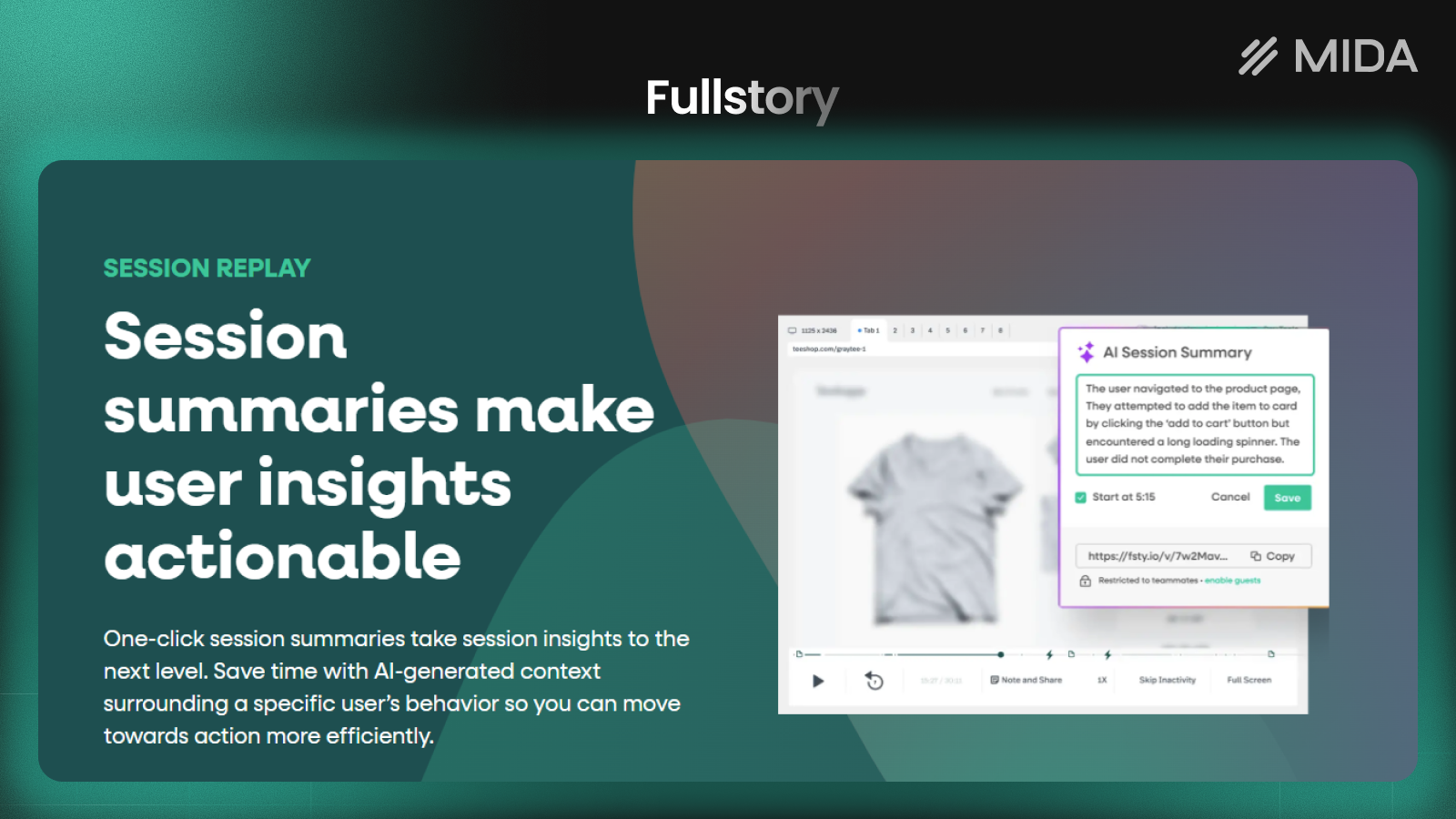
5. FullStory
FullStory positions itself as a digital experience intelligence platform for larger organizations. The tool automatically captures everything and uses AI to surface insights, making it powerful for teams with the resources to act on detailed data.
Key features
Frustration signals like rage clicks (rapid repeated clicking) and dead clicks (clicking on non-interactive elements) get flagged automatically. This helps you find problems without watching hours of session recordings. Error and bug tracking captures JavaScript errors affecting user experience.
How FullStory compares to Microsoft Clarity
FullStory’s automatic frustration detection and error tracking provide value that Clarity can’t match. For development teams trying to identify and fix bugs affecting customers, the technical context is invaluable.
The enterprise focus means pricing and complexity may be overkill for smaller e-commerce operations.
Pricing
Enterprise pricing with custom quotes positions FullStory for mid-market to enterprise companies.
6. Mouseflow
Mouseflow has built a reputation among conversion rate optimization teams for its funnel analysis and form analytics. The platform helps you understand exactly where and why visitors drop off during multi-step processes.

Key features
Friction scores automatically rate sessions based on detected issues, helping you prioritize which recordings to watch. The funnel builder lets you create and adjust conversion paths without developer involvement. Form analytics provide field-level analysis showing where forms fail.
How Mouseflow compares to Microsoft Clarity
Mouseflow’s funnel capabilities go deeper than Clarity’s basic conversion tracking. You can build custom funnels, adjust steps easily, and see exactly where visitors abandon multi-page checkout flows.
Pricing
A limited free plan exists for small sites. Paid tiers start at $25/month and scale based on recorded sessions.
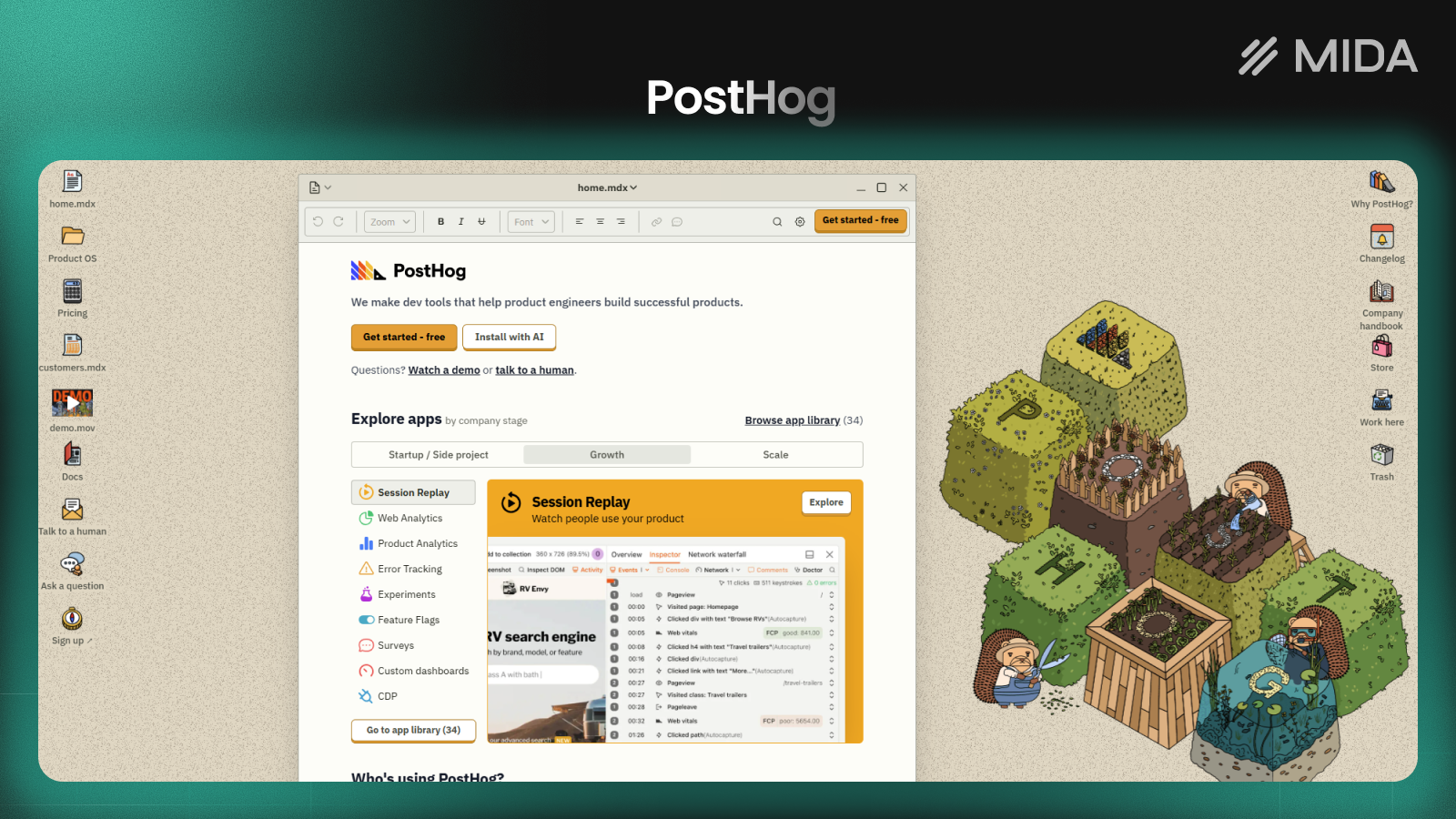
7. PostHog
PostHog takes an open-source approach to product analytics, combining session replay with feature flags and A/B testing. Technical teams appreciate the flexibility and data control that self-hosting provides.
Key features
The platform goes beyond behavioral analytics into product development territory. Feature flags let you roll out changes to specific user segments, while experiments measure the impact of changes. A self-hosted option lets you run PostHog on your own infrastructure.
How PostHog compares to Microsoft Clarity
PostHog appeals to technical teams who want behavioral analytics integrated with their development workflow. The open-source option provides data control that cloud-only tools can’t match.
However, the technical focus means PostHog requires more setup and maintenance than plug-and-play alternatives.
Pricing
A generous free tier covers most small to medium sites. Usage-based pricing applies at higher volumes.
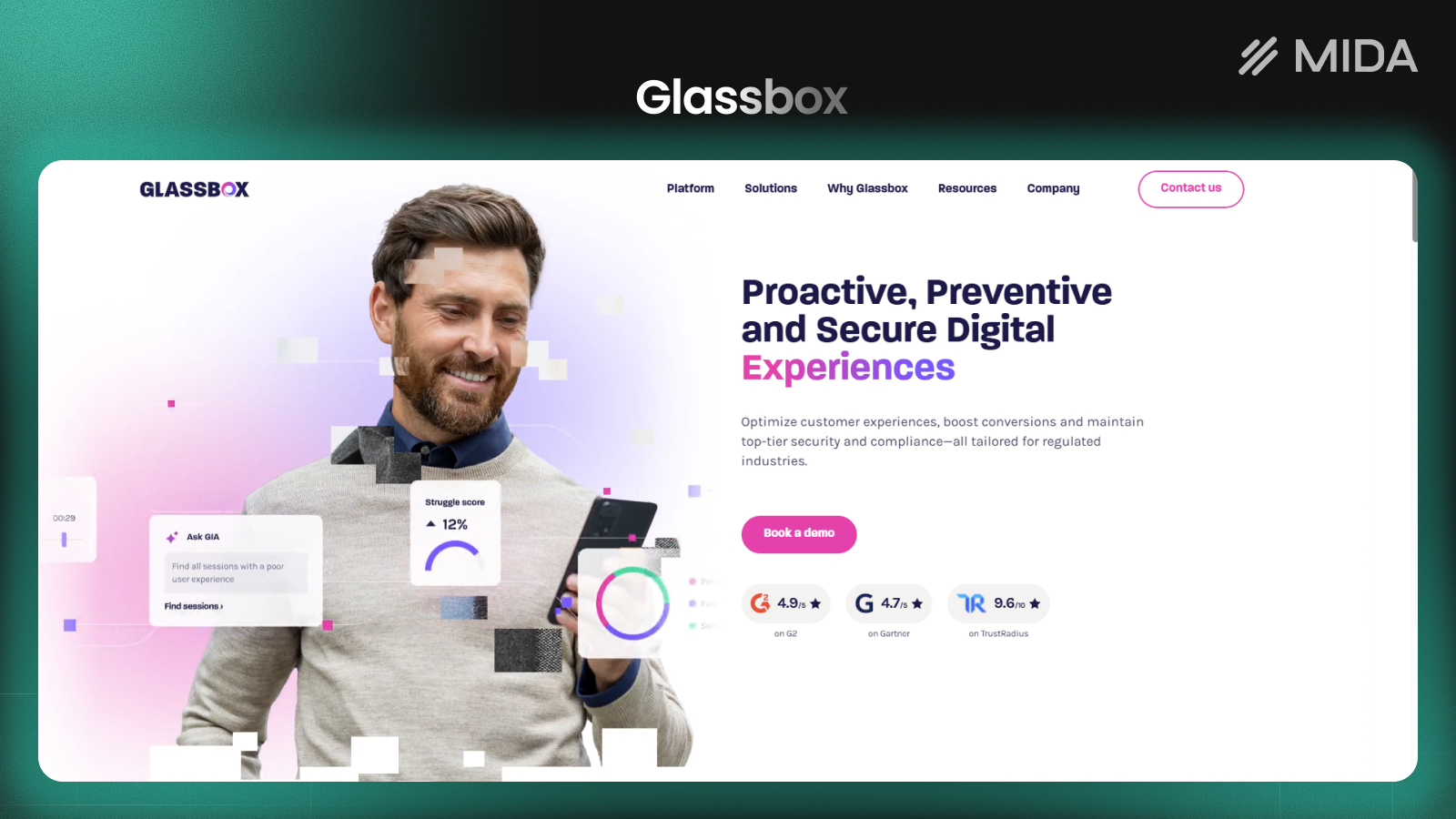
8. Glassbox
Glassbox serves enterprise organizations in regulated industries like finance, healthcare, and insurance. The platform emphasizes compliance, security, and the ability to handle massive traffic volumes.
Key features
Account-level analytics let you understand behavior across multiple sessions from the same customer—useful for businesses with longer consideration cycles or repeat purchase patterns. Compliance and privacy controls address requirements for regulated industries.
How Glassbox compares to Microsoft Clarity
Glassbox provides the security, compliance, and scale that enterprise organizations require. For typical ecommerce stores, Glassbox’s enterprise focus translates to complexity and cost that likely exceeds your requirements.
Pricing
Enterprise pricing requires sales consultation.
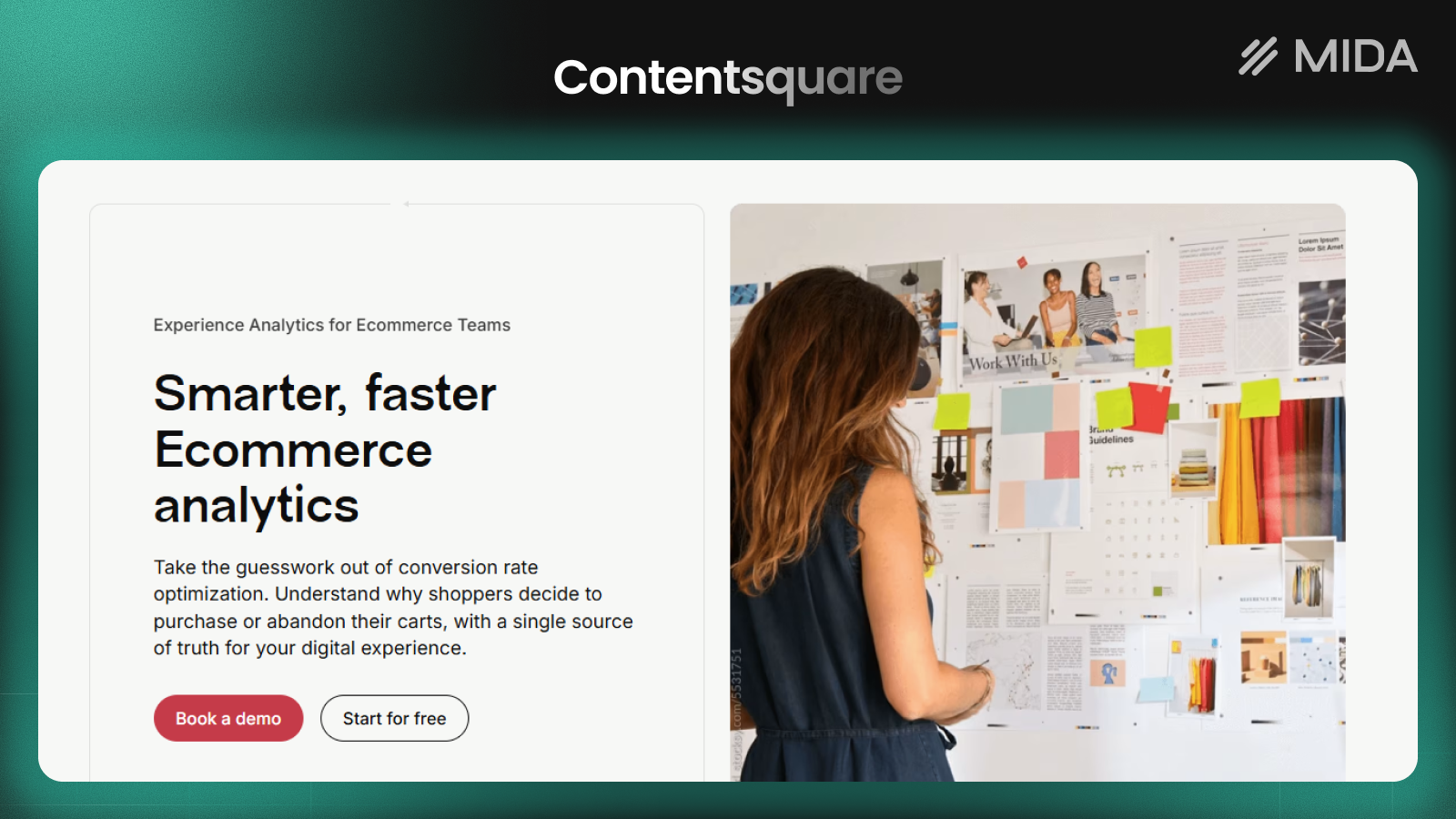
9. Contentsquare
Contentsquare uses AI to automatically surface insights and quantify the revenue impact of UX issues. The platform helps large ecommerce operations prioritize fixes based on business impact rather than just frequency.
Key features
Zone-based heatmaps differ from traditional click maps by analyzing engagement with page sections rather than individual elements. Impact quantification estimates how much revenue you’re losing to specific friction points.
How Contentsquare compares to Microsoft Clarity
The AI-powered insights and revenue quantification help large teams prioritize effectively. Instead of watching recordings to find problems, Contentsquare surfaces issues and estimates their business impact.
Pricing
Enterprise pricing positions Contentsquare for established ecommerce operations with significant traffic.
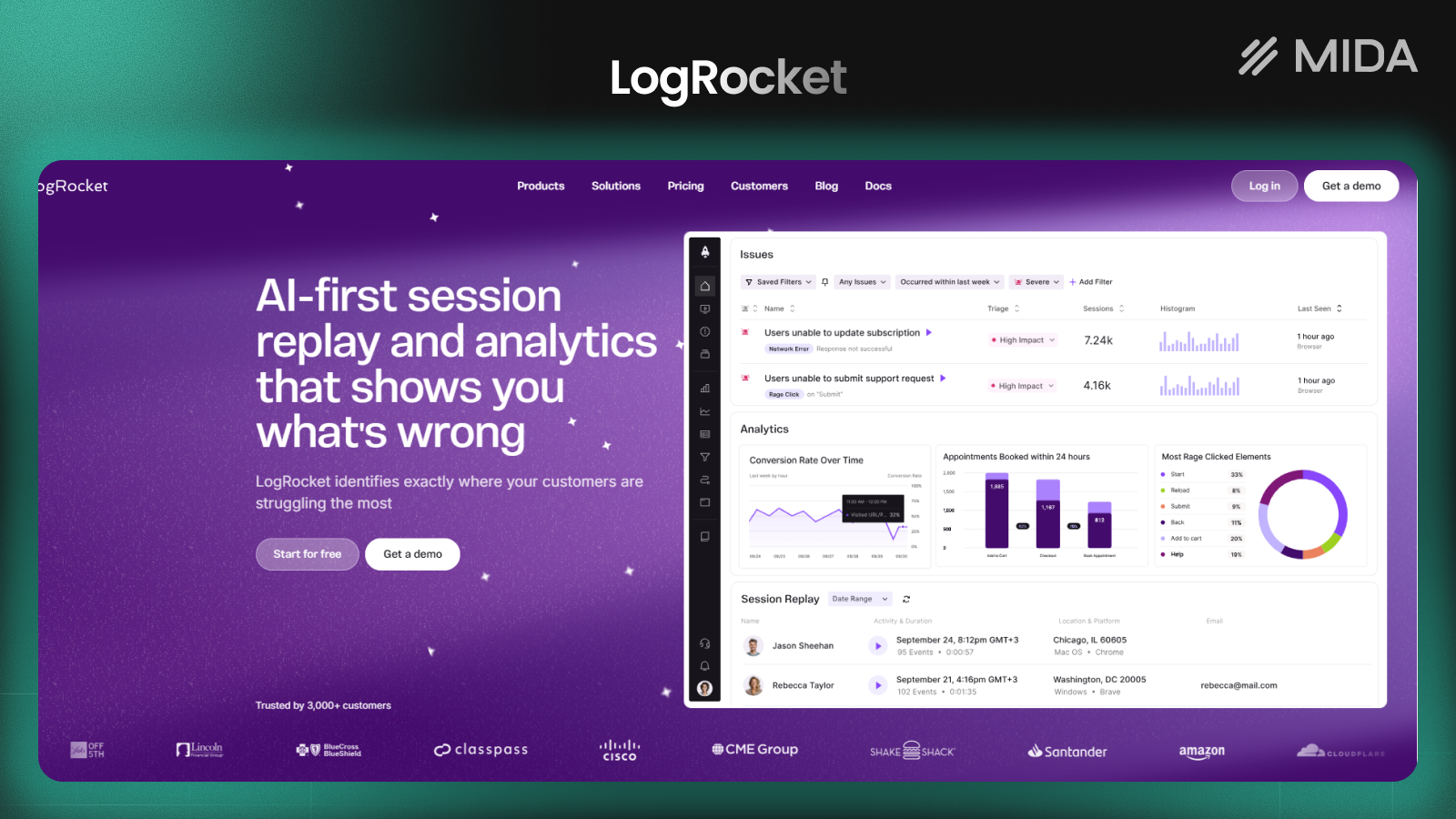
10. LogRocket
LogRocket focuses on helping developers reproduce and fix bugs that affect user experience. The platform combines session replay with technical context that engineering teams require to understand what went wrong.
Key features
Network request logging and console error capture provide the technical details developers require to reproduce issues. Integration with tools like Redux and GraphQL adds context for complex applications.
How LogRocket compares to Microsoft Clarity
LogRocket excels at providing the technical context to reproduce bugs. When a customer reports an issue, you can find their session and see exactly what happened at the code level.
For merchants without development teams, this technical focus provides less value.
Pricing
A free tier covers basic usage. Paid plans for teams start at $99/month.
Microsoft Clarity vs Hotjar
This comparison comes up frequently because both tools offer session recordings and heatmaps, yet they serve different purposes.
| Feature | Microsoft Clarity | Hotjar |
|---|---|---|
| Session recordings | Yes | Yes |
| Heatmaps | Yes | Yes |
| Surveys and feedback | No | Yes |
| Pricing | Free forever | Freemium |
| Traffic limits | Unlimited | Limited on free tier |
Clarity wins on cost—it’s genuinely free with no traffic limits or forced upgrades. Hotjar wins on qualitative research with surveys, feedback widgets, and user interview recruitment.
Neither tool was built specifically for ecommerce, which is why many Shopify merchants eventually look for alternatives that offer native integrations and checkout-specific tracking.
Which Microsoft Clarity alternative is best for your online store
The right choice depends on your specific situation—store size, technical resources, primary goals, and budget all factor into the decision.
- Shopify stores wanting unified behavioral and qualitative insights: MIDA combines session replays, heatmaps, surveys, and ecommerce metrics with native Shopify integration and checkout tracking
- Stores prioritizing customer feedback collection: Hotjar or Lucky Orange for built-in survey and poll features alongside behavioral analytics
- CRO teams focused on checkout optimization: Mouseflow for advanced funnel building and form analytics that reveal field-level friction
- Enterprise operations with compliance requirements: Glassbox or FullStory for robust security, scale, and regulatory controls
- Technical teams wanting open-source flexibility: PostHog for self-hosted control and integration with development workflows
Most merchants benefit from starting with a tool that matches their current capabilities rather than the most feature-rich option available. A simpler platform you actually use beats a sophisticated one that overwhelms your team.
>> Want to see how customers experience your Shopify store? Try MIDA for free to get session replays, heatmaps, and ecommerce analytics with one-click installation.
Frequently asked questions about Microsoft Clarity alternatives
Is Microsoft Clarity completely free?
Yes, Microsoft Clarity is free forever with no traffic limits or forced upgrades to paid plans. You can track unlimited sessions on unlimited websites without paying. This makes Clarity an excellent starting point, though the lack of surveys and limited ecommerce features often lead merchants to seek alternatives as their optimization efforts grow.
Can you use Microsoft Clarity to track Shopify checkout pages?
Clarity has limitations tracking Shopify checkout pages due to domain restrictions—Shopify hosts checkout on a different domain than your main store. This creates gaps in session recordings right at the most critical part of your funnel. Shopify-native alternatives like MIDA can capture the complete customer journey including checkout behavior.
Can you run Microsoft Clarity alongside another analytics tool?
Many stores run Clarity alongside a paid alternative since Clarity is free and adds no cost. You might use Clarity for basic heatmaps while relying on another tool for surveys, advanced funnels, or ecommerce-specific tracking. The main consideration is page load impact—multiple tracking scripts can slow your site, so monitor performance if running multiple tools.
Which Microsoft Clarity alternative offers the fastest setup for Shopify?
MIDA offers one-click installation from the Shopify App Store with no code required. Most other alternatives require manual script installation, either by editing theme files or using a third-party tag manager. For merchants who want to start watching sessions quickly without developer involvement, native Shopify apps provide the smoothest path.


