10 Best Lucky Orange Alternatives for Conversion Optimization in 2026
Lucky Orange helped put heatmaps and session recordings on the map for e-commerce merchants, but it’s not the only option anymore. Whether you’re hitting session limits, frustrated by checkout tracking gaps, or simply want better filtering capabilities, the alternatives have caught up—and in some cases, pulled ahead.
This guide compares 10 behavior analytics tools based on what actually matters for Shopify stores: session replay quality, heatmap accuracy, e-commerce tracking depth, and pricing that won’t spiral as your traffic grows.
Why Merchants Switch From Lucky Orange
Top Lucky Orange alternatives offer similar conversion optimization tools like heatmaps, session recordings, and analytics. Popular choices include Hotjar, Microsoft Clarity, FullStory, Mouseflow, and Smartlook, while Shopify-specific options like MIDA provide deeper e-commerce integration. The right alternative depends on whether you prioritize free unlimited recordings, checkout visibility, or survey capabilities.
Most merchants start looking for alternatives when they hit session recording limits. Lucky Orange caps recordings based on your pricing tier, which means high-traffic stores either pay significantly more or miss capturing important visitor sessions during peak periods.
Checkout tracking presents another common frustration. Many behavior analytics tools struggle to record what happens during Shopify’s checkout process, creating a blind spot at the exact moment where conversions are won or lost. Filtering and segmentation limitations also push merchants toward alternatives—finding specific sessions, like visitors who abandoned their cart, can feel clunky when you’re trying to diagnose a conversion problem quickly.
What to Look for in a Lucky Orange Alternative
Session replay and filtering capabilities
Session replay is a recording of a visitor’s journey through your store, showing every click, scroll, pause, and navigation decision. Think of it like watching over someone’s shoulder as they browse, except you can rewind and fast-forward to the moments that matter.
The real value comes from filtering recordings by meaningful events. Without robust filtering, you’re left watching random sessions hoping to stumble onto useful insights. The best alternatives let you jump directly to cart abandonment moments, checkout drop-offs, or specific product page visits.
Heatmap types and accuracy
Heatmaps visualize where visitors click, how far they scroll, and where their mouse moves across your pages. Click heatmaps reveal which elements attract attention and which get ignored, while scroll heatmaps show how much of your content visitors actually see before leaving.
Data accuracy matters more than most merchants realize. Some tools aggregate data in ways that obscure important patterns, particularly on pages with dynamic content or multiple product variants.
E-commerce and checkout tracking
Tracking behavior through the entire purchase funnel separates e-commerce-focused tools from general-purpose analytics platforms. Shopify’s checkout operates somewhat independently from your storefront, which creates technical challenges for many recording tools.
If you can’t see what happens between “proceed to checkout” and “order confirmed,” you’re missing critical conversion data.
Survey and feedback tools
Quantitative data from heatmaps and recordings tells you what visitors do. Qualitative data from surveys tells you why. On-site surveys and feedback widgets let you ask visitors directly about their experience, hesitations, or confusion.
The combination of behavioral and qualitative data creates a more complete picture than either approach alone.
Pricing that scales with your store
Behavior analytics tools typically charge based on session volume, pageviews, or monthly traffic. Session-based pricing can become expensive quickly as your store grows, particularly during promotional periods when traffic spikes.
Understanding how costs scale helps you avoid surprises when your marketing efforts succeed.
1. MIDA
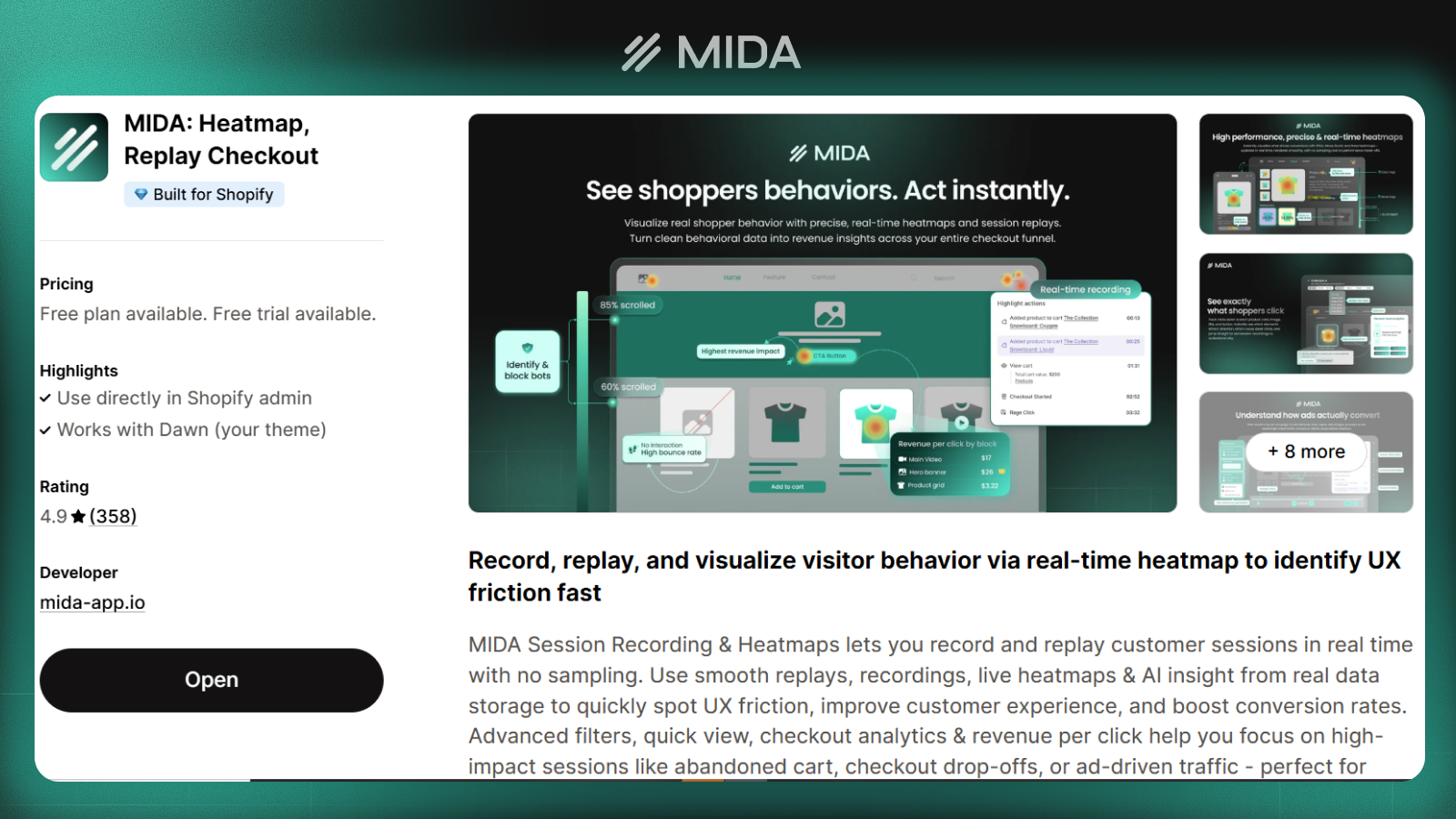
MIDA was built specifically for Shopify merchants who want session replay, heatmaps, surveys, and e-commerce analytics in one unified dashboard. The platform’s Shopify-native architecture means it captures behavior throughout the entire customer journey, including checkout.
The app installs in minutes without any coding, and recordings start immediately. Because MIDA focuses exclusively on Shopify, the interface surfaces e-commerce-specific insights like cart abandonment patterns and purchase funnel drop-offs without requiring custom configuration.
- Session replay: Watch anonymized customer journeys including checkout behavior
- Heatmaps: Click and scroll visualization across all pages
- On-site surveys: Collect qualitative feedback directly from visitors
- Event-based filtering: Find sessions by cart actions and purchases
Pros: Shopify-native integration, unified analytics dashboard, lightweight installation, checkout tracking included by default
Cons: Shopify-only, newer platform compared to established competitors
Pricing: Free tier available with session limits; paid plans scale based on store size
>> See more details in the article: Mida vs Lucky Orange: Which Tool Delivers Better Results?
2. Hotjar
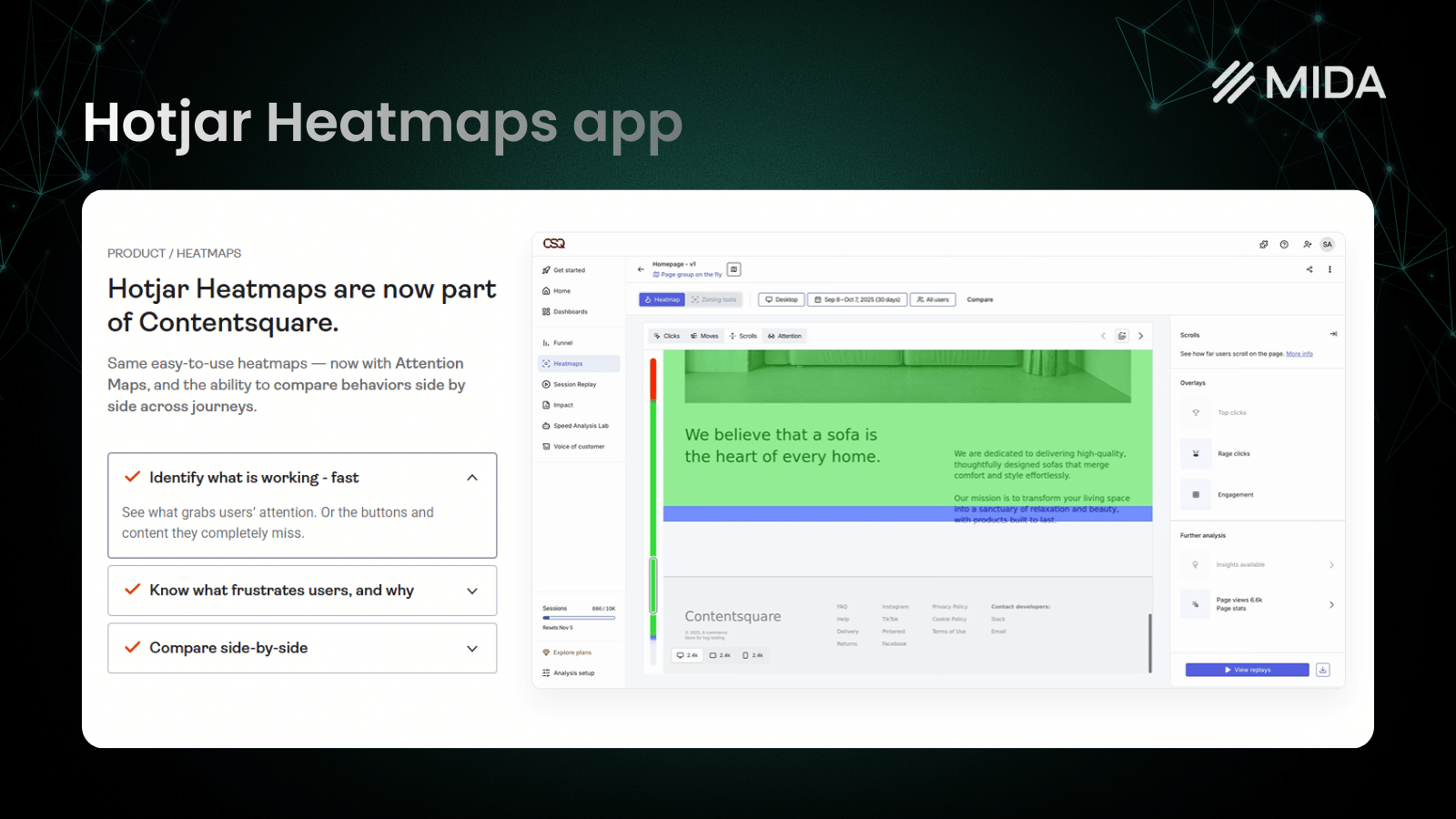
Hotjar has become one of the most recognized names in behavior analytics, offering a polished interface that many teams find intuitive from day one. The platform combines recordings, heatmaps, and a particularly strong survey builder that supports various question types and targeting options.
The large user community means plenty of tutorials and best practices are available online. However, Hotjar wasn’t designed specifically for e-commerce, so features like checkout tracking and purchase funnel analysis require workarounds or don’t exist at all.
Pros: Intuitive interface, robust survey capabilities, extensive documentation
Cons: Session caps on lower pricing tiers, limited e-commerce-specific features, no native Shopify checkout tracking
Pricing: Free tier with limited sessions; paid plans based on session volume
>> We Tested 12 Hotjar Alternatives – Here Are the Top Performers
3. Microsoft Clarity
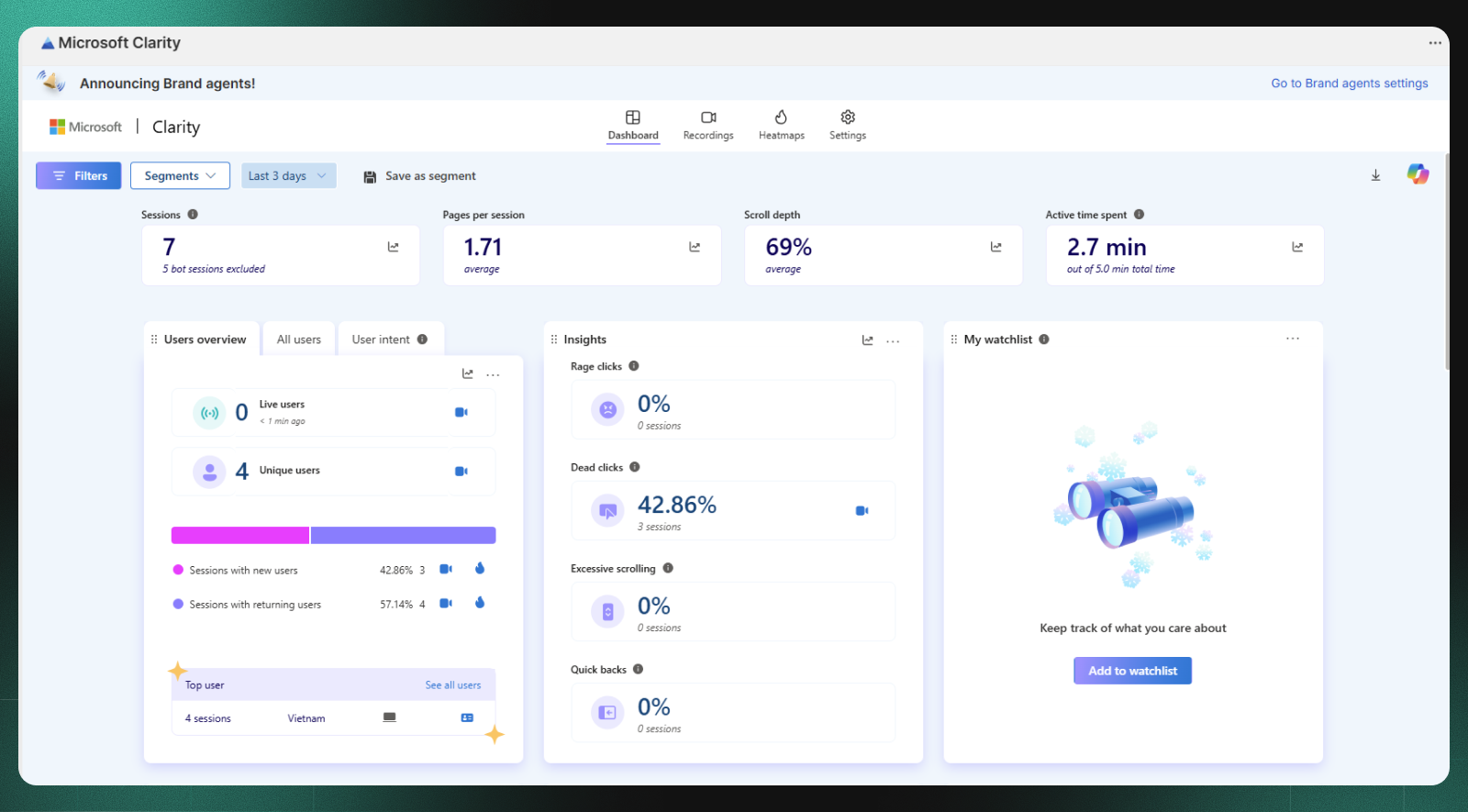
Microsoft Clarity stands out as a completely free tool with no session limits. The platform offers solid heatmaps and session recordings, plus useful features like rage click detection that highlights moments of visitor frustration.
For merchants on tight budgets or those just starting to explore behavior analytics, Clarity provides genuine value without financial commitment. The trade-off is a lack of survey tools, basic filtering options, and no e-commerce-specific tracking capabilities.
Pros: Entirely free, no session limits, identifies frustration signals automatically
Cons: No survey or feedback tools, limited e-commerce tracking, basic filtering capabilities
Pricing: Completely free with no paid tiers
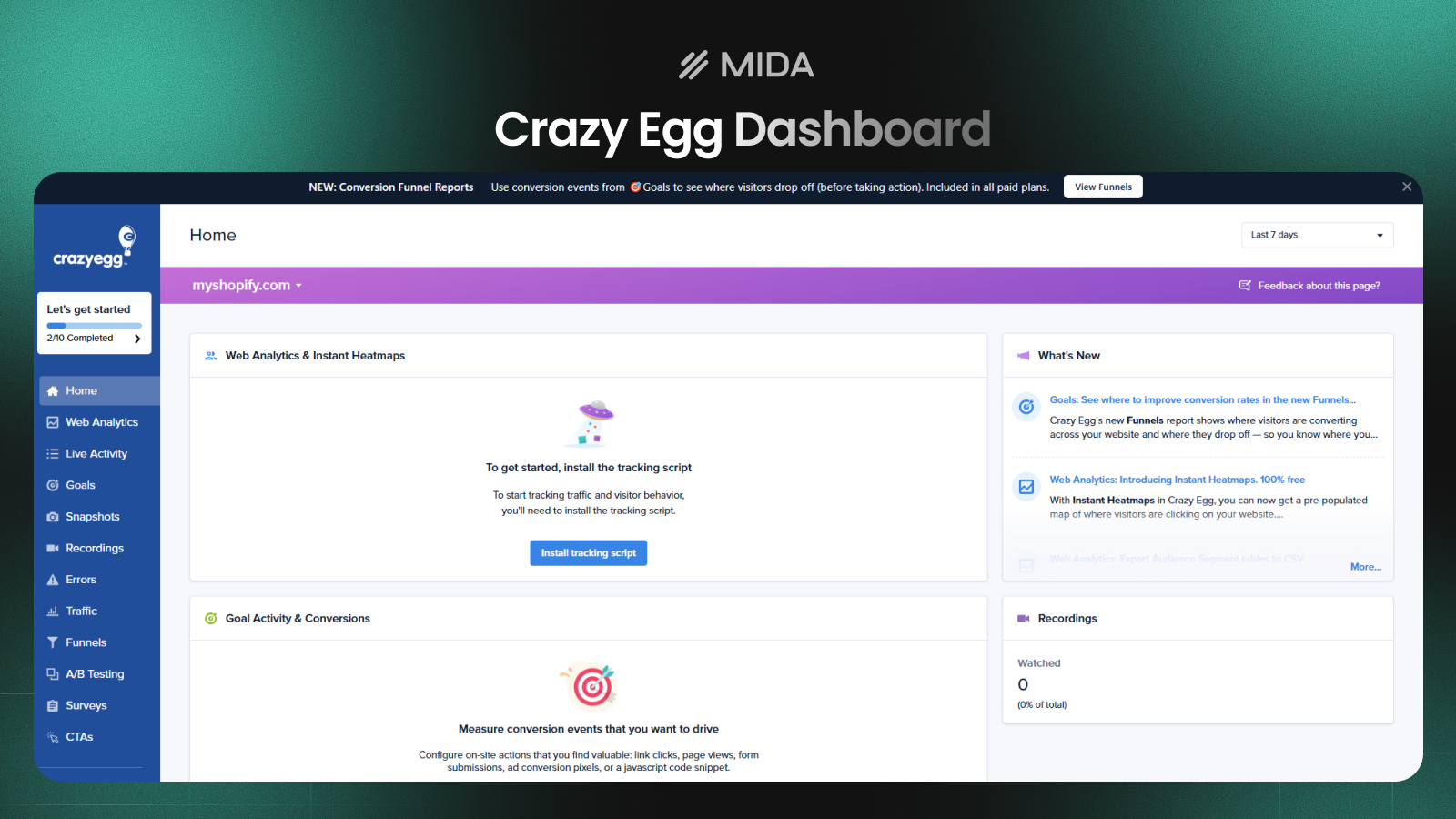
4. Crazy Egg
Crazy Egg pioneered the heatmap category and remains a solid choice for merchants who want visual analytics combined with A/B testing capabilities. The platform’s confetti reports break down clicks by referral source, which helps identify how different traffic segments interact with your pages.
The built-in A/B testing feature lets you act on heatmap insights without switching to a separate tool. However, the interface feels somewhat dated compared to newer alternatives, and e-commerce-specific features are limited.
Pros: Established platform, visual reports easy to share with teams, integrated testing capabilities
Cons: Not designed for e-commerce specifically, limited checkout tracking, interface shows its age
Pricing: No free plan; tiered pricing based on pageviews
5. FullStory
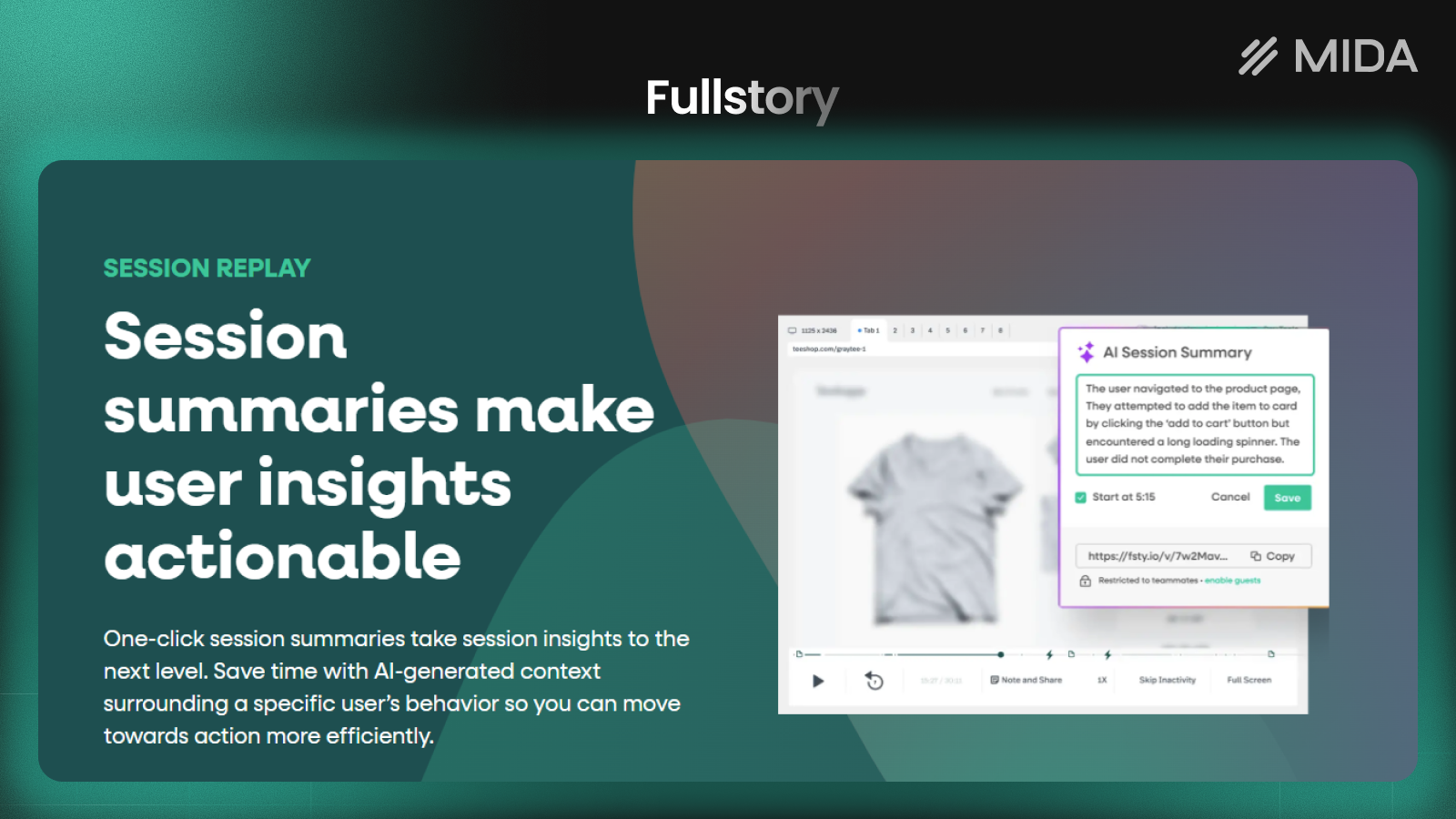
FullStory positions itself as a digital experience intelligence platform, targeting larger organizations that want deep analytics capabilities. The search and filtering functionality is particularly powerful, letting you find specific sessions based on complex criteria.
Frustration detection goes beyond basic rage clicks to identify patterns that indicate poor user experience. However, the enterprise focus means pricing isn’t transparent, setup requires more technical involvement, and the learning curve is steeper.
Pros: Sophisticated filtering and search, detailed frustration detection, robust integration ecosystem
Cons: Enterprise pricing not suitable for smaller merchants, complex setup process, significant learning curve
Pricing: Custom enterprise pricing; no transparent public pricing available
6. Mouseflow
Mouseflow occupies the mid-market space with a particular strength in form analytics. If your store relies on forms for lead capture, custom orders, or account creation, Mouseflow’s ability to show exactly where visitors abandon forms provides actionable insights.
The funnel visualization feature helps identify drop-off points across multi-step processes. Pricing sits in a reasonable middle ground, though Shopify-specific features require custom configuration.
Pros: Strong form analytics capabilities, useful funnel visualization, reasonable mid-tier pricing
Cons: Not Shopify-specific, checkout tracking requires custom setup
Pricing: Free tier with limited recordings; paid plans scale with session volume

7. Smartlook
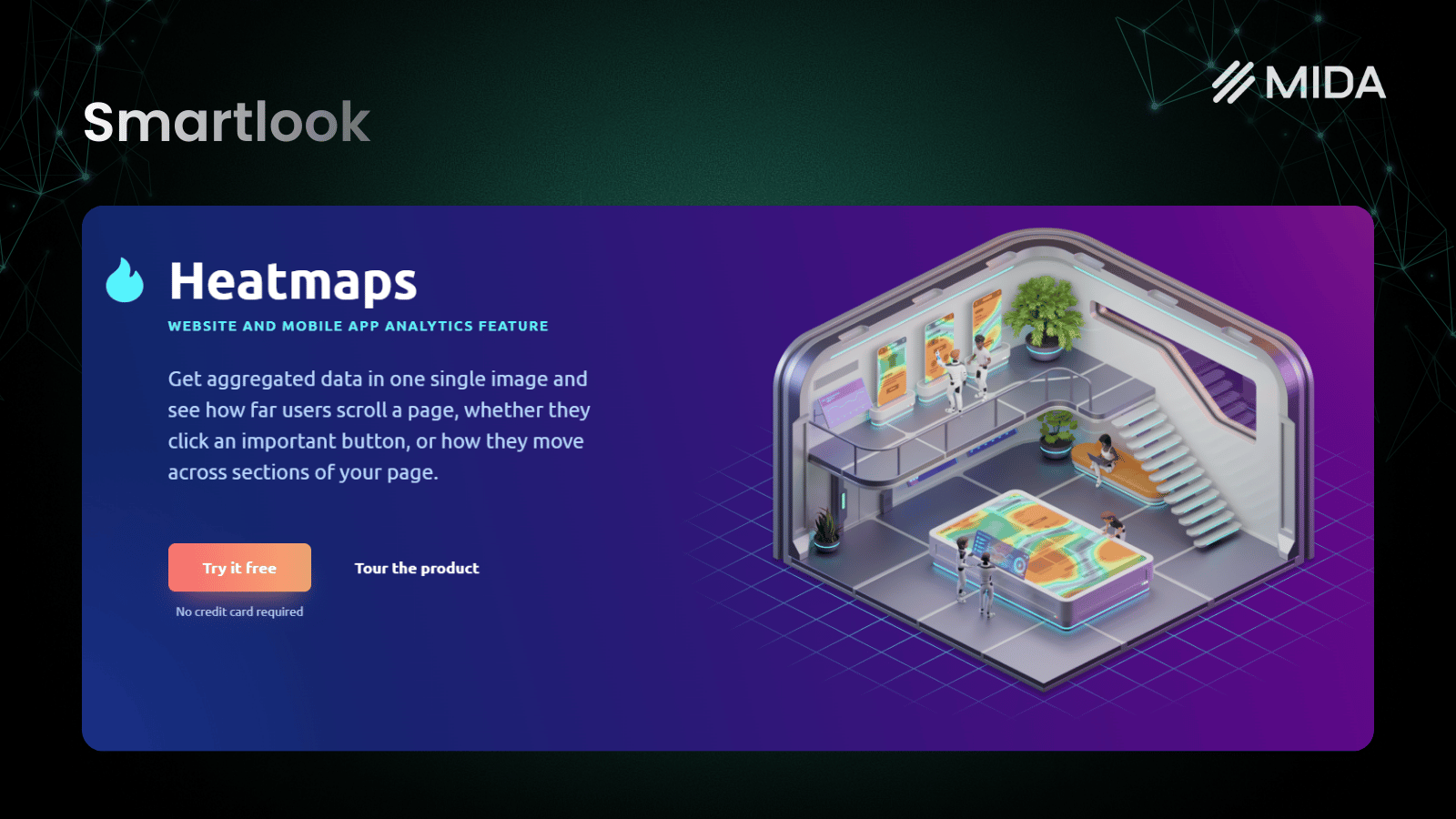
Smartlook appeals to teams that want behavior analytics across both web and mobile applications. The platform offers event-based filtering that lets you create custom triggers for the actions that matter to your business.
The interface feels clean and modern, and the mobile SDK extends tracking to native apps if your brand operates across multiple platforms. E-commerce features are limited compared to Shopify-specific tools, and advanced tracking requires some technical setup.
Pros: Supports both web and mobile apps, event-based filtering, clean modern interface
Cons: E-commerce features are limited, advanced tracking requires technical configuration
Pricing: Free plan available; paid tiers based on monthly sessions
8. VWO Insights
VWO Insights functions as part of the broader VWO optimization suite, making it particularly valuable for teams already running A/B tests through VWO’s testing platform. The seamless connection between behavior insights and experimentation creates a natural workflow from observation to action.
On-page surveys and form analytics round out the feature set. However, pricing typically requires committing to the full VWO suite, which may be more than merchants who only want behavior analytics actually use.
Pros: Seamless connection to A/B testing, comprehensive optimization suite
Cons: Pricing requires commitment to full suite, potentially overkill for analytics-only use cases
Pricing: Quote-based pricing typically bundled with testing tools

9. Heap
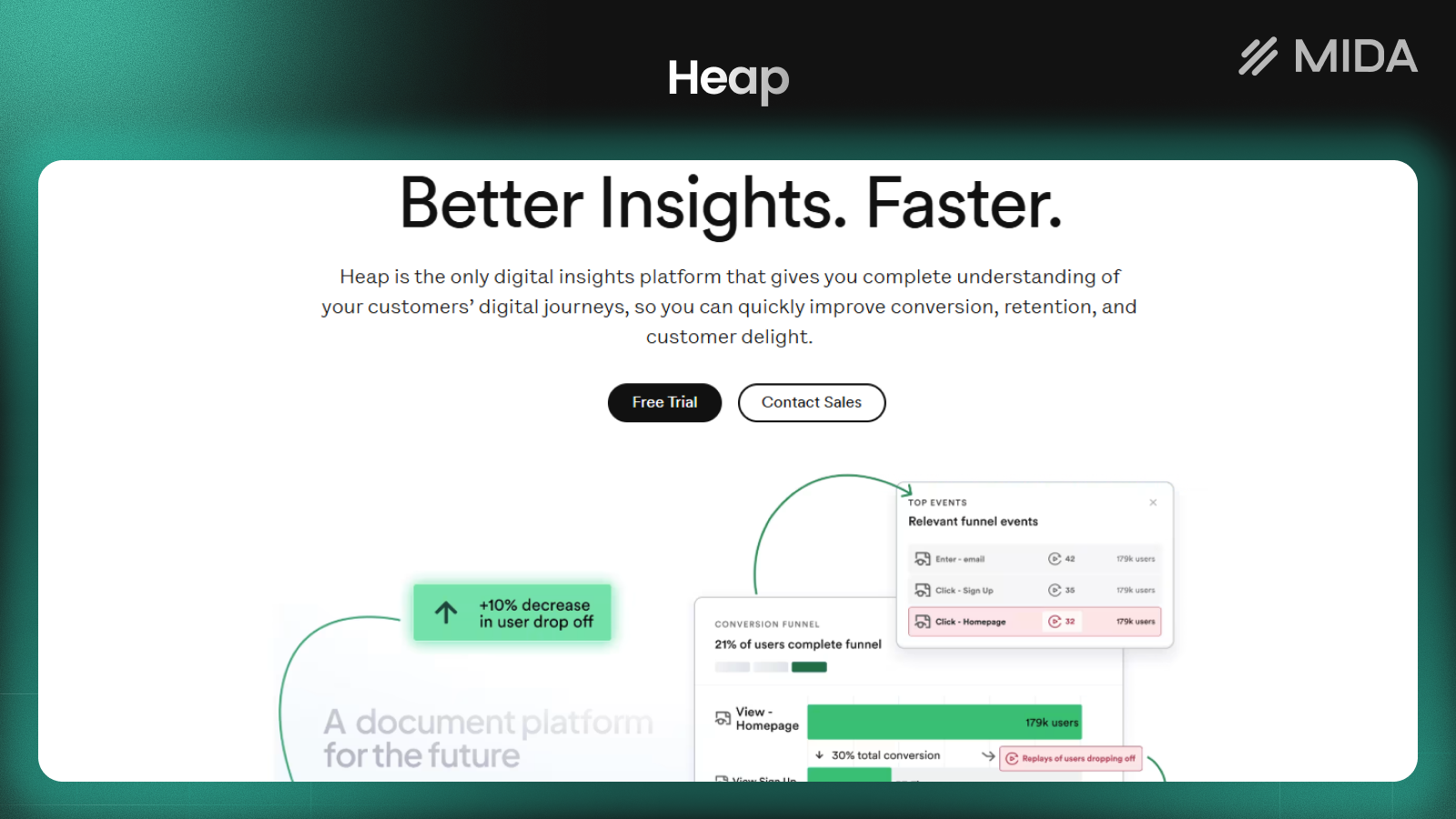
Heap takes a different approach by automatically capturing every user interaction without requiring manual event tagging. This auto-capture philosophy means you can analyze behavior retroactively, asking questions about past visitor actions that you didn’t think to track initially.
The platform excels at product analytics and retention analysis, though its enterprise focus and complexity make it better suited for larger organizations with dedicated analytics resources.
Pros: Captures all interactions automatically, powerful retroactive analysis capabilities
Cons: Enterprise focus with complex pricing, steep learning curve, not e-commerce specific
Pricing: Free tier for low volume; enterprise pricing for larger implementations
10. UXtweak
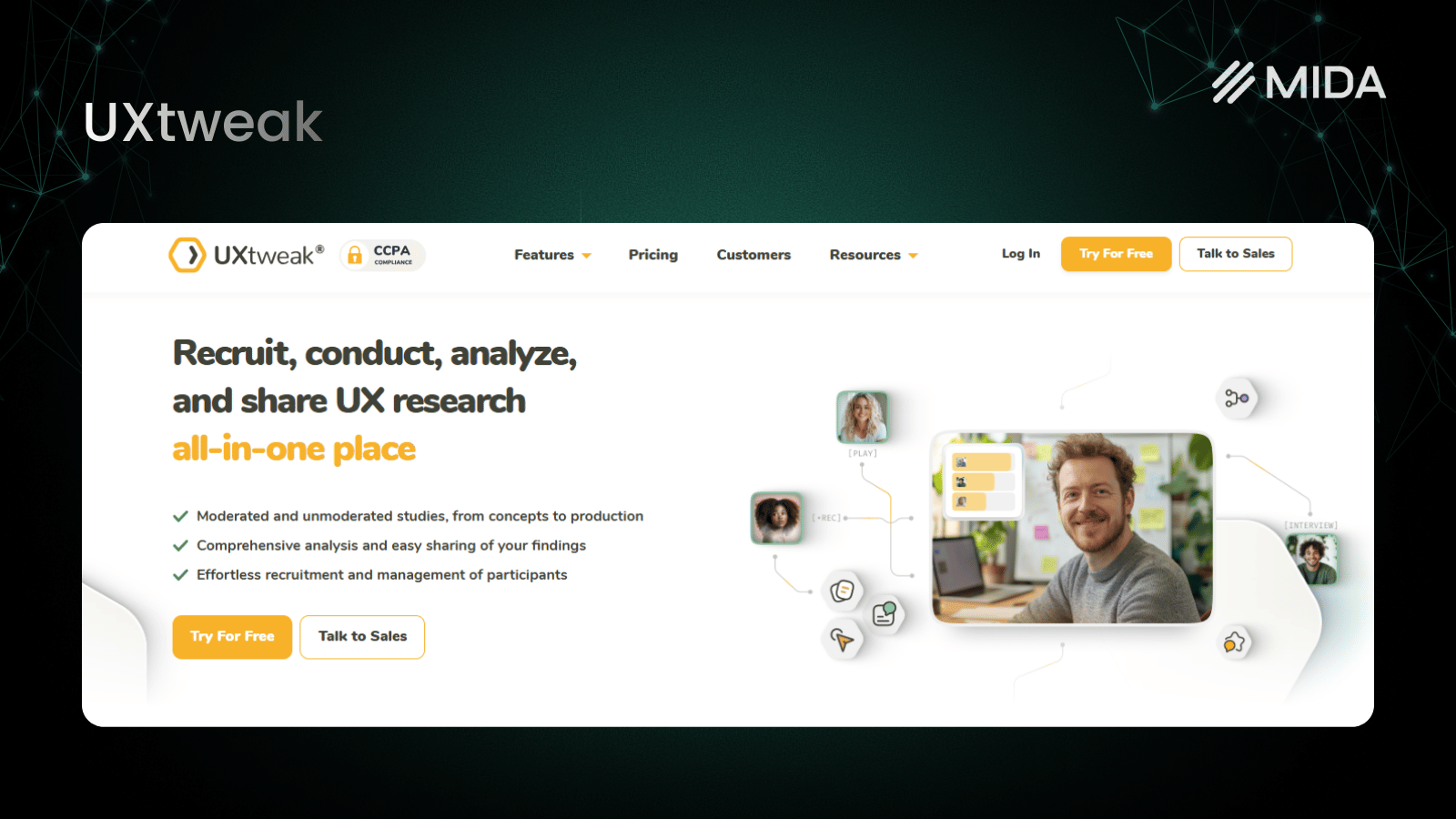
UXtweak emphasizes UX research capabilities alongside standard behavior analytics. The platform includes usability testing, tree testing, and card sorting tools that help validate design decisions before and after launch.
For merchants planning significant store redesigns or wanting to test navigation changes, UXtweak’s research tools provide value beyond basic heatmaps and recordings. The trade-off is less focus on live e-commerce analytics and a smaller user community.
Pros: Strong research and testing tools, good for pre-launch validation, affordable entry point
Cons: Less focused on live e-commerce analytics, smaller user base
Pricing: Free plan available; paid plans based on study responses and features
Free Lucky Orange Alternatives Worth Trying
Several alternatives offer genuinely useful free tiers, though each comes with trade-offs worth understanding before you commit.
| Tool | Free Tier Highlights | Main Limitations |
|---|---|---|
| Microsoft Clarity | Unlimited sessions, heatmaps, rage click detection | No surveys, basic e-commerce tracking |
| MIDA | Session replay, heatmaps, surveys, checkout tracking | Session limits on free plan |
| Hotjar | Basic recordings and heatmaps | Low session cap |
| Mouseflow | Limited recordings and heatmaps | Feature restrictions |
| Smartlook | Entry-level access to recordings | Session caps |
Microsoft Clarity offers the most generous free option with unlimited recordings, though you sacrifice survey capabilities and e-commerce-specific features. MIDA’s free tier provides more e-commerce functionality but with session limits. The right choice depends on whether you prioritize volume or depth of features.
How Lucky Orange Pricing Compares to Top Alternatives
Lucky Orange uses session-based pricing tiers, meaning costs increase as your traffic grows. This model works reasonably well for smaller stores but can become expensive during traffic spikes from successful marketing campaigns or seasonal peaks.
Different alternatives use different pricing models:
- Session-based pricing: Lucky Orange, Hotjar, Smartlook—costs scale directly with traffic volume
- Pageview-based pricing: Crazy Egg—can get expensive for stores with high pages-per-session
- Free tools: Microsoft Clarity—no cost but limited features
- Platform-specific value: MIDA—Shopify-optimized pricing designed for merchant economics
When comparing costs, consider not just the monthly fee but how pricing scales with your growth goals. A tool that seems affordable at current traffic levels might become prohibitively expensive if your marketing efforts succeed.
Which Lucky Orange Alternative Will Improve Your Conversions
The best alternative depends on your specific situation and priorities.
- For Shopify merchants wanting a unified view: MIDA combines session replay, heatmaps, surveys, and e-commerce analytics in one Shopify-native app with checkout visibility included by default.
- For budget-conscious stores: Microsoft Clarity offers free unlimited recordings, making it a solid starting point for merchants new to behavior analytics.
- For teams running A/B tests: Crazy Egg or VWO Insights integrate testing with analytics, creating a smoother workflow from insight to experiment.
- For enterprise operations: FullStory provides deep digital experience analytics with sophisticated filtering and frustration detection.
The common thread across successful implementations is actually using the data to make changes. A simpler tool you check daily will improve conversions more than a sophisticated platform you rarely open.
Try MIDA app for free to see session replays, heatmaps, and key e-commerce analytics on your own store.
FAQs About Lucky Orange Alternatives
Does Lucky Orange slow down Shopify stores?
Lucky Orange and similar behavior analytics tools can impact page speed depending on how their scripts load. Lightweight alternatives like MIDA and Microsoft Clarity are designed to minimize performance drag through optimized, asynchronous script loading. Testing your store’s speed before and after installation helps identify any meaningful impact.
Can merchants run multiple behavior analytics tools simultaneously?
Yes, though running multiple tools adds script load and can create data redundancy. Most merchants get better results by consolidating into one comprehensive platform rather than piecing together insights from several sources.
How long does it take to set up a behavior analytics tool on Shopify?
Most tools can be installed within minutes via the Shopify App Store or by adding a tracking script. Shopify-native apps like MIDA require no coding and start recording immediately after installation. More complex platforms like FullStory or Heap typically require additional configuration time.
Which Lucky Orange alternative offers the best Shopify checkout tracking?
MIDA is built specifically for Shopify and includes checkout tracking by default. Most other tools require custom configuration to access checkout data, and some cannot track Shopify’s checkout process at all due to technical limitations.
Are behavior analytics tools like Lucky Orange GDPR compliant?
Most major alternatives, including MIDA, Hotjar, and Microsoft Clarity, offer GDPR compliance features like consent management and data anonymization. However, compliance depends on proper configuration—simply installing a compliant tool doesn’t automatically make your implementation compliant.


