We Tested 12 Hotjar Alternatives – Here Are the Top Performers
Hotjar helped popularize session recordings and heatmaps, but it wasn’t built with e-commerce in mind. For Shopify merchants tracking cart abandonment, checkout friction, and product page behavior, that gap becomes obvious fast.
We tested 12 alternatives head-to-head, evaluating each on recording quality, heatmap accuracy, e-commerce event tracking, pricing, and platform integration. Below, you’ll find what actually worked, what fell short, and which tools make the most sense depending on your store’s priorities.
Why E-commerce Brands Look for Alternatives to Hotjar
Popular Hotjar alternatives include Microsoft Clarity, Smartlook, Mouseflow, Crazy Egg, FullStory, and PostHog. Each offers session replays, heatmaps, funnels, and user feedback tools, though they differ in pricing models, analytics depth, ease of use, and specialized features like A/B testing.
The most common reason merchants start exploring alternatives comes down to pricing. Hotjar’s tiered structure limits how many sessions you can record each month, and as your store traffic grows, costs climb quickly. What worked at 5,000 monthly visitors becomes expensive at 50,000.
Then there’s the platform question. Hotjar works across any website, which sounds flexible, but it also means the tool isn’t built for specific platforms like Shopify. You won’t find native tracking for e-commerce events like add-to-cart clicks, checkout starts, or completed purchases. For merchants who want to filter recordings by cart abandonment or successful orders, that gap matters.
Survey limitations also push teams to look elsewhere. While Hotjar includes feedback widgets, the targeting and analysis options can feel basic for teams running serious user research.
How We Evaluated These Hotjar Competitors
We tested each alternative against five criteria that matter most for e-commerce teams trying to understand customer behavior and improve conversions.
Session Recording Quality
Session recordings capture what visitors actually do on your site. Every mouse movement, click, scroll, and form interaction gets recorded so you can watch the experience back like a video. The best tools offer smooth playback, easy filtering options, and the ability to skip to specific moments. Poor recording quality means choppy video and missing interactions, which makes the whole exercise frustrating.
Heatmap Accuracy
Heatmaps show aggregate visitor behavior through color-coded overlays on your pages. Click maps reveal where people tap or click most often. Scroll maps show how far down visitors actually read before leaving. Attention maps combine multiple signals to highlight what draws the eye.
The most useful heatmaps segment by device type or traffic source, so you can see how mobile visitors behave differently from desktop users.
E-commerce Event Tracking
This is where generic analytics tools often fall short. Event tracking lets you filter recordings by specific actions: abandoned carts, completed purchases, product page views, or checkout starts. Without this capability, you’re watching random visitor sessions instead of investigating the moments that actually affect revenue.
Pricing and Session Limits
Pricing models vary widely across the market:
- Per session: You pay based on how many visitor sessions get recorded
- Per pageview: Charges accumulate with each page a visitor loads
- Flat rate: Fixed monthly cost regardless of traffic volume
Session limits can catch growing stores off guard, so understanding what you’re paying for prevents billing surprises down the road.
Platform Integration
Setup complexity ranges from one-click installs to manual code implementation. Native Shopify apps install through the app store in minutes, while other tools require pasting scripts into your theme files. Compatibility with Google Analytics 4 and other platforms also factors into the decision for teams managing multiple data sources.
The 12 Best Hotjar Alternatives We Tested
| Tool | Best For | Key Features | Pricing Model |
|---|---|---|---|
| MIDA | Shopify stores | Session replay, heatmaps, surveys, e-commerce events | Per session, free tier |
| Crazy Egg | Simple visualization | Snapshots, A/B testing, click tracking | Flat monthly rate |
| Lucky Orange | Small businesses | Live chat, real-time dashboard, dynamic heatmaps | Per session |
| Microsoft Clarity | Budget-conscious teams | Free replays, heatmaps, rage click detection | Free |
| FullStory | Enterprise teams | AI insights, powerful search, privacy controls | Custom pricing |
| Mouseflow | Funnel analysis | Conversion funnels, form analytics | Per session |
| PostHog | Product-led teams | Open source, A/B testing, feature flags | Usage-based, free tier |
| Smartlook | Mobile and web | App analytics, event tracking | Per session |
| Pendo | SaaS products | In-app guides, onboarding flows | Custom pricing |
| Contentsquare | Large enterprises | AI insights, zone-based heatmaps | Custom pricing |
| Sprig | User research | In-product surveys, AI analysis | Per response |
| Heap | Retroactive analysis | Auto-capture, no pre-defined events | Usage-based |
MIDA
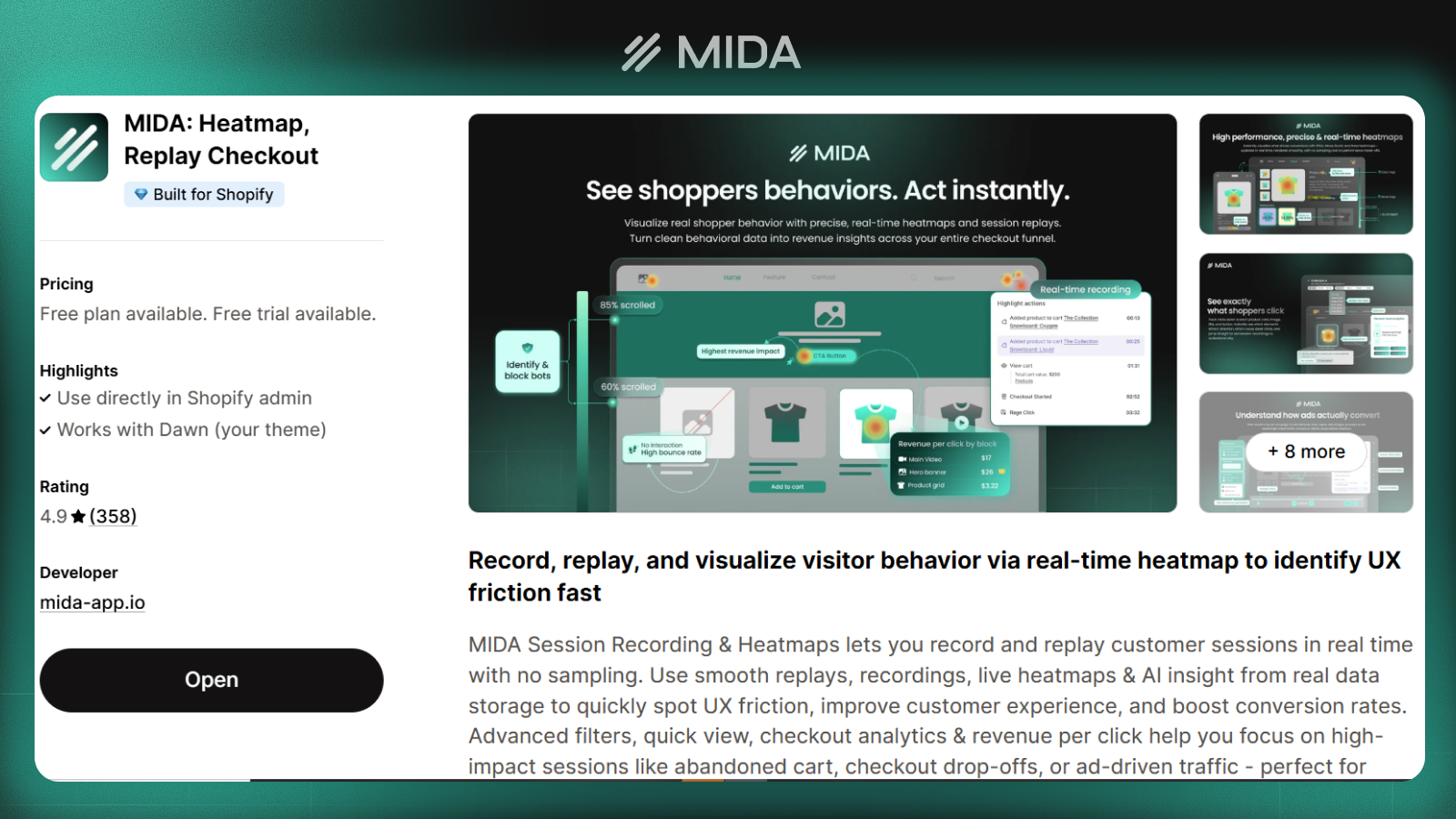
MIDA combines session replay, heatmaps, on-site surveys, and e-commerce metrics into a single Shopify app. The native integration means you can filter recordings by abandoned carts, successful orders, or product page views without any manual setup.
What makes it different is the unified view. Rather than switching between multiple tools to piece together what happened, you see behavior, feedback, and commerce events in one dashboard. For Shopify merchants specifically, MIDA captures checkout behavior that generic tools often miss due to platform restrictions.
Crazy Egg
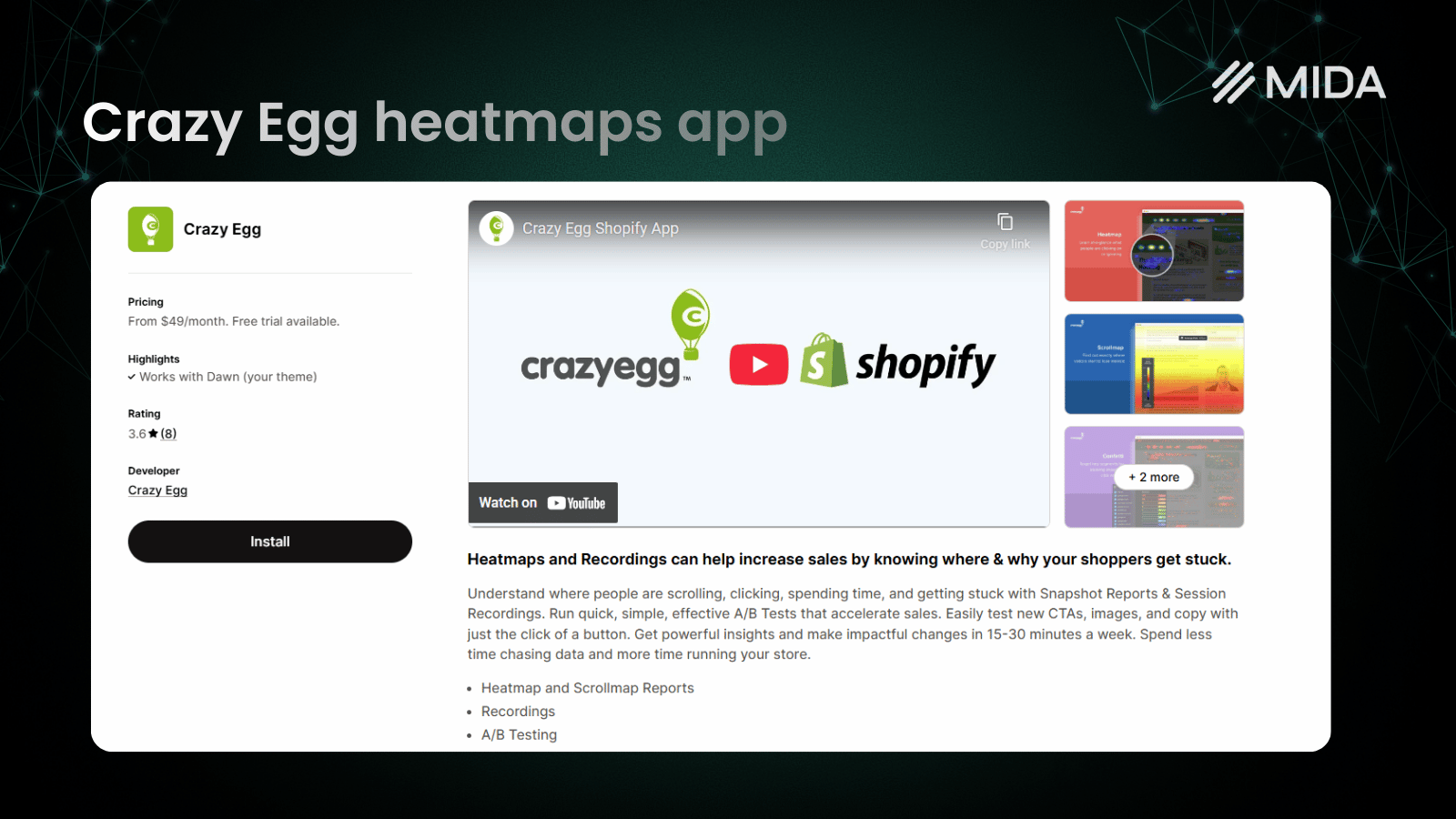
Crazy Egg focuses on visual snapshots and straightforward A/B testing. The interface keeps things simple, making it accessible for teams who want click tracking without a steep learning curve.
Pricing follows a flat monthly structure based on pageviews, which can feel more predictable than session-based billing. The trade-off is less depth in e-commerce event filtering compared to specialized tools.
Lucky Orange
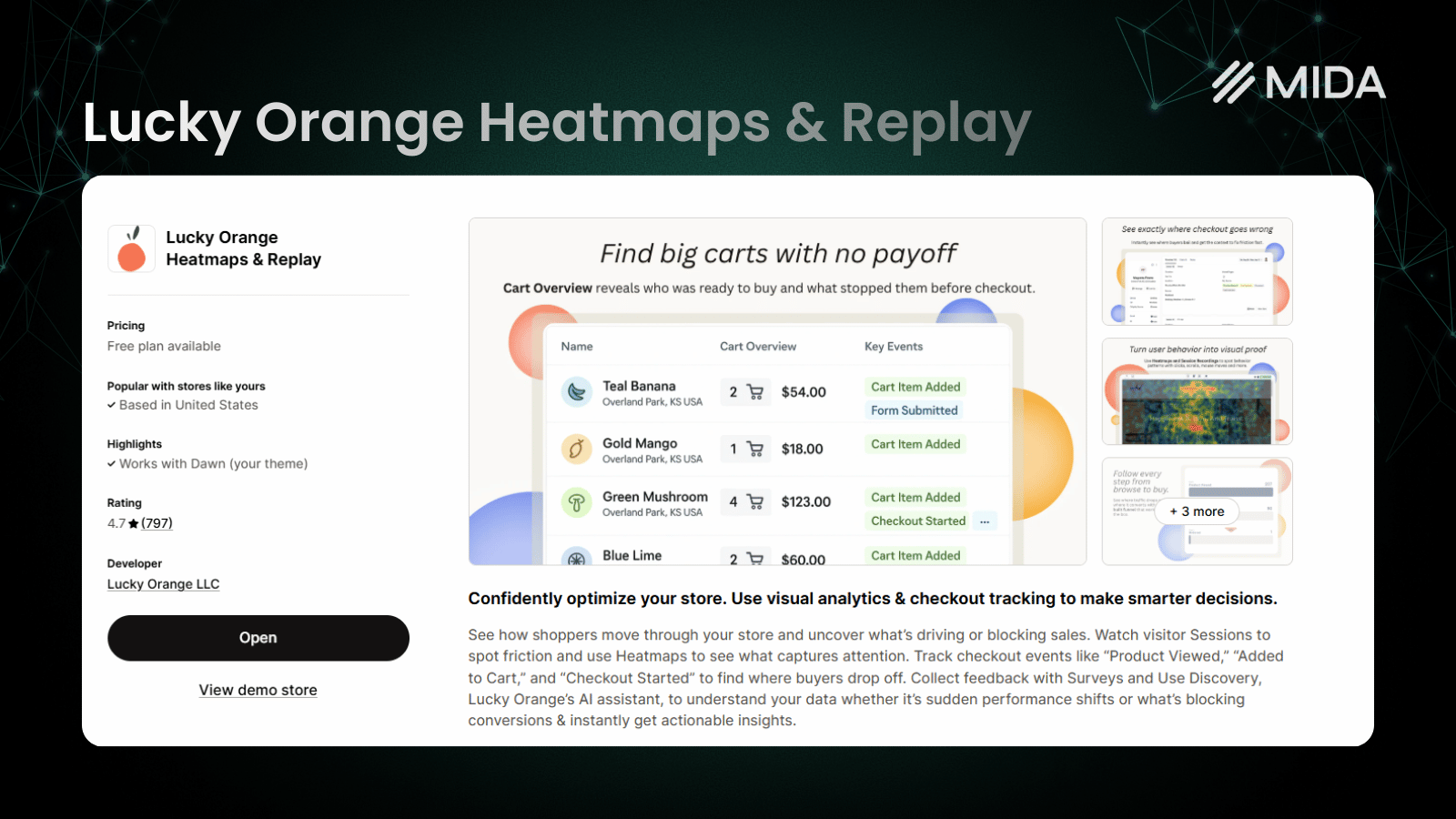
Lucky Orange stands out with real-time visitor monitoring and built-in live chat. You can watch someone browse your site as it happens and start a conversation if they seem stuck.
Dynamic heatmaps update automatically when you make site changes, so you don’t have to wait for new data to accumulate. The tool works well for smaller businesses wanting engagement features beyond pure analytics.
Microsoft Clarity
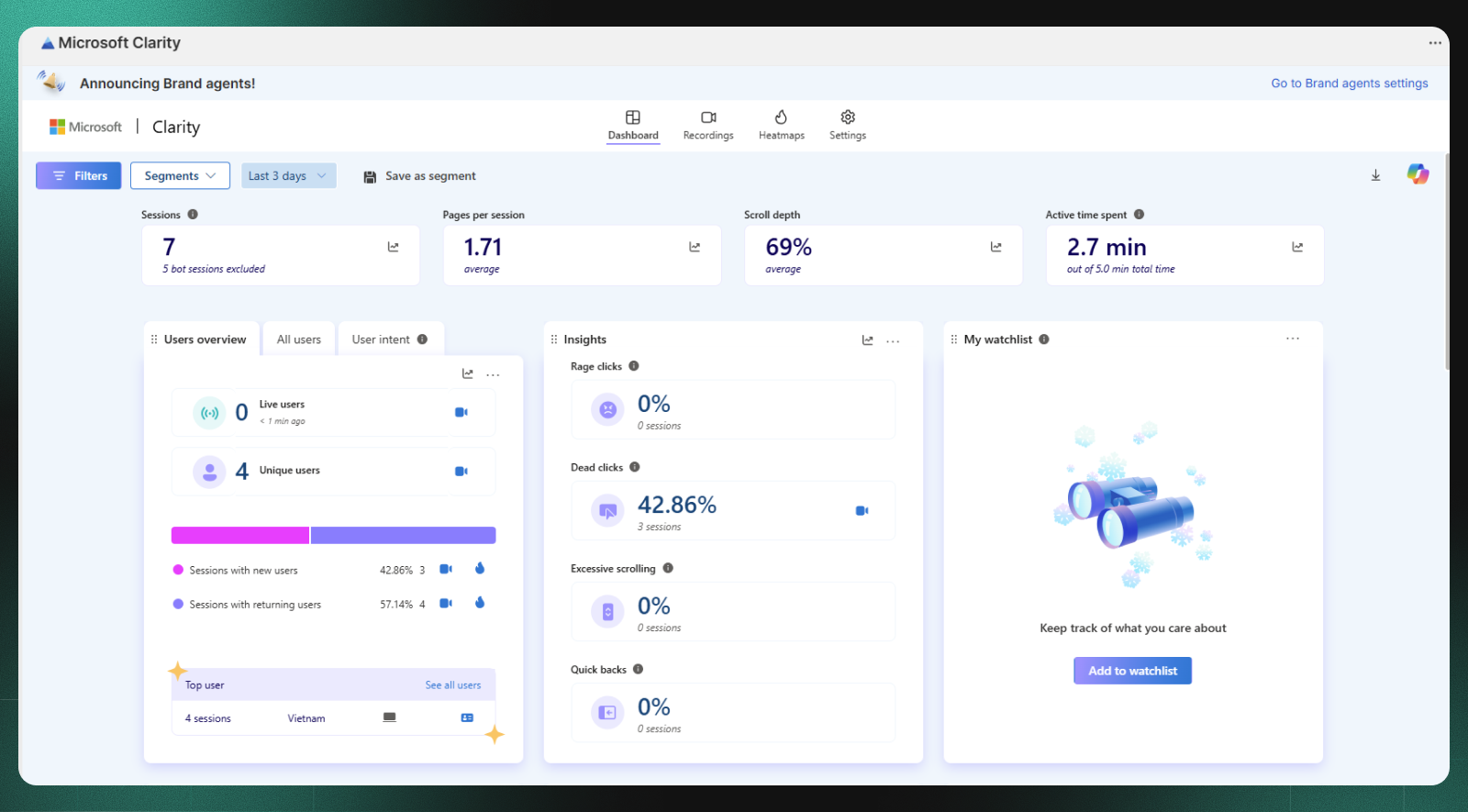
Clarity offers unlimited session recordings and heatmaps at no cost. It includes rage click detection, which identifies when visitors click repeatedly in frustration, and integrates directly with GA4.
The trade-off is clear: no survey tools, limited e-commerce filtering, and less analytical depth than paid alternatives. For teams watching their budget closely, though, free and unlimited is hard to argue with.
>> See more: 10 Best Microsoft Clarity Alternatives for eCommerce Stores
FullStory
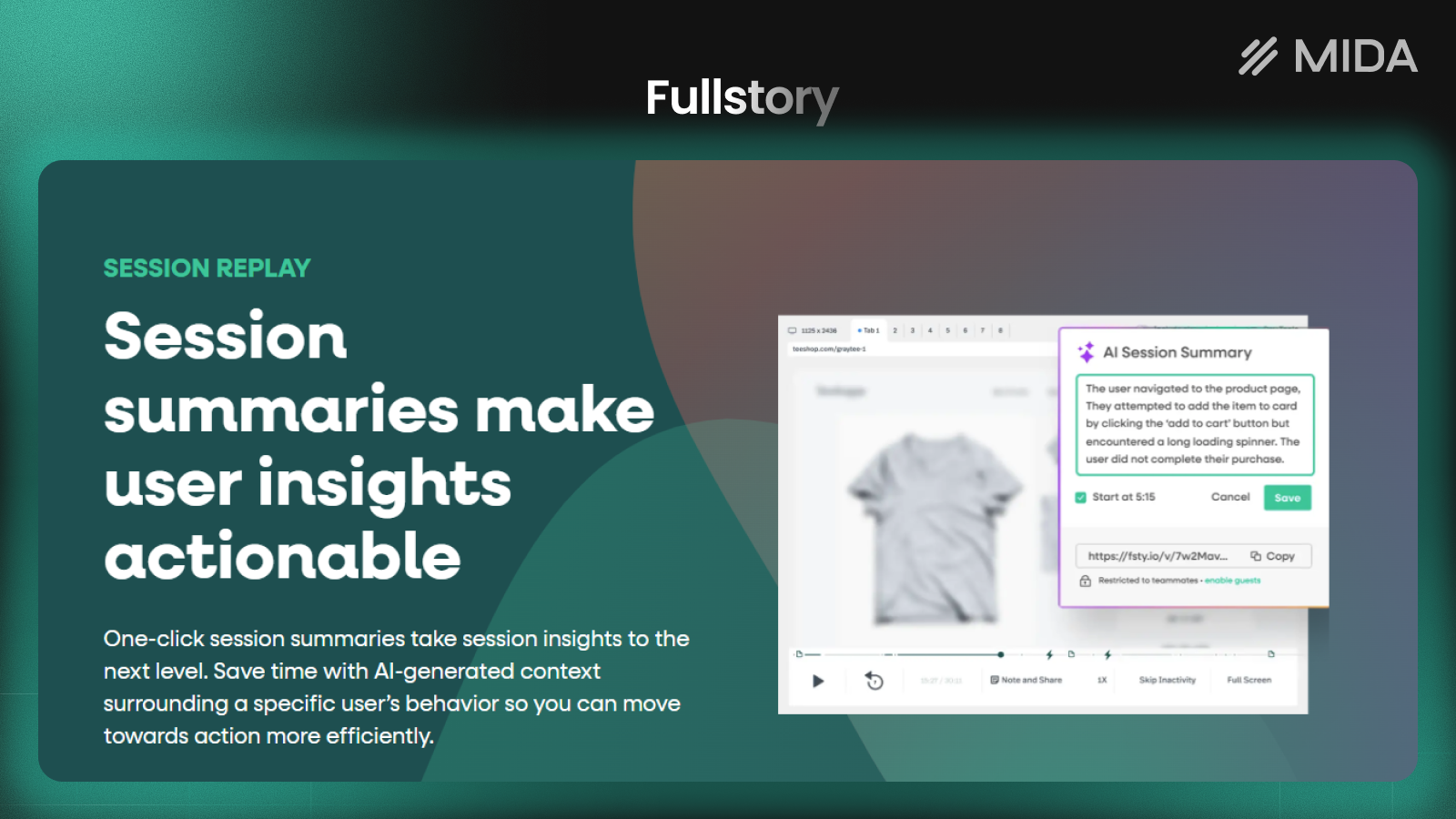
FullStory provides enterprise-grade analytics with powerful search capabilities. You can search for specific user behaviors across thousands of sessions almost instantly, which saves hours of manual review.
Privacy controls are robust, and the platform captures data in ways that allow retroactive analysis. Pricing reflects the enterprise positioning with custom quotes rather than published rates.
Mouseflow
Mouseflow excels at funnel analysis and form analytics. If your primary concern is understanding where visitors drop off in multi-step checkout flows, the conversion tracking here goes deeper than most alternatives.
A friction score feature automatically flags sessions with potential usability issues, helping you prioritize which recordings to watch first.

PostHog
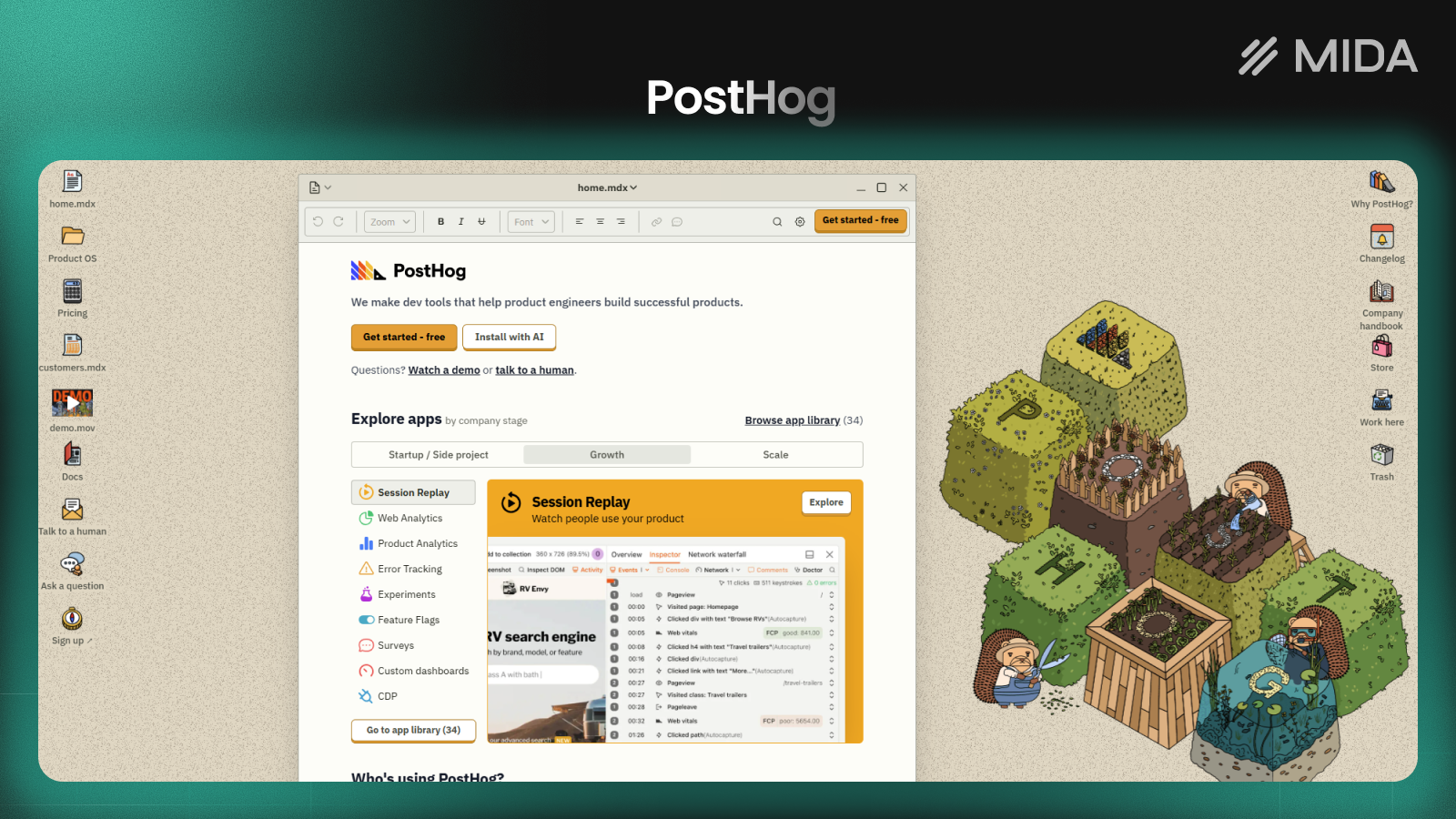
PostHog takes an all-in-one approach, combining session replay with product analytics, A/B testing, and feature flags. An open-source option allows self-hosting for teams with strict privacy requirements or technical resources to manage infrastructure.
The free tier is generous, though the breadth of features means a steeper learning curve than single-purpose tools.
Smartlook
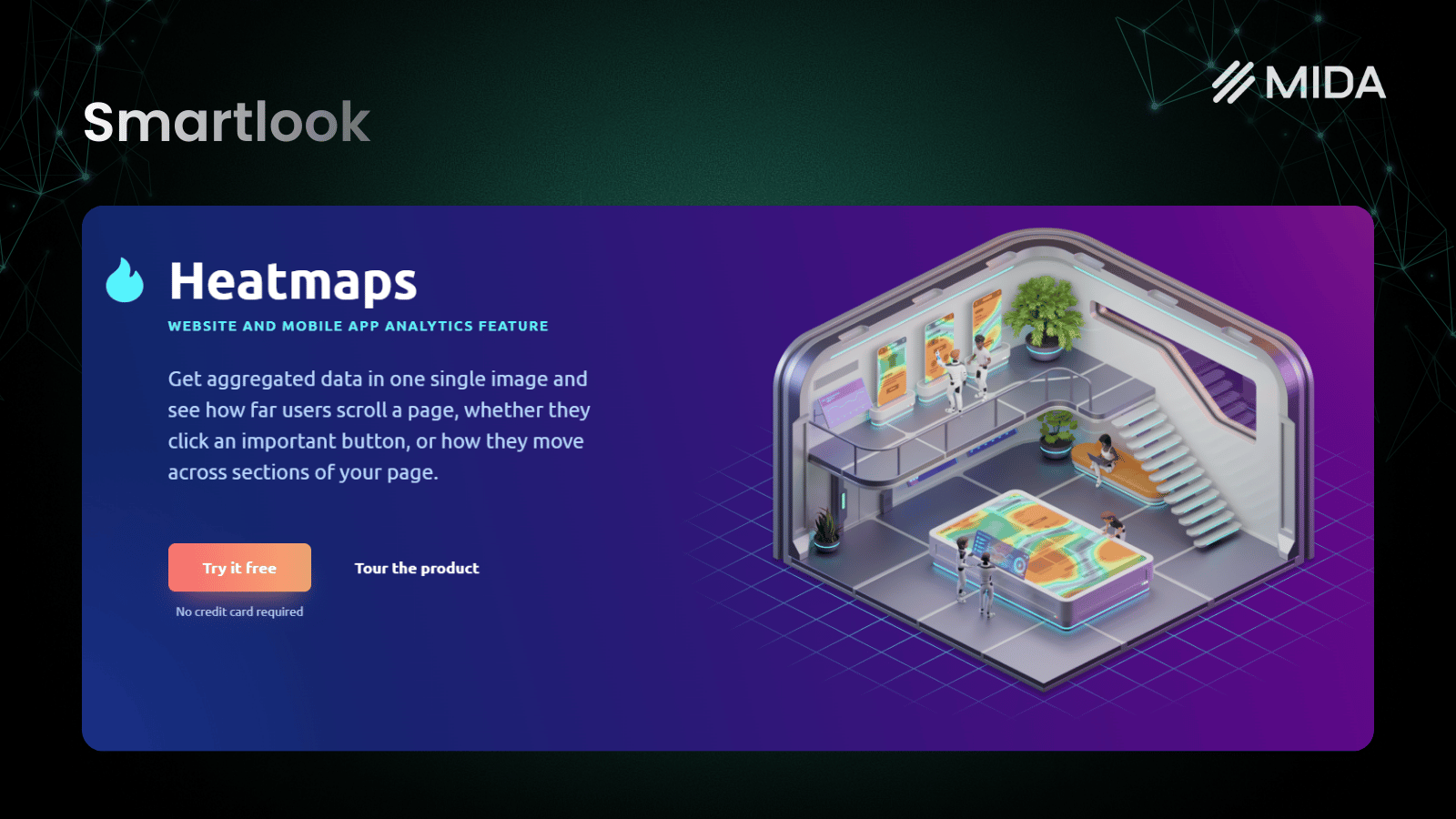
Smartlook works well for brands with both web and mobile app presence. Event tracking is cost-effective, and the platform handles mobile analytics better than most Hotjar alternatives.
If your customers shop across multiple platforms, having web and app behavior in one place simplifies analysis.
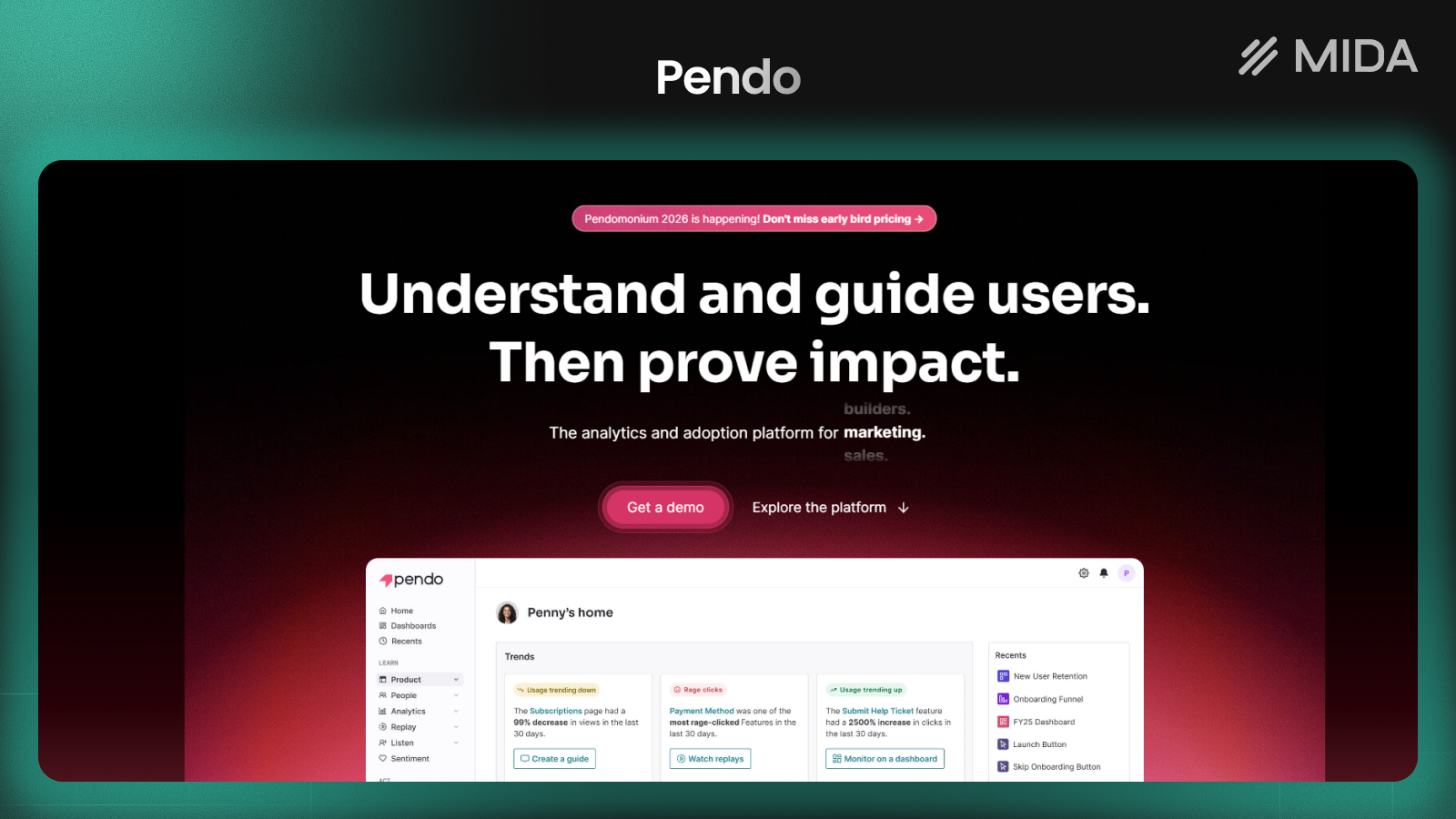
Pendo
Pendo focuses on product experience rather than pure behavior analytics. In-app guides, user onboarding flows, and feature adoption tracking make it popular with SaaS companies building software products.
For traditional e-commerce stores, the feature set may be more specialized than what you actually use.
Contentsquare
Contentsquare serves large enterprises with AI-powered insights and zone-based heatmaps. The platform analyzes customer journeys across complex sites with multiple user paths and product categories.
Pricing and implementation reflect the enterprise focus. This isn’t a self-serve tool for small teams or quick experiments.

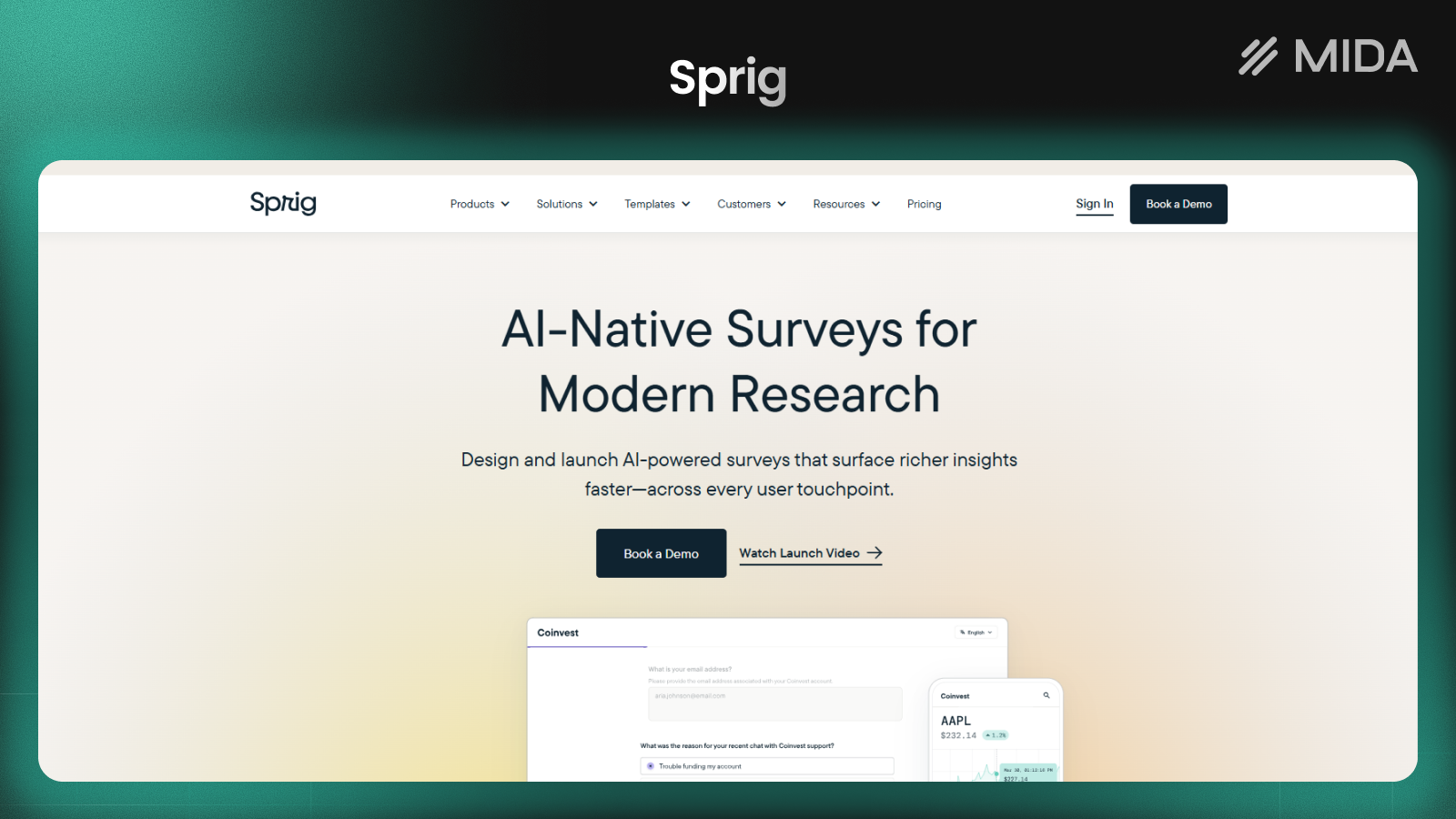
Sprig
Sprig prioritizes in-product surveys and qualitative research over session recordings. AI analysis helps identify themes across open-ended responses, which saves time when processing large volumes of feedback.
Teams focused on understanding the “why” behind user behavior often pair Sprig with a separate recording tool for the “what.”
Heap
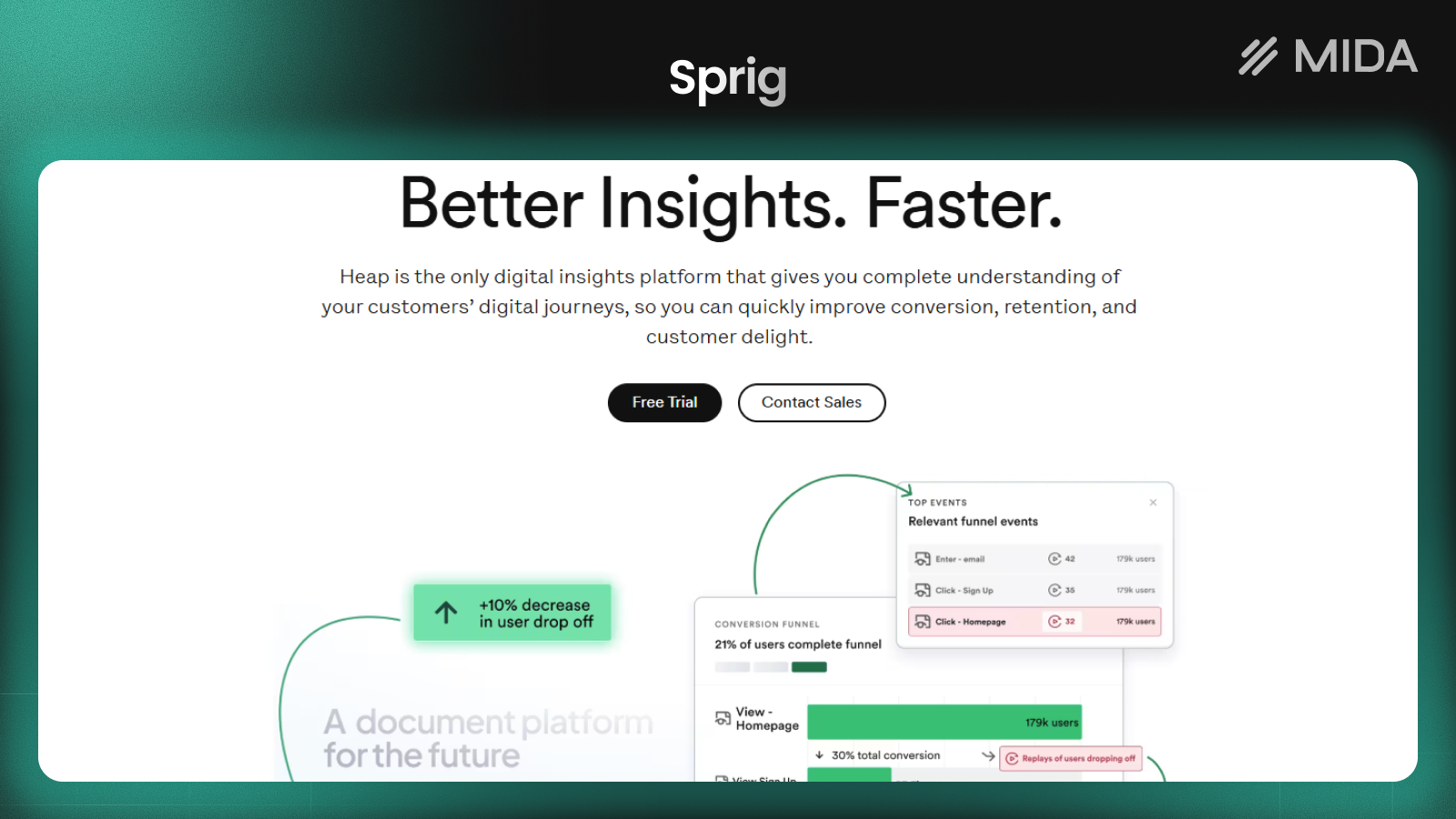
Heap’s auto-capture approach tracks everything automatically, allowing retroactive analysis without pre-defined events. You can ask questions about past user behavior even if you didn’t set up specific tracking in advance.
This flexibility comes with higher data volumes and corresponding storage costs as your traffic grows.
Free Hotjar Alternatives That Deliver Real Value
Budget constraints don’t have to mean sacrificing insights entirely. Several tools offer genuinely useful free tiers worth considering.
Microsoft Clarity
Unlimited sessions and heatmaps at no cost make Clarity the obvious starting point for budget-conscious teams. You lose survey capabilities and e-commerce event filtering, but the core behavior analytics work well for general website optimization.
PostHog Open Source
Self-hosting PostHog gives you complete control over your data with a generous free allocation. The trade-off is technical setup, as you’ll want development resources available to get the infrastructure running smoothly.
MIDA Free Plan
MIDA’s free tier includes session recordings and heatmaps with native Shopify integration from day one. Session limits apply, but growing stores can start seeing customer behavior immediately without upfront costs.
Try MIDA app for free to see session replays, heatmaps, and key ecommerce analytics on your own store.
Hotjar vs Crazy Egg and Other Head-to-Head Comparisons
Sometimes the decision comes down to a direct comparison between two specific tools. Here’s how the most common matchups break down.
Hotjar vs Crazy Egg
Crazy Egg focuses on visual snapshots and A/B testing with simpler, more predictable pricing. Hotjar offers broader survey tools but charges based on session volume. For teams wanting straightforward heatmaps without complexity, Crazy Egg often wins on simplicity.
Hotjar vs Microsoft Clarity
Clarity is free with unlimited sessions, while Hotjar charges for volume. Hotjar includes surveys and feedback widgets that Clarity lacks entirely. The choice depends on whether you value qualitative feedback tools or prefer keeping costs at zero.
Hotjar vs Lucky Orange
Lucky Orange includes live chat and real-time visitor monitoring. Hotjar focuses on recorded behavior analysis after the fact. If engaging visitors in the moment matters to your support strategy, Lucky Orange adds capabilities Hotjar doesn’t offer.
Hotjar vs FullStory
FullStory provides deeper search capabilities and AI-powered insights for enterprise teams. Hotjar remains more accessible for non-technical users who want quick answers. FullStory’s pricing reflects its enterprise positioning with custom contracts.
How to Choose the Right Hotjar Alternative for Your Store
The best tool depends on your specific priorities and constraints. Here’s a quick framework:
- If budget is limited: Start with Microsoft Clarity or explore free tiers before committing to paid plans
- If funnel analysis matters most: Mouseflow excels at conversion tracking across multi-step checkout flows
- If you run a Shopify store: MIDA provides native integration with e-commerce event tracking built in
- If you want everything in one platform: PostHog combines analytics, testing, and replays together
- If you prioritize simplicity: Crazy Egg offers focused heatmap visualization without overwhelming feature sets
The Best Hotjar Alternative for Shopify Merchants
Shopify stores have analytics requirements that generic tools often miss. Checkout tracking, product behavior analysis, and cart events all benefit from e-commerce-specific filtering rather than general session recordings.
Watching a random sample of visitor sessions rarely reveals actionable insights. Filtering by “abandoned cart” and watching exactly what happened before customers left? That’s where real optimization opportunities emerge. You can see the hesitation, the confusion, the moment someone decided to leave.
MIDA was built specifically for this use case. The native Shopify integration captures checkout behavior that other tools struggle to access, and the unified dashboard combines session replays, heatmaps, surveys, and commerce metrics without requiring you to switch between platforms or piece together data from multiple sources.
Try MIDA app for free to see session replays, heatmaps, and key ecommerce analytics on your own store.
FAQs About Hotjar Alternatives
Does Hotjar slow down website loading speed?
Most behavior analytics tools, including Hotjar, load asynchronously. This means the tracking script doesn’t block your page from rendering while it loads. The impact on page speed is typically minimal, though adding any third-party script can marginally affect performance metrics in tools like Google PageSpeed Insights.
Can I use multiple behavior analytics tools on the same website?
Yes, running multiple tools simultaneously is technically possible. However, doing so creates redundant data collection and slight performance overhead from loading multiple scripts. Most merchants choose one primary platform rather than layering several tools on top of each other.
How long does it take to set up a Hotjar alternative on Shopify?
Native Shopify apps like MIDA install in minutes through the app store with no code required. Other tools may require manual script installation by editing your theme files, which takes longer and sometimes benefits from developer assistance.
Do behavior analytics tools track Shopify checkout pages?
Standard Shopify checkout has tracking restrictions that limit what most third-party tools can capture. Shopify-optimized tools like MIDA can access checkout behavior that generic alternatives cannot, making them more useful for understanding why customers abandon carts at the final step.


