10 Best Crazy Egg Alternatives for Heatmaps and Session Replay in 2026
Crazy Egg helped popularize heatmaps and session recordings, but it’s not the only option—and for many Shopify merchants, it’s not the best fit. Pageview-based pricing, limited survey tools, and gaps in checkout tracking push store owners to explore alternatives that better match how they actually work.
This guide compares 10 Crazy Egg alternatives based on hands-on testing, covering features, pricing models, and which tools work best for specific use cases like Shopify stores, tight budgets, or enterprise requirements.
Why Merchants Switch From Crazy Egg
Top Crazy Egg alternatives include MIDA, Hotjar, Microsoft Clarity, Smartlook, and FullStory, each offering heatmap and session recording features with different strengths depending on budget and specific requirements. Microsoft Clarity stands out as the best free option with unlimited recordings, while Hotjar excels at user feedback, and FullStory serves enterprise teams requiring advanced error tracking.
The most common reason merchants look elsewhere comes down to pricing. Crazy Egg charges based on pageviews, which gets expensive quickly for stores with high traffic but modest conversion rates. A Shopify store getting 100,000 monthly visitors pays significantly more than with a session-based pricing model, where you’re charged per unique visitor session rather than every page load.
Beyond cost, several feature gaps push merchants to explore alternatives:
- E-commerce gaps: Generic tracking often misses Shopify checkout steps and key purchase events
- Heatmap caps: Lower-tier plans restrict how many heatmaps you can run simultaneously
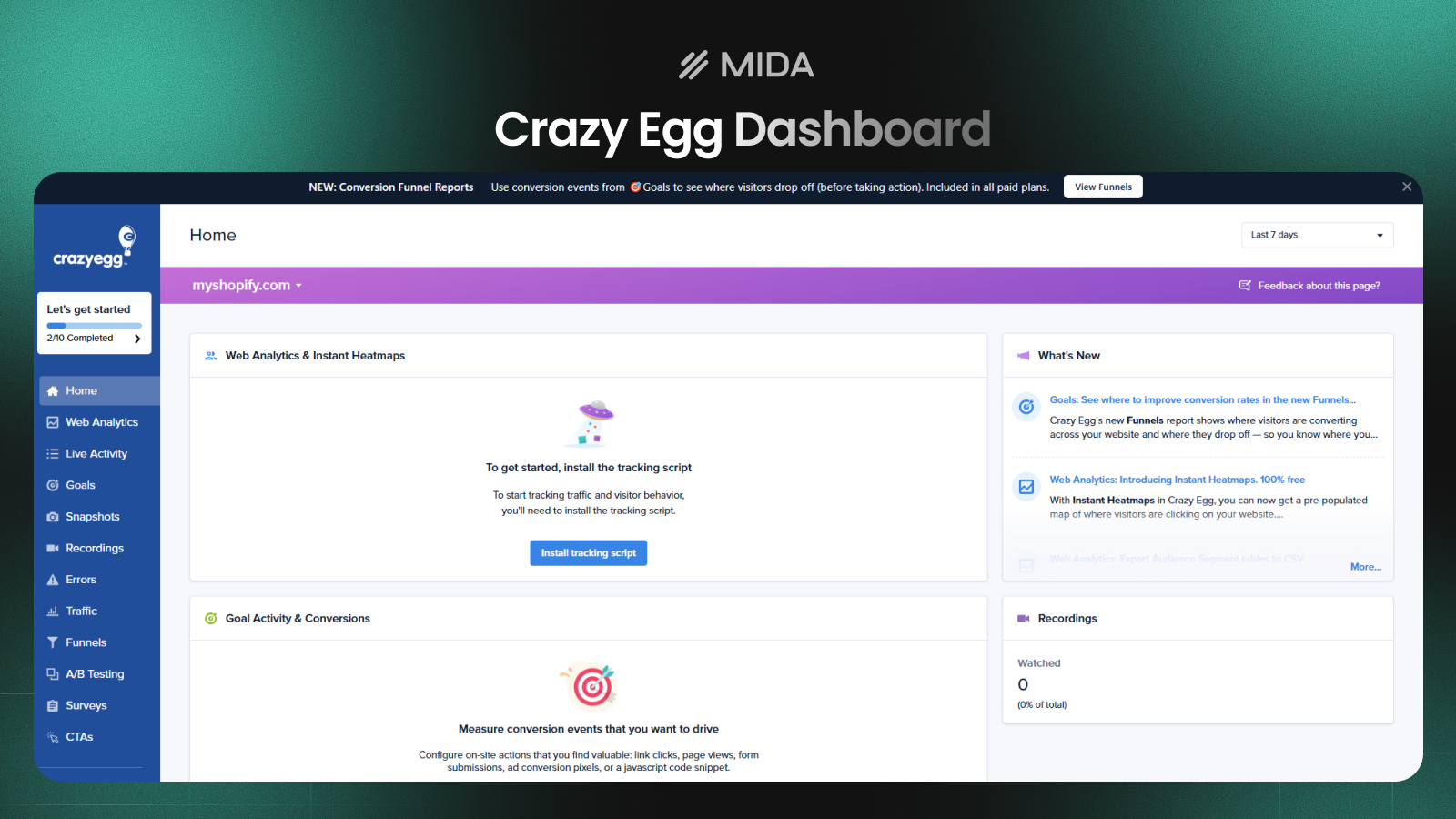
Crazy Egg offers lots of strong features but lack of deeply eCommerce insights
How We Evaluated Crazy Egg Alternatives
Our evaluation focused on real-world usage across different store types, with particular attention to how each tool serves Shopify merchants. We tested installation processes, explored feature depth, and assessed how well each platform handles e-commerce-specific scenarios.
Heatmap and session replay capabilities
Heatmaps visualize where visitors click, scroll, and move their mouse across your pages. Session replays let you watch anonymized recordings of actual visitor journeys. Both features help identify friction points, but implementation quality varies significantly between tools.
E-commerce and checkout tracking
For Shopify merchants, tracking what happens during checkout matters enormously. Many tools lose visibility once visitors enter the checkout flow, creating a blind spot at the most critical moment. We prioritized tools that maintain tracking through purchase completion.
Pricing and scalability
Some tools charge by pageviews, others by sessions, and a few offer flat-rate pricing. Session-based pricing typically works better for high-traffic stores with lower conversion rates because you’re paying for unique visitors rather than every page they view.
Ease of setup and support
Installation complexity ranges from one-click Shopify app installs to manual script placement requiring developer assistance. We noted which tools offer responsive support when questions arise during setup or daily use.
Top 10 Crazy Egg Alternatives for eCommerce stores
MIDA
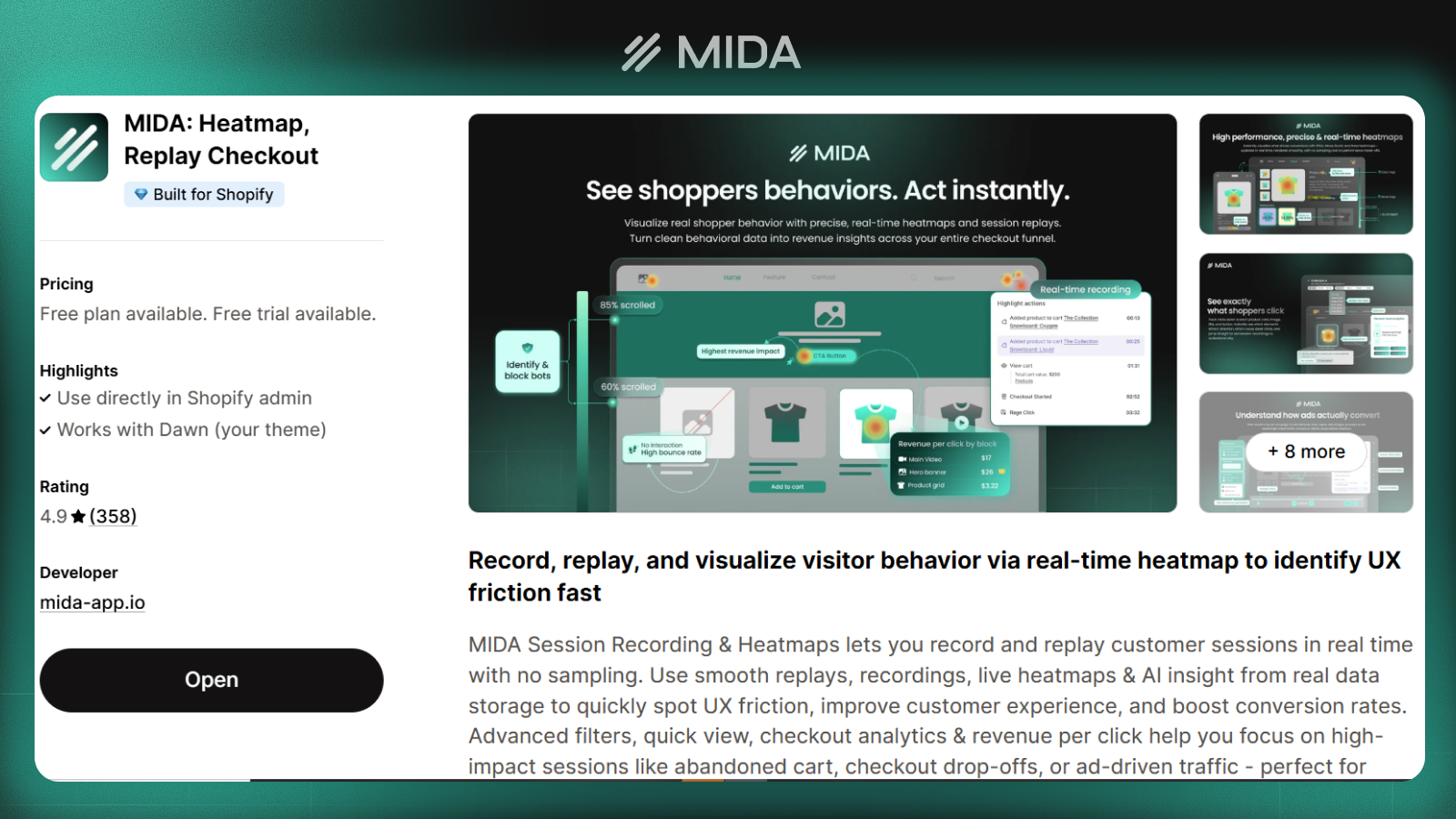
MIDA was built specifically for Shopify stores, combining session replay, heatmaps, on-site surveys, and e-commerce metrics in a single app. Unlike general-purpose tools, MIDA tracks the complete customer journey including checkout steps that other platforms typically miss.
The platform connects behavioral data with actual purchase outcomes. You can filter session recordings by specific events like abandoned carts, completed orders, or visitors who viewed a product multiple times without buying. Event-based filtering helps you focus on the sessions that matter most for understanding conversion problems.
- Pros: Native Shopify integration, sees the complete checkout flow, can measure revenue per click, product level tracking, combines quantitative and qualitative data, simple installation through the Shopify app store
- Cons: Shopify-only (not suitable for other platforms), newer tool with smaller brand recognition than established competitors
- Pricing: Free tier available with paid plans scaling by session volume rather than pageviews
>> See more: Best Shopify Heatmap Apps: 12 Tools Tested for Performance in 2026
Hotjar
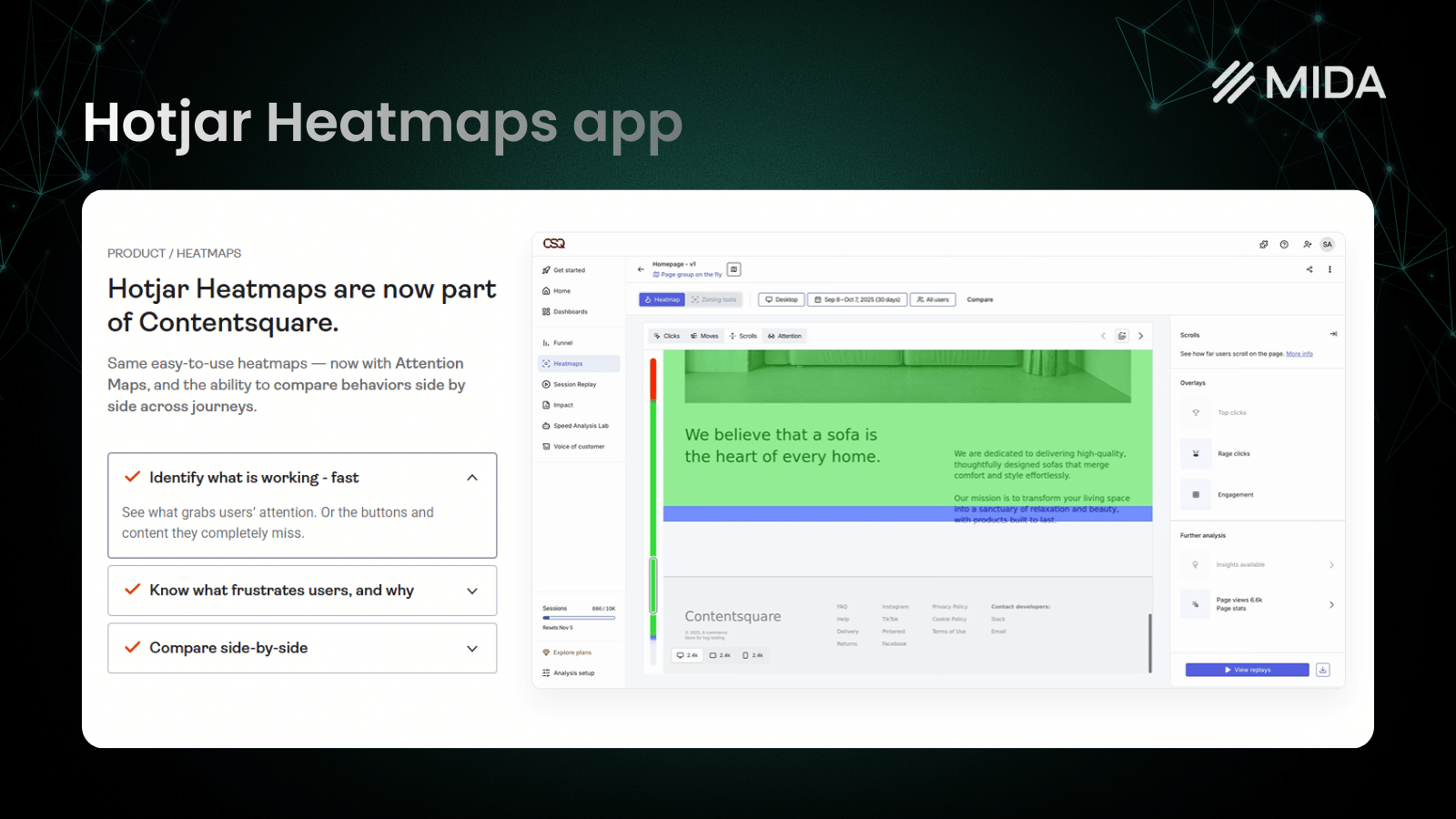
Hotjar combines heatmaps and session recordings with robust user feedback tools, making it popular among teams who want to understand both what visitors do and why they do it. The platform offers surveys, feedback widgets, and user interview recruitment.
The feedback capabilities set Hotjar apart from most competitors. You can trigger surveys based on specific behaviors, collect NPS scores, and gather open-ended responses about visitor experience. However, advanced feedback features require higher-tier plans.
- Pros: Comprehensive feedback tools, large knowledge base, intuitive interface that requires minimal training
- Cons: Session limits can add up on busy stores, feedback features locked behind higher tiers, less e-commerce-specific than specialized tools
- Pricing: Freemium model with paid tiers starting around $32/month
>> We Tested 12 Hotjar Alternatives – Here Are the Top Performers
Lucky Orange
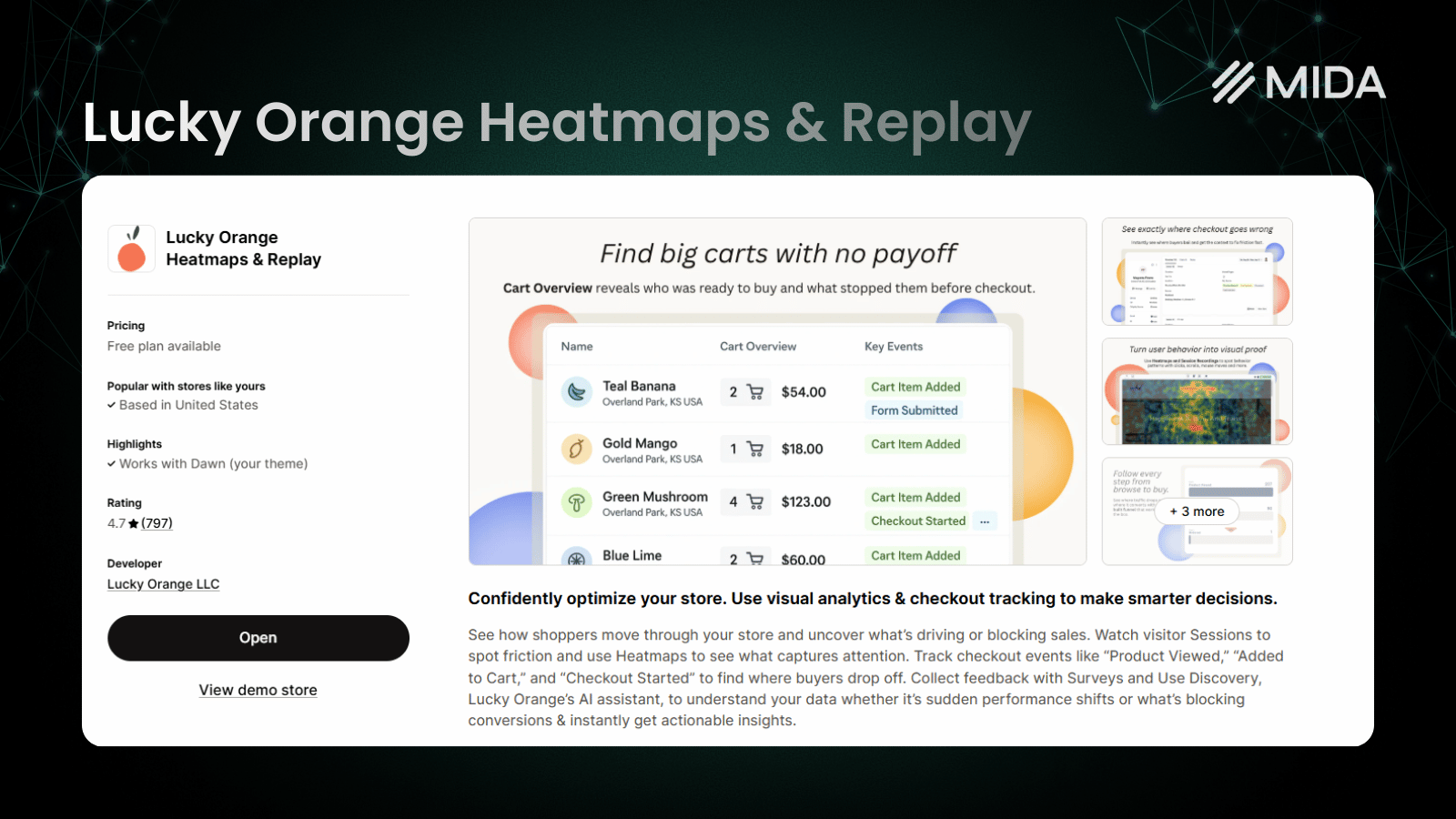
Lucky Orange pairs heatmaps and recordings with live chat and real-time visitor monitoring. You can watch visitors navigate your store as it happens and initiate conversations with them directly.
The live chat integration creates opportunities that pure analytics tools miss. If you notice a visitor struggling on a product page, you can proactively offer help. This combination of observation and intervention appeals to merchants who want to turn insights into immediate action.
- Pros: Real-time visitor monitoring, unique live chat feature, affordable entry point compared to many competitors
- Cons: Interface feels dated compared to newer tools, and advanced features require higher-tier plans
- Pricing: Free plan available for 100 sessions/month, paid plan starting around $19 – $39/month
Microsoft Clarity
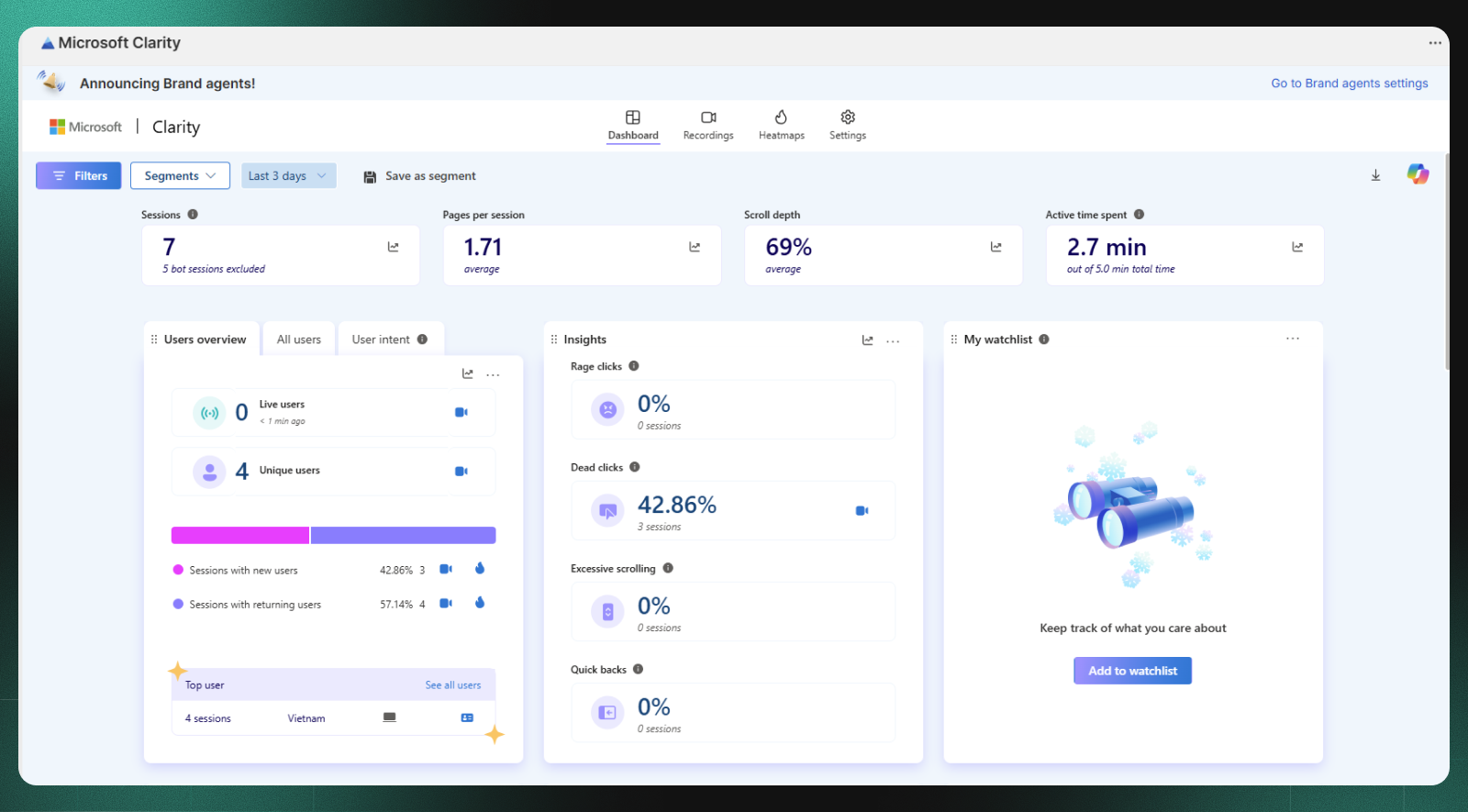
Microsoft Clarity offers unlimited heatmaps and session recordings completely free, with no traffic caps or hidden limitations. For budget-conscious merchants or those just starting with behavior analytics, Clarity provides remarkable value.
The platform includes rage click and dead click detection, automatically flagging moments when visitors click repeatedly in frustration or click on elements that aren’t actually clickable. Rage clicks happen when someone clicks the same spot multiple times quickly, usually indicating confusion or a broken element. Dead clicks occur when visitors click something that looks clickable but does nothing.
- Pros: Completely free forever, reliable Microsoft infrastructure, easy setup, no artificial caps on usage
- Cons: No surveys or feedback tools, limited filtering options compared to paid alternatives, no native e-commerce event tracking
- Pricing: Free with no paid tiers
>> Explore: 10 Best Microsoft Clarity Alternatives for eCommerce Stores in 2026
FullStory
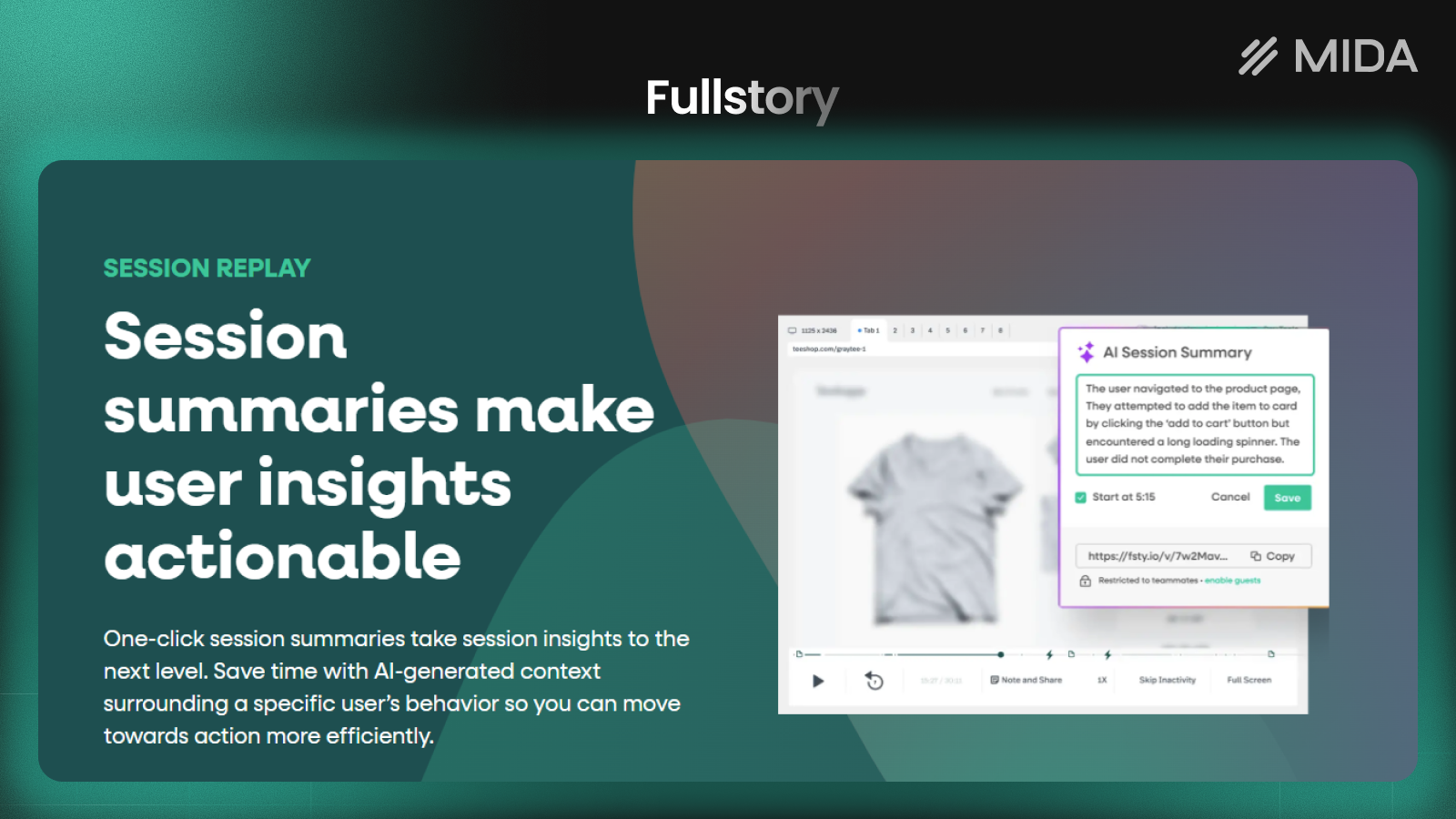
FullStory serves enterprise teams needing deep session indexing, error tracking, and advanced search capabilities. The platform lets you search across all recorded sessions for specific events, errors, or user behaviors.
The frustration detection goes beyond simple rage clicks to identify patterns across user journeys. Product teams use FullStory to connect UX problems with technical errors, making it valuable for organizations where engineering and design collaborate closely.
- Pros: Powerful search across all sessions, strong error detection, robust integrations with development tools
- Cons: Enterprise pricing lacks transparency, steep learning curve, likely overkill for small to mid-sized stores
- Pricing: Custom enterprise pricing with a limited free tier available
Smartlook
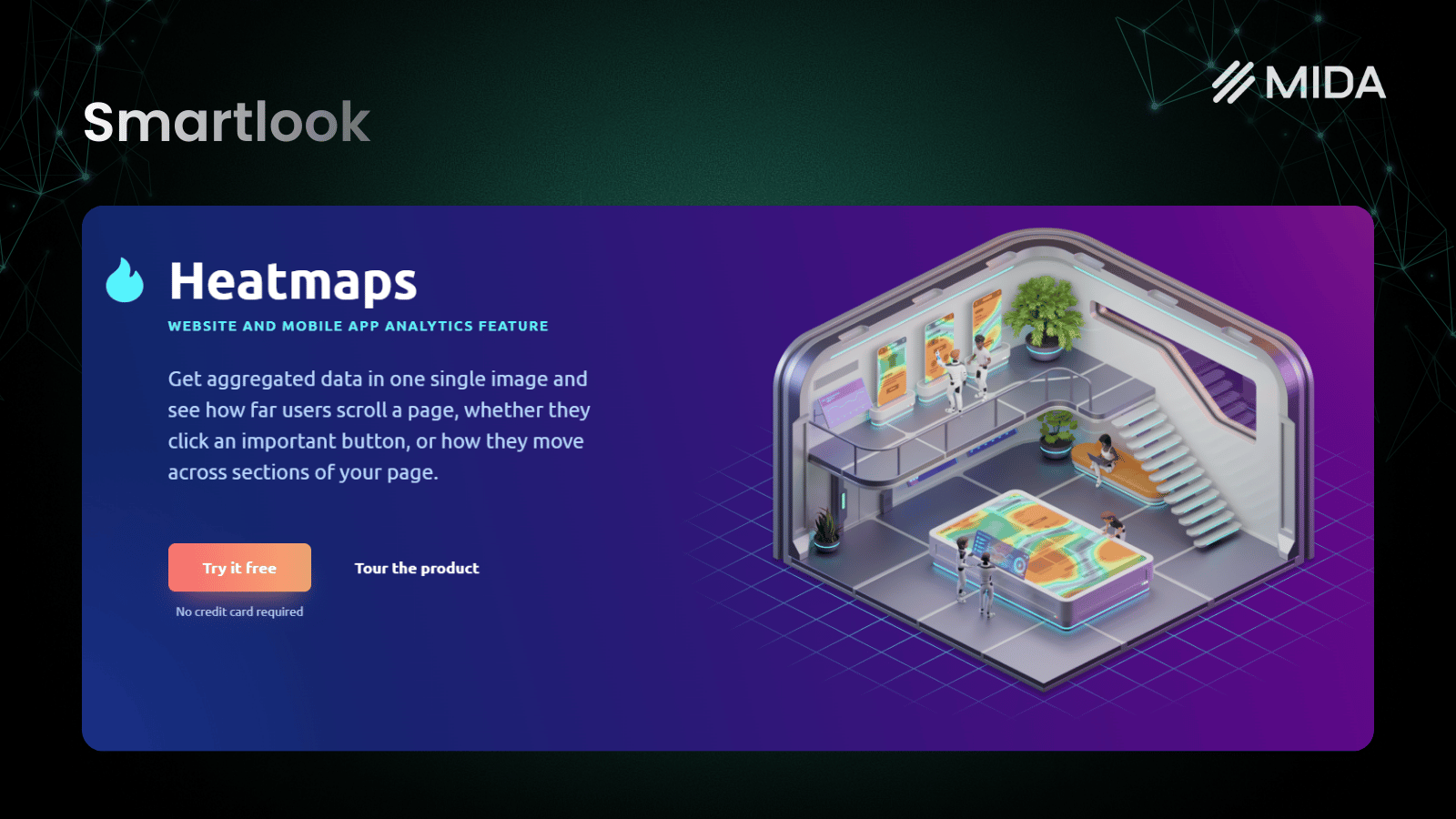
Smartlook excels at mobile app tracking alongside web analytics, making it valuable for merchants with both Shopify stores and mobile applications. The platform offers strong event-based tracking and funnel visualization.
For Shopify-only merchants, Smartlook provides solid heatmaps and recordings at reasonable price points. However, its mobile-first heritage means some web-specific features feel less polished than dedicated web analytics tools.
- Pros: Excellent mobile app support, event-based tracking, reasonable free tier for testing
- Cons: Heatmaps limited to web (no mobile heatmaps), interface less intuitive than some competitors
- Pricing: Free plan available with paid plans scaling by session volume
Mouseflow
Mouseflow emphasizes journey tracking and offers six different heatmap types: click, scroll, attention, movement, geo, and live. This variety helps identify different types of engagement patterns across your pages.
The friction detection feature automatically identifies pages where visitors struggle, saving time compared to manually reviewing recordings. Form analytics reveal which fields cause abandonment, particularly useful for stores with complex checkout or account creation flows.
- Pros: Multiple heatmap types for different insights, strong funnel analysis, automatic friction detection
- Cons: Can feel complex for beginners, pricing increases notably with traffic growth
- Pricing: Free tier available with paid plans based on recordings per month

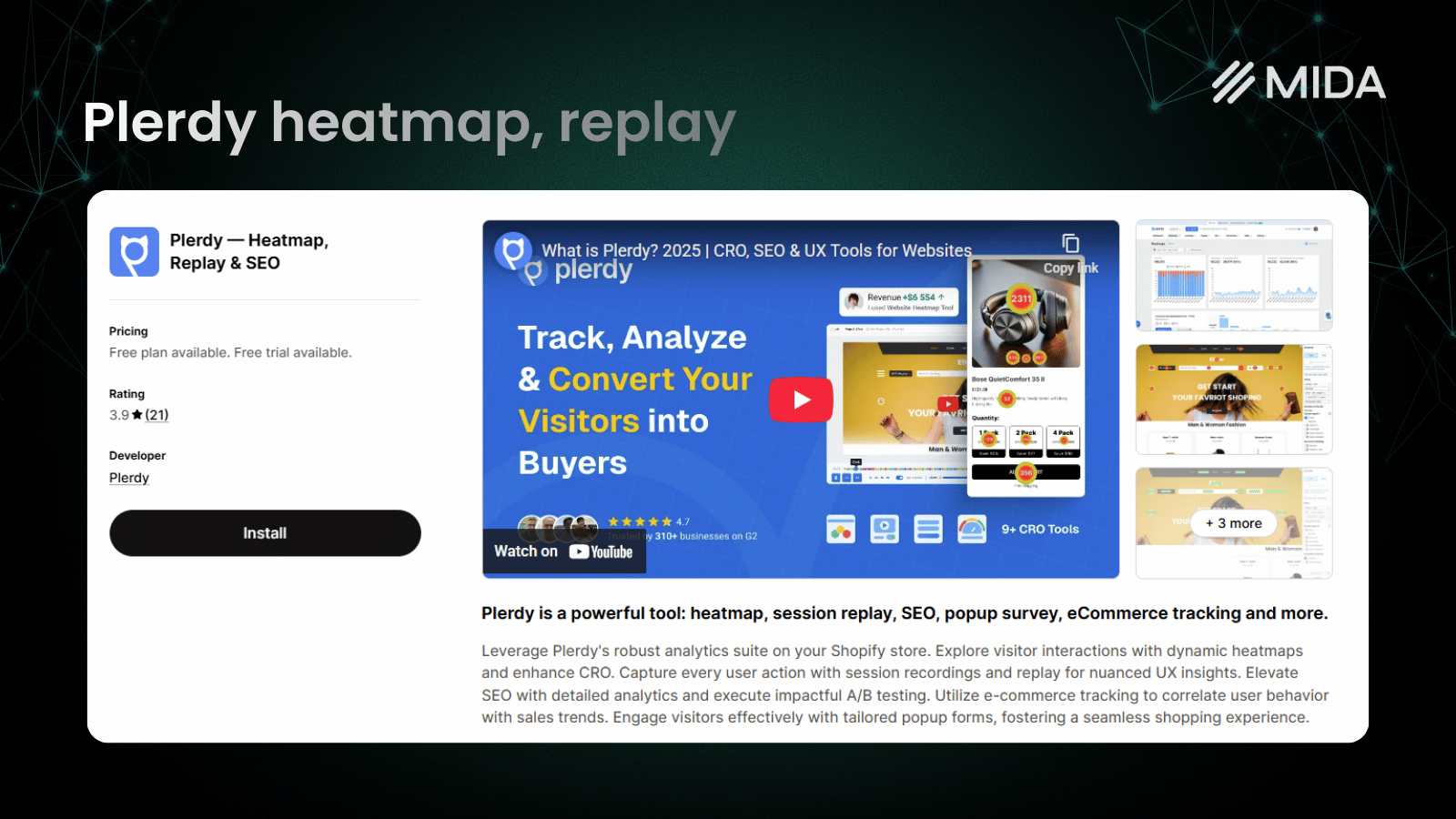
Plerdy
Plerdy bundles CRO tools with SEO capabilities, offering heatmaps and recordings alongside an SEO checker and popup builder. CRO stands for conversion rate optimization, which refers to the practice of improving the percentage of visitors who complete a desired action.
The popup builder lets you create exit-intent offers, email capture forms, and promotional messages based on visitor behavior. While not as sophisticated as dedicated popup tools, having everything in one dashboard simplifies workflow.
- Pros: SEO tools bundled in, affordable pricing, popup builder included without extra cost
- Cons: SEO features may duplicate other tools you already use, interface less polished than focused competitors
- Pricing: Free tier with paid plans starting around $29/month
VWO
VWO positions itself as a complete CRO suite, combining heatmaps and recordings with robust A/B testing capabilities. A/B testing involves showing different versions of a page to different visitors and measuring which version performs better.
The A/B testing features include statistical rigor that helps you make confident decisions about which variations actually perform better. However, VWO sells its capabilities as separate modules, so costs can add up quickly if you want the full suite.
- Pros: Robust A/B testing alongside behavior analytics, strong statistical methodology, comprehensive experimentation platform
- Cons: Expensive for small teams, capabilities sold separately as modules, complexity may exceed requirements of most Shopify merchants
- Pricing: Modular pricing where you pay for each capability separately

Contentsquare
Contentsquare serves enterprise brands with sophisticated customer experience analytics, AI-powered insights, and revenue attribution. The platform connects behavioral data with business outcomes at scale.
Zone-based heatmaps show engagement metrics for specific page elements, helping large teams understand which content drives results. However, the enterprise focus means pricing and implementation complexity exceed what most Shopify merchants require.
- Pros: Deep analytics capabilities, AI recommendations, enterprise-grade security and dedicated support
- Cons: Not suited for small or mid-sized businesses, requires dedicated onboarding, pricing reflects enterprise positioning
- Pricing: Free plan up to 200k monthly sessions, paid plan starts at $40

Crazy Egg Pricing Compared to Alternatives
Understanding how Crazy Egg’s pricing model compares to alternatives helps you estimate long-term costs as your store grows.
| Tool | Pricing Model | Free Tier | Typical Entry Cost |
|---|---|---|---|
| Crazy Egg | Pageviews | No | ~$29/month |
| MIDA | Sessions | Yes | Scales with usage |
| Hotjar | Sessions | Yes | ~$32/month |
| Microsoft Clarity | Free | Unlimited | $0 |
| FullStory | Custom | Limited | Enterprise quotes |
| Lucky Orange | Pageviews | Yes | ~$32/month |
Crazy Egg’s pageview-based pricing can become expensive for high-traffic stores. A store receiving 150,000 monthly pageviews pays more than one receiving 50,000, regardless of how many actual insights each generates. Session-based models often provide better value because they count unique visitor sessions rather than every page load.
Free Crazy Egg Alternatives
If budget constraints drive your search, several options provide genuine value without monthly fees.
Microsoft Clarity stands as the clear winner for free analytics. You get unlimited heatmaps, unlimited recordings, and frustration detection without paying anything. The tradeoff is fewer filtering options and no survey capabilities.
Several paid tools also offer functional free tiers worth considering:
- Hotjar Free: Limited sessions but includes heatmaps and basic recordings
- Smartlook Free: Capped sessions, suitable for low-traffic stores testing the waters
- MIDA Free Tier: Shopify-specific with limited session volume, includes checkout tracking
- Mouseflow Free: Basic functionality with recording limits
Starting with a free option lets you validate whether behavior analytics will actually help your store before committing to paid plans.
How to Choose the Right Heatmap and Session Replay Tool
The best tool depends on your specific situation rather than any universal ranking. Here are the key factors to consider:
- If you run a Shopify store: Prioritize tools with checkout tracking and e-commerce event filtering
- If budget is tight: Start with Microsoft Clarity or a free tier, then upgrade as you identify specific requirements
- If you want user feedback: Choose a tool with built-in surveys like Hotjar, Mouseflow, or MIDA
- If you have a mobile app: Smartlook or FullStory offer strong mobile SDKs
- If you plan to run A/B tests: VWO bundles testing with behavior analytics in one platform
Most merchants benefit from starting simple and adding capabilities as they learn what insights actually drive improvements. A sophisticated tool you don’t fully use provides less value than a simpler one you check daily.
Best Crazy Egg Alternative for Shopify Stores
For Shopify merchants specifically, the checkout visibility gap matters more than any other feature difference. Most general-purpose tools lose tracking when visitors enter Shopify’s checkout flow, which is precisely when understanding behavior matters most.
MIDA was built to solve this problem. The platform tracks the complete purchase journey, lets you filter recordings by e-commerce events like abandoned carts or completed orders, and combines behavioral data with on-site surveys in one dashboard. Instead of guessing why visitors abandon checkout, you can watch what happens and ask them directly.
The Shopify-native approach means installation takes minutes through the app store, and the interface focuses on metrics that matter for e-commerce rather than generic website analytics.
Try MIDA app for free to see session replays, heatmaps, and key ecommerce analytics on your own store.
FAQs About Crazy Egg Alternatives
Does Crazy Egg slow down my site?
Crazy Egg and most heatmap tools load asynchronously, meaning they don’t block your page from rendering. Impact on page speed is typically minimal, though monitoring Core Web Vitals after installation helps confirm performance remains acceptable.
Can I use multiple heatmap tools at the same time?
Yes, though running multiple tracking scripts adds page weight and creates data redundancy. Most merchants find one comprehensive tool sufficient, and consolidating on a single platform simplifies analysis.
How long does it take to set up a Crazy Egg alternative?
Most tools install in minutes via a script snippet or app store integration. Data typically appears within hours of your first visitor sessions, though meaningful patterns emerge after a few days of traffic.
Do Crazy Egg alternatives track Shopify checkout behavior?
Not all of them. Generic tools often lose visibility at checkout because Shopify hosts that flow on its own domain. Shopify-specific tools like MIDA maintain tracking through the complete purchase journey including checkout steps.
What data will I lose if I switch from Crazy Egg?
Historical recordings and heatmap data typically don’t transfer between platforms. Exporting any reports or insights you want to preserve before canceling your Crazy Egg account makes sense, and consider running both tools briefly during transition if historical comparison matters.


