





Shopify Heatmaps Built For Revenue, Not Just Clicks
MIDA Heatmaps connect clicks, scrolls, and hesitation to real sessions, carts, and orders. Built natively for Shopify. Clear visuals. Real revenue insight.
Trusted by 5000+ Shopify Merchants
300+ Five star rating on Shopify App Store


Why Shopify Stores Need Smarter Heatmaps?
Most generic heatmap tools stop at “where people clicked.”
That’s helpful—but it’s not enough when you’re responsible for revenue, not just engagement.
As a Shopify merchant or ecommerce lead, you need to know:
Which clicks lead to carts and orders—and which are dead ends
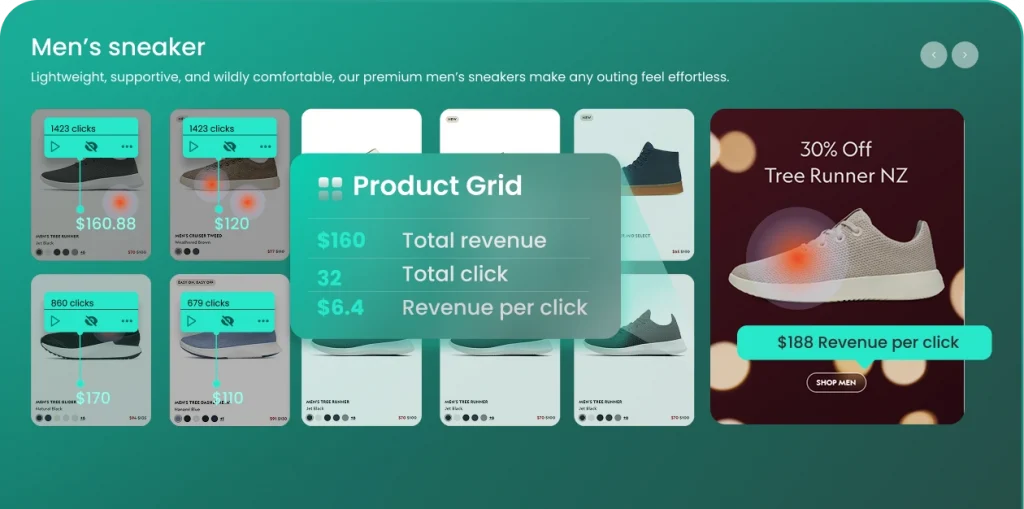
Which product, collection, and promo sections actually drive action
Where shoppers give up—because the CTA is too low, the layout is confusing, or something looks clickable but isn’t
What You Can Do With MIDA Heatmaps
Use MIDA Heatmaps to answer the questions that matter most to your store:
Find UX Friction That Costs You Sales
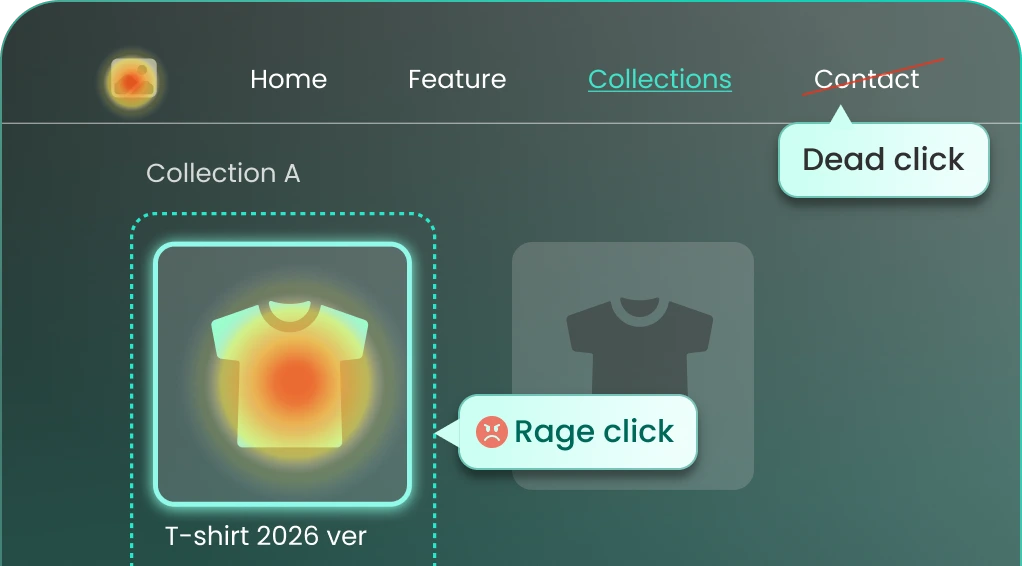
Spot dead clicks, rage clicks, and error clicks on product pages, collections, and key navigation. Fix broken or misleading elements before they drain more revenue.
Optimize Above-the-Fold Content
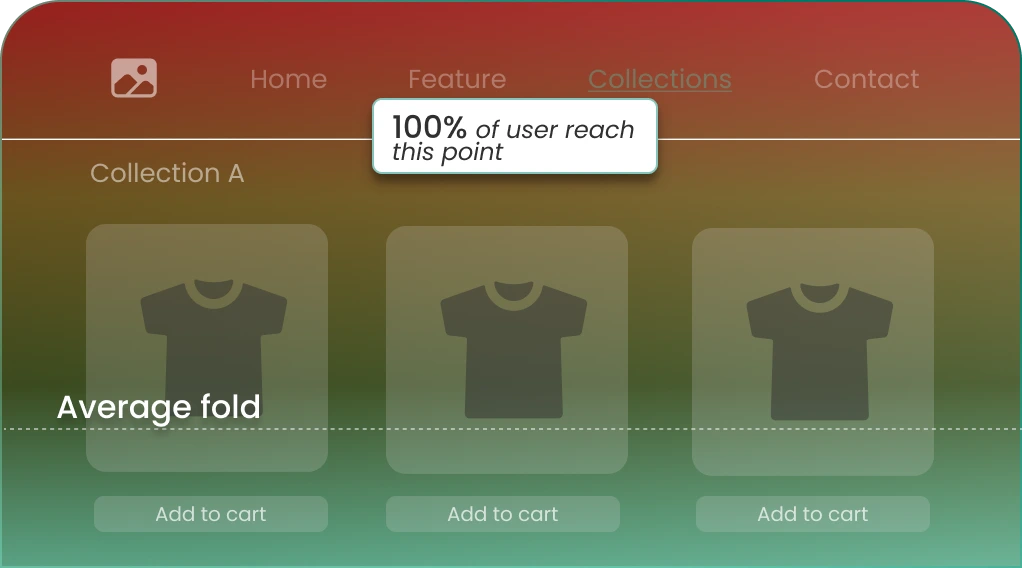
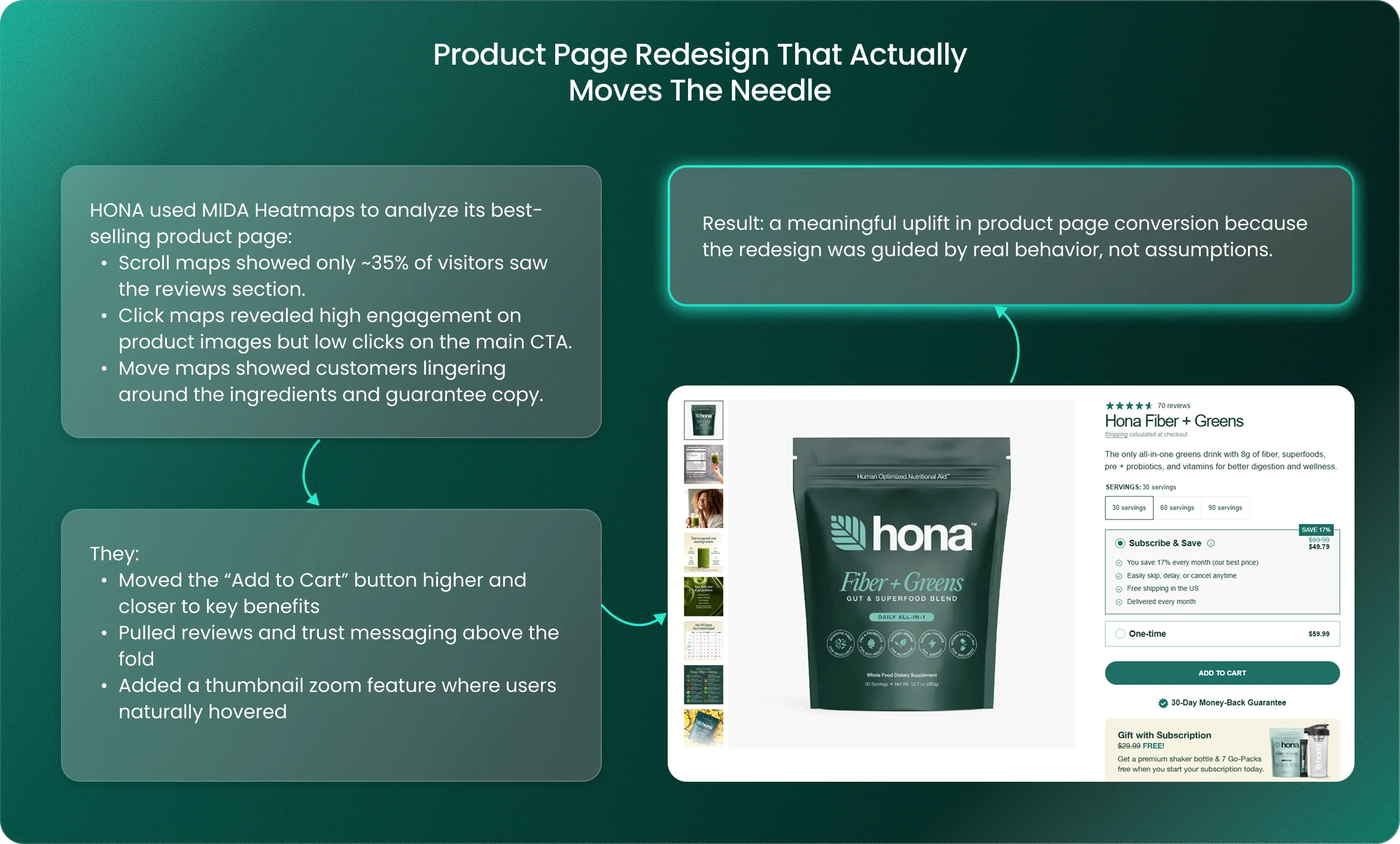
Scroll maps and average fold lines show exactly how far customers scroll and what they actually see. Move critical CTAs, pricing, and reassurance content where shoppers will notice.
Prioritize Changes With Confidence
Compare how high-intent visitors behave vs. casual browsers by jumping from heatmaps to real session replays—so you’re acting on real buyer journeys, not surface-level trends.
Make Every Pixel Work Harder
Identify ignored sections (e.g., size guides, UGC, bundles, recommendations) and over-performing blocks you should feature more prominently.
Deep, Visual Behavior Insights Across Your Shopify Store
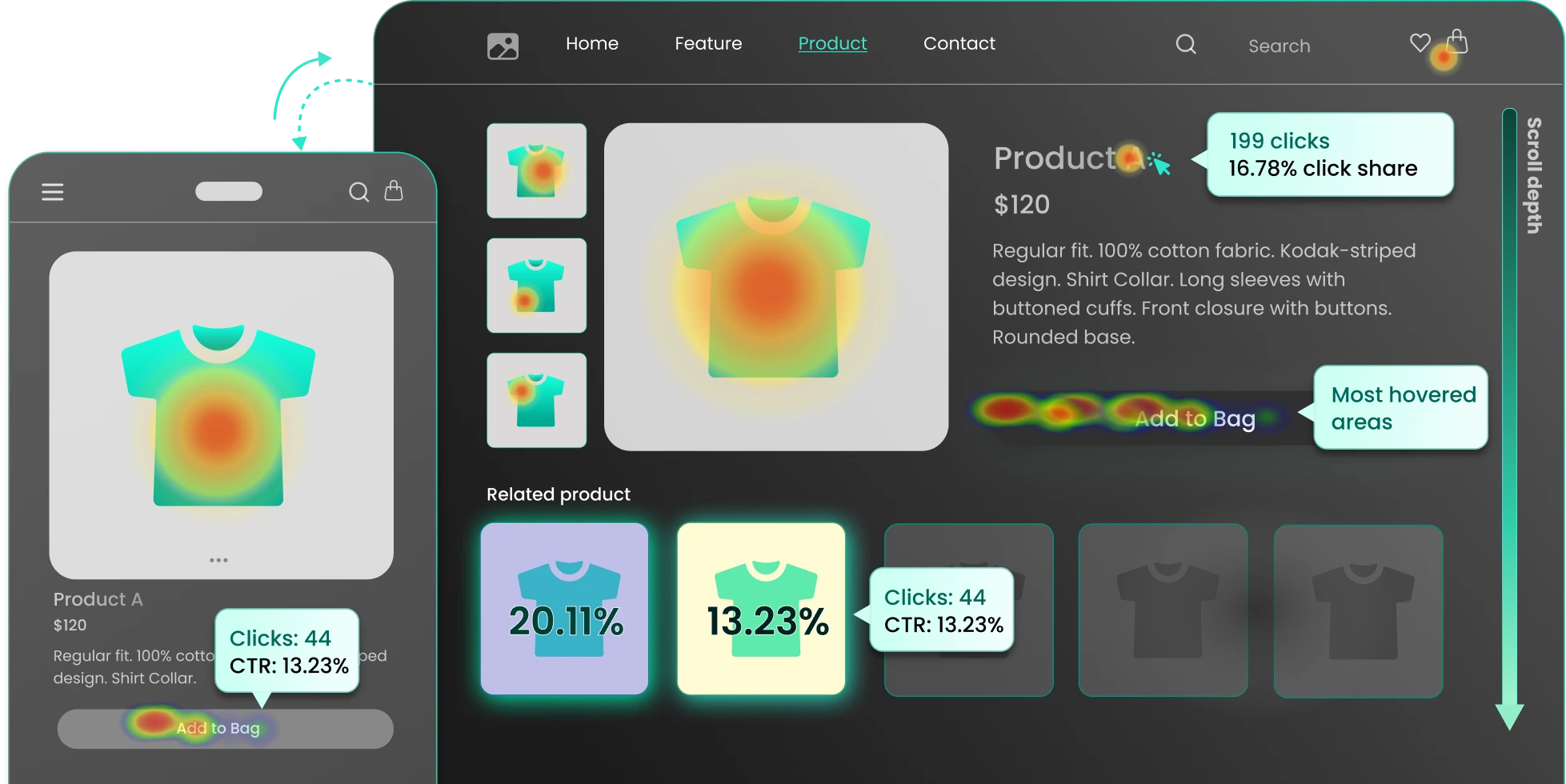
Click Maps: See What Shoppers Actually Try To Do
MIDA’s click maps show every area visitors interact with—and which interactions help or hurt conversions.
Understand the true engagement pattern on any page.
Highlight elements that look clickable but do nothing. These are classic frustration triggers (e.g., images, headings, or icons that behave like static content).
Detect rapid repeat clicks in the same area. These often reveal broken features, confusing filters, or slow-loading actions.
Pinpoint clicks that happen right before JavaScript errors, so dev and UX teams know exactly where to look.
See where visitors’ attention goes first. Align primary CTAs and key messages with natural eye paths.
Identify the last interaction before visitors drop off or leave the page.
Move Maps: Understand Attention, Not Just Clicks
Move (hover) maps visualize where visitors move and rest their cursor across busy pages.
Scroll Maps & Average Fold: Put Key Content Where It Gets Seen
Scroll Visibility
Identify hot areas to place CTAs and trust signals—and cold areas where important content gets ignored.
Average Fold
See the average fold across devices to place “Add to Cart,” reviews, and key messages where shoppers won’t miss them.
Area Maps With CTR: Element-Level Performance, Not Just Pretty Colors
MIDA Area Maps let you track clicks and CTR on any custom-defined section, making it easy to compare how different blocks perform on the same page.
Built For Shopify Teams,
Not Just Analysts
MIDA Heatmaps are designed for everyday use by ecommerce managers, marketers, and UX designers—not just data specialists.
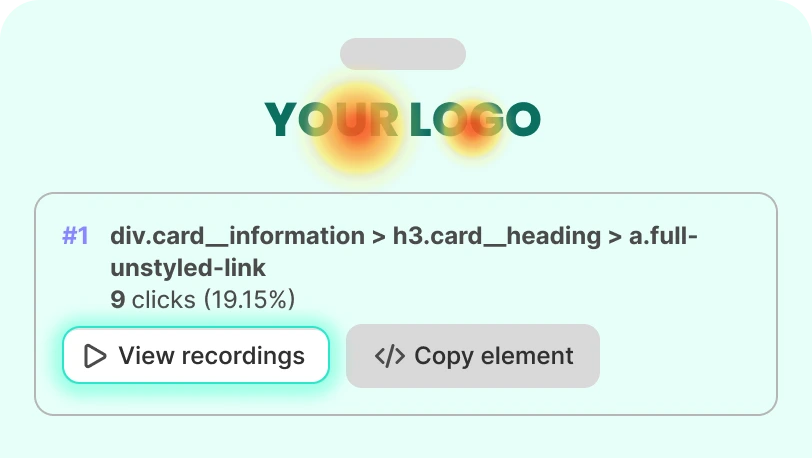
Copy Element (CSS Selector)
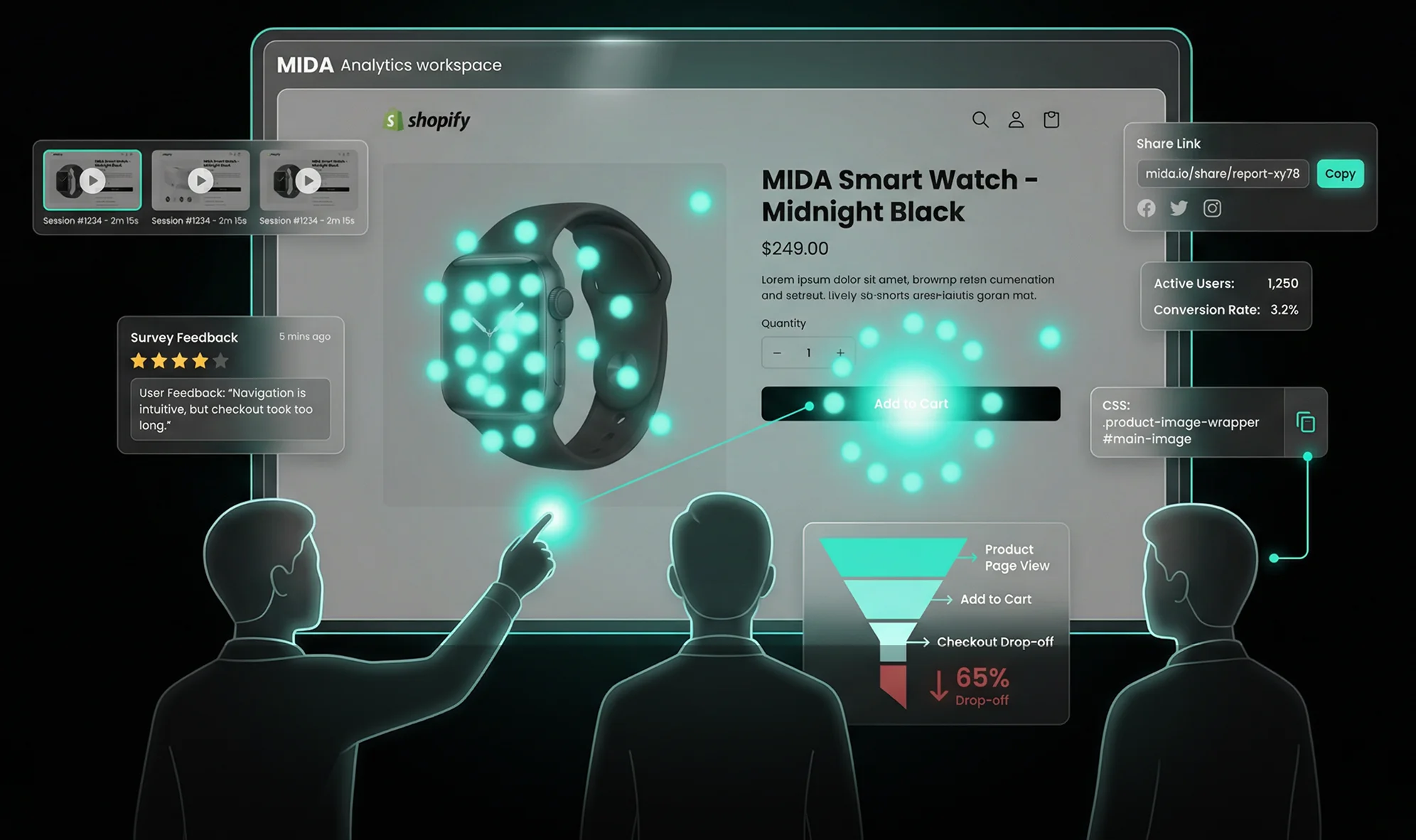
Need to adjust or test a specific component? Copy the exact CSS selector from MIDA and hand it to your dev or theme team with clear instructions.
Share Heatmaps With Your Team
Generate a shareable link so designers, founders, agencies, or stakeholders can see what you see—no extra logins or explanations required.
Aligned With Your Shopify Data
Heatmaps live alongside your visitor analytics, customer segments, surveys, and session replays inside MIDA. One app, one source of truth for behavior and performance.
What our users says
Real merchants. Real growth. Real insights.
Ms.Rose
I have been using the MIDA app for a while now, had a great experience with the customer service, very helpful and Lucy has been a great help. Also, I find the app very useful, especially being able to keep up with how customers are behaving, I recommend this app to anyone looking for more insight into their customer's behaviour.

Hannah Foster
Thank you so much to the quick response with the chat feature with your team. I am so grateful for your service. I was able to get up and running in no time and the features of this app are just the perfect fit I was looking for, for my business. Tracking and setting up are easy and very informative.

Jacob Rivera
I've been using this app to check my customers journey around my website and to recognise any issues or lack of information. This app helped me a lot, as I was able to see which pages need a bit more focus and what's user behaviour. Contact with the team is great, answering questions and replying promptly. I highly recommend this app.

Noah Harris
Mida Heatmap is a great app, but what really made the difference for me was the support from Chloe. She went above and beyond to guide me through setup and explain how to actually use the data to improve my store. Everything was clear, friendly, and fast — I felt supported the whole way. Having someone who really understands both the tool and ecommerce is a huge plus. Highly recommend!

Frequently Asked Questions
Which pages can MIDA Heatmaps track?
MIDA can generate heatmaps for any chosen URL on your Shopify storefront—including product pages, collection pages, landing pages, blog posts, cart, and other key templates.
Will MIDA slow down my store?
No. MIDA is optimized for Shopify and loads asynchronously, so it doesn’t block or noticeably affect your store’s performance.
Is MIDA GDPR-compliant?
Yes. You can enable a Cookies Bar GDPR and control data collection settings inside MIDA. Session recordings and heatmaps can be configured to match your privacy policy.
Can I see how specific visitors interacted with a page?
Yes. From any heatmap, you can open session replays for visitors who viewed that URL or clicked specific elements, along with rich session details (location, device, cart value, source, and more).
How much traffic do I need for useful heatmaps?
Even with modest traffic, MIDA Heatmaps quickly reveal obvious friction points like dead clicks, rage clicks, and poor scroll depth. More traffic simply sharpens the patterns.
See Your Shopify Store
Through Your Customers’ Eyes
Heatmaps shouldn’t just look impressive—they should help you ship better pages, fix real problems, and grow revenue with confidence.